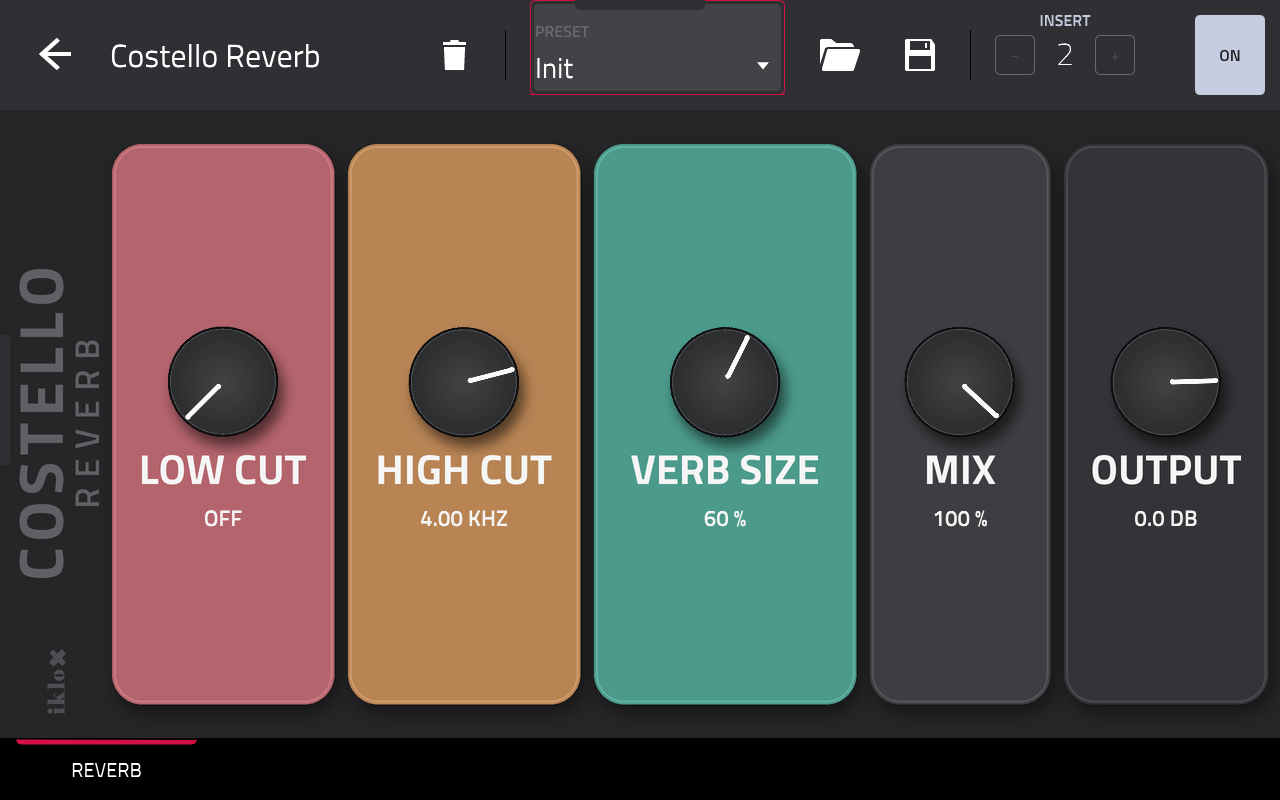
mpc-vst-costello-reverb
v1.0.1Effect
Costello Reverb (AudioKit/Soundpipe revsc) ported to Akai MPC OS as a VST2 insert effect
- Developer
- biloo77-cell
- Released
- November 22, 2026
- Versions
- 2
- Downloads
- 47
The free Akai MPC plugins we picked and checked by hand, with the downloads, the checksums and the install steps. They run on the Gen 1 and the Gen 2 MPCs: the Live, Live II, XL, One and Force, and the Live III, One Gen 2 and Key 37 Gen 2. They do not run on the MPC Sample: it has its own firmware, and the mods for it are on their own page.
1 plugin
Costello Reverb (AudioKit/Soundpipe revsc) ported to Akai MPC OS as a VST2 insert effect
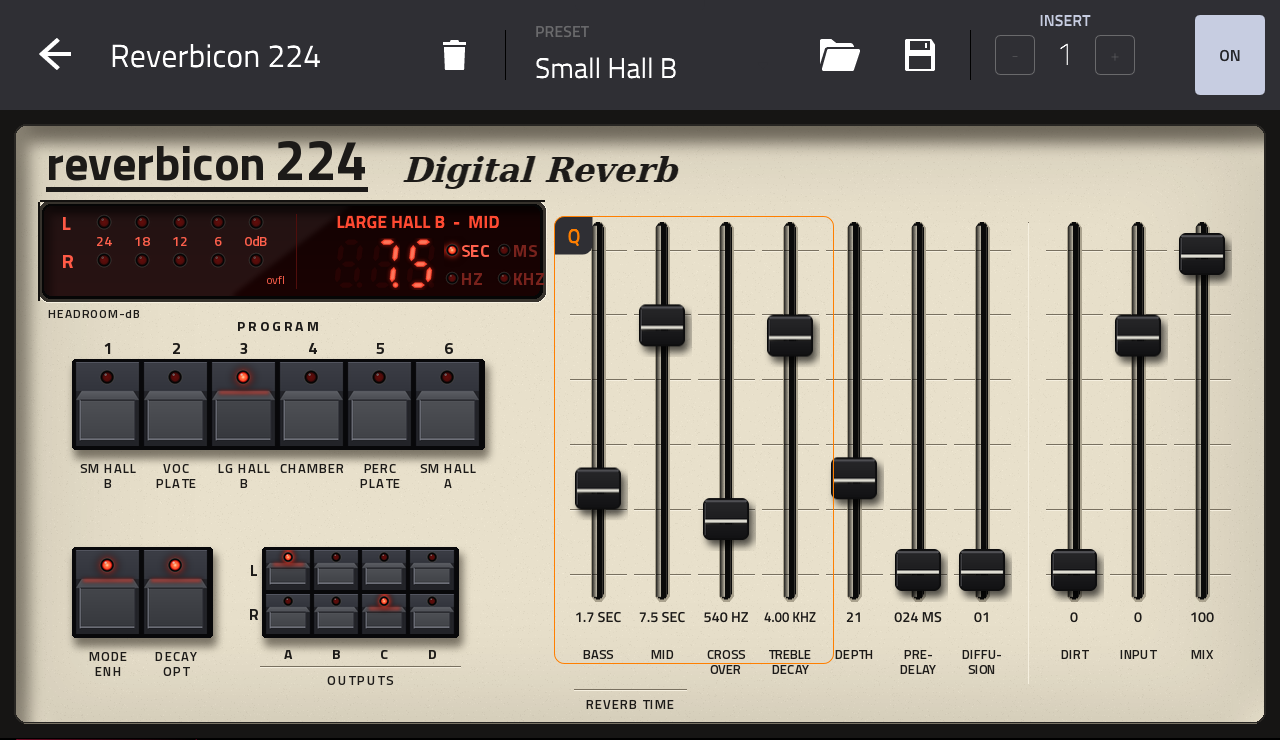
A Lexicon 224 (original, firmware v4.4) style reverb as a native effect plugin for Akai MPC OS standalone devices
Picked, checked and written up by hand for this catalog.
Runs on the Gen 1 and the Gen 2 MPCs, on MPC OS 3.10.1 or newer. It does not run on the MPC Sample.
When the plugin has a build that runs on every MPC, take that one. It needs MPC OS 3.10.1 or newer.
Unzip the archive on your computer, then copy the plugin folder into the "VST2 Plugins" folder.
On MPC OS 3.10.1 and newer, external plugins only load when the enhancements are on. Go to Menu > Preferences > Enhancements, set Enable Enhancements to On and turn on the plugin support.
Open a track, load the plugin from the browser under Instrument or Effect plugins, and it appears with its own screen.
The first release: the Lexicon 224's own v4.4 firmware running on an emulated 8080, DSP and converters, as a native MPC effect.
audio goes through models of its gain-ranging converters and its input and output boards. The emulator is checked against reflecticon-224, bit-exact where it can be.
its SHIFT page, Mode Enhancement and Decay Optimization are its PROG 7 and 8.
the slider readouts use the same text.
Q-Links on every slider.
Lexicon 224 v4.4 ROM1 to ROM5 (2048 bytes each), from a 224 you own. They are not included. Put them in the plugin's Content/ROMs/ folder, or pick them in the desktop installer's "Your ROMs and files" step. The display shows STARTING, then the program name.
Reverbicon-224-1.0.0-mpc-sdk.zip: copy the folder sd88me - VST - Reverbicon 224 into a VST2 Plugins folder on a drive of the MPC(MPC OS 3.10.1 or later, with External Plugin Support on), and your ROMs into its Content/ROMs/.
Reverbicon-224-1.0.0-mpc-aarch64.zip / -mpc-armv7.zip: run install.sh on the device as root, or use the Plugin Manager.identical); expect about half a Force core.
Delete the plugin folder from the "VST2 Plugins" folder on the device. Move it out of the way instead of deleting it when you want to keep your own files, presets or samples that are inside it.
| Version | Released | Downloads | Checksums | Download |
|---|---|---|---|---|
| 1.0.0 | 2026-11-17 | 450 | All MPCs |