mpc-vst-acid
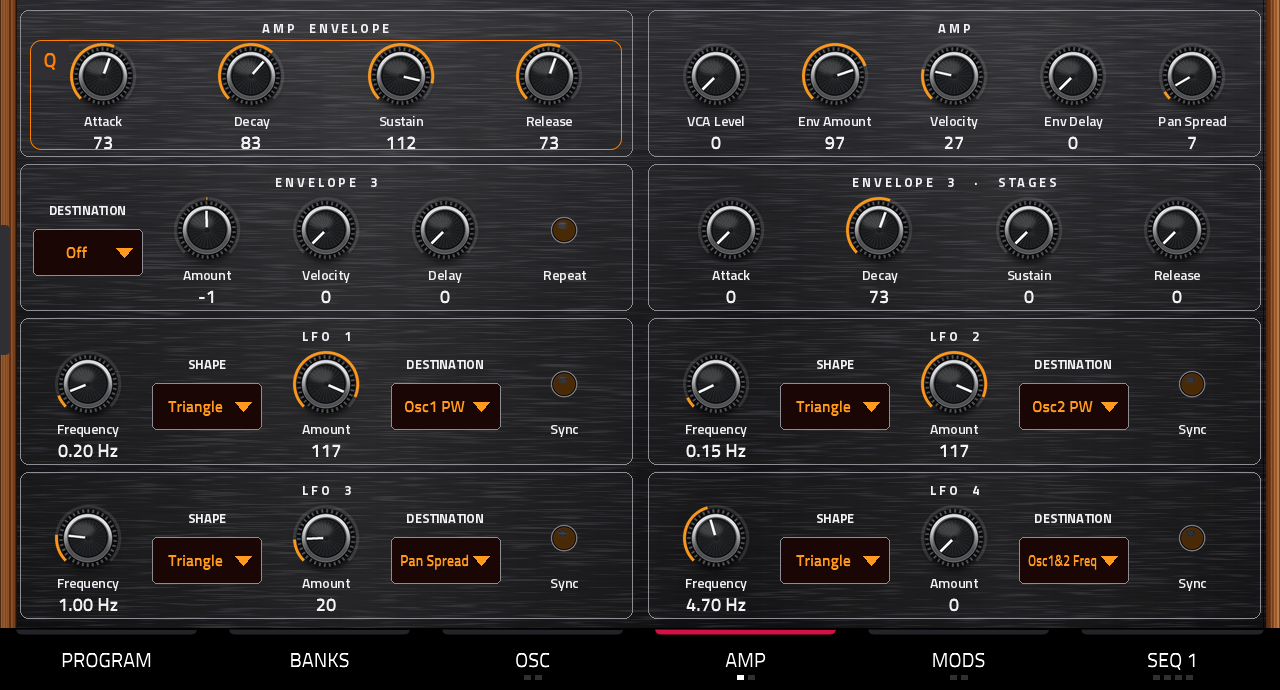
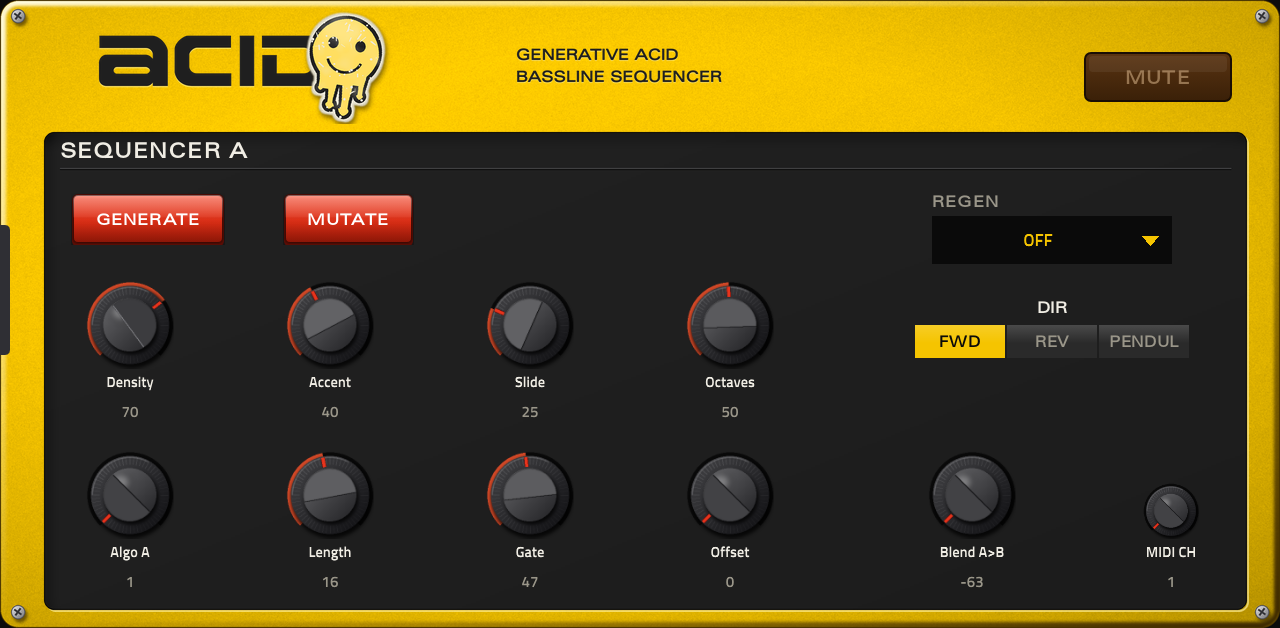
v3.0.1A generative 303-style acid bassline sequencer for the Akai MPC OS
- Developer
- sd88me
- Released
- November 16, 2026
- Versions
- 13
- Downloads
- 14,838
The free Akai MPC plugins we picked and checked by hand, with the downloads, the checksums and the install steps. They run on the Gen 1 and the Gen 2 MPCs: the Live, Live II, XL, One and Force, and the Live III, One Gen 2 and Key 37 Gen 2. They do not run on the MPC Sample: it has its own firmware, and the mods for it are on their own page.
24 plugins
A generative 303-style acid bassline sequencer for the Akai MPC OS
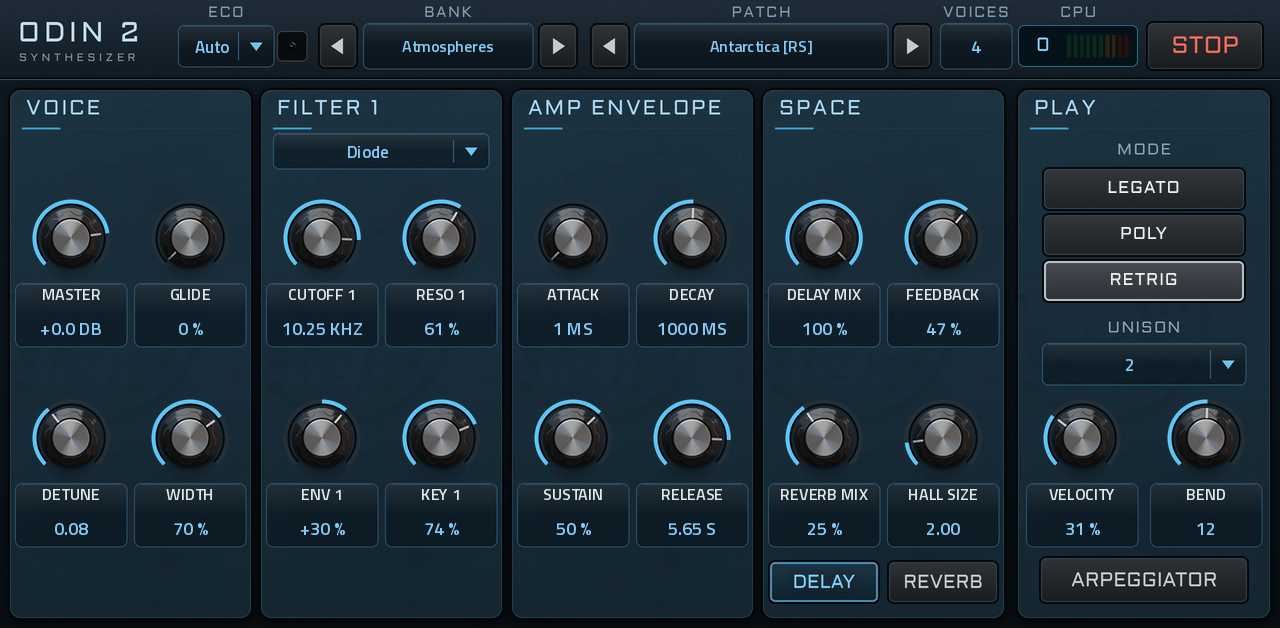
Odin 2 synthesizer ported to the Akai MPC Live II as a native VST2 plugin: Odin’s own engine, 261 factory patches, touchscreen pages in Odin’s look, automatic voice management and a CPU meter. Unofficial port, GPL-3.0.
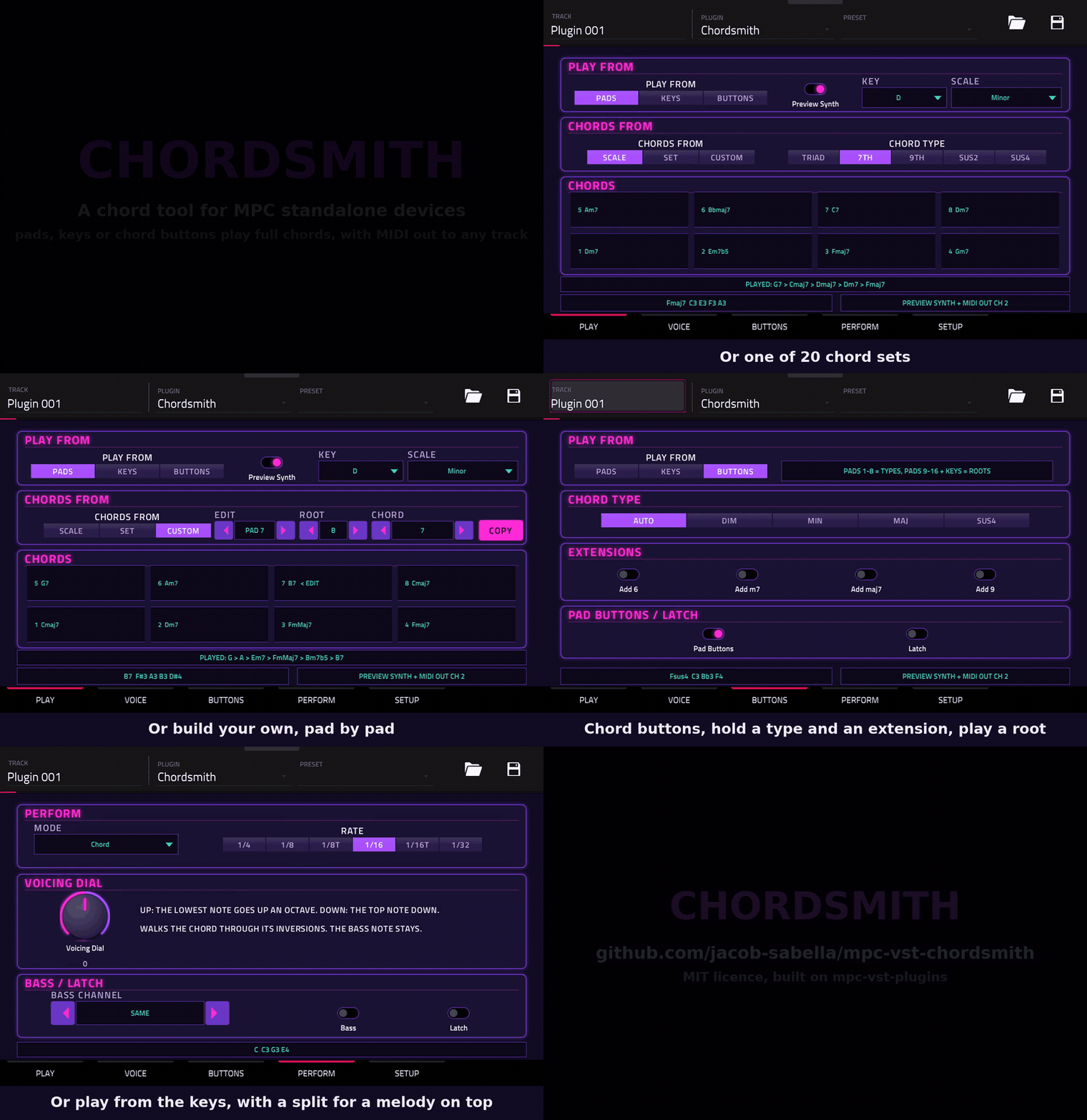
Chord tool for Akai MPC OS standalone devices: a native VST2 plugin with its own screen skin
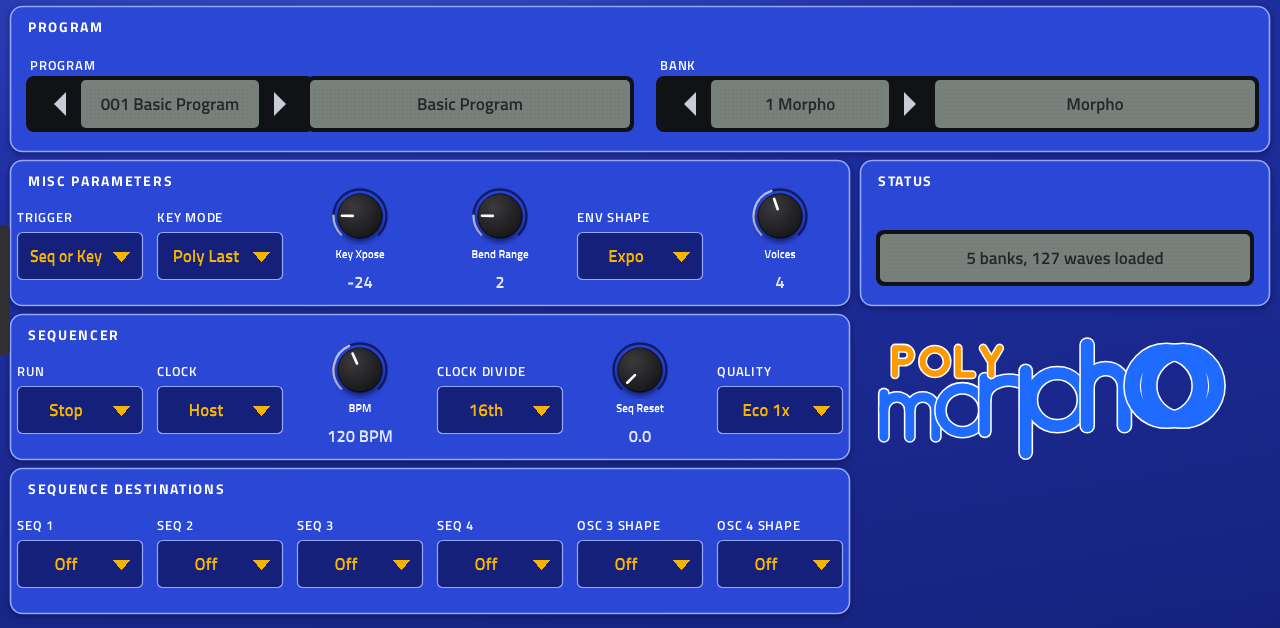
A four-voice hybrid evolving synthesizer for Akai MPC OS 3.x standalone devices. It plays the way the DSI Poly Evolver's voice does including its factory sounds and presets.
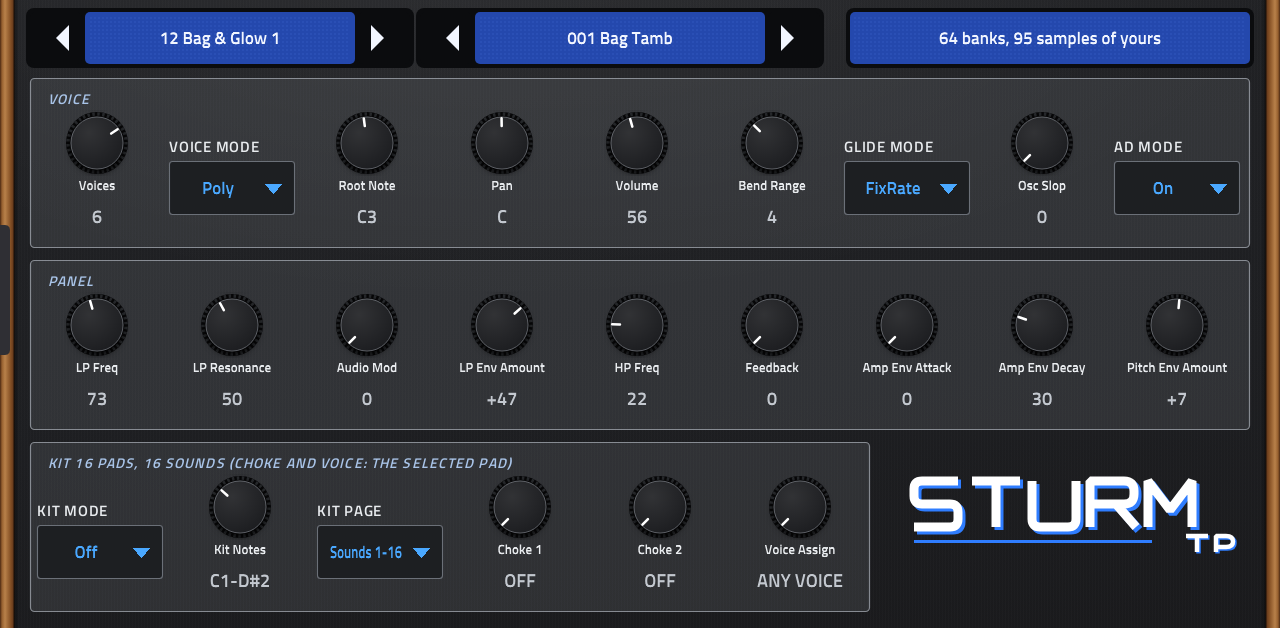
A six-voice analog-style drum and synth voice inspired by DSI Tempest for Akai MPC OS standalone devices. Uses the factory ROM for sounds and presets.
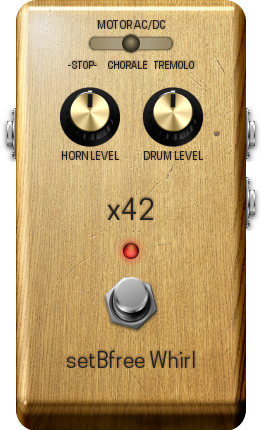
setBfree tonewheel organ port for Akai MPC OS and Force
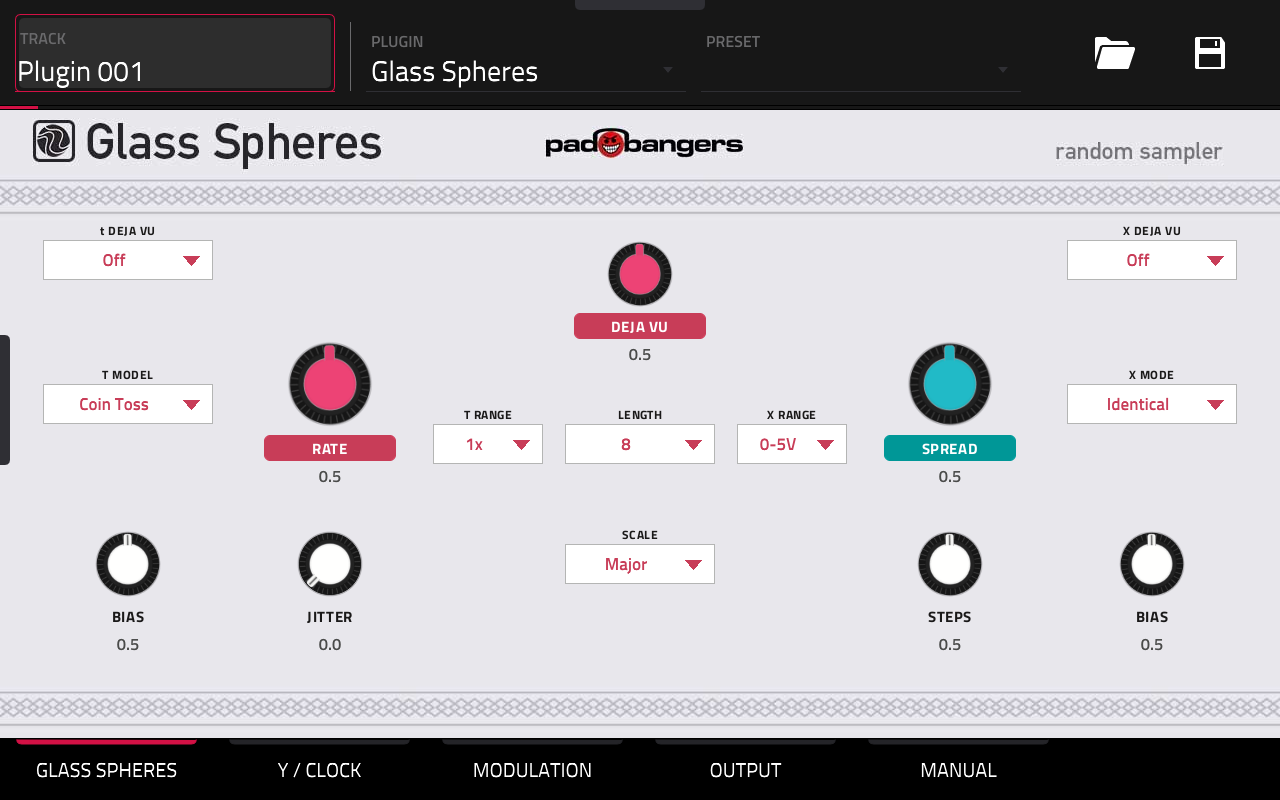
Glass Spheres: a random sampler after Mutable Instruments Marbles for Akai MPC standalone, MIDI or MPC X CV out
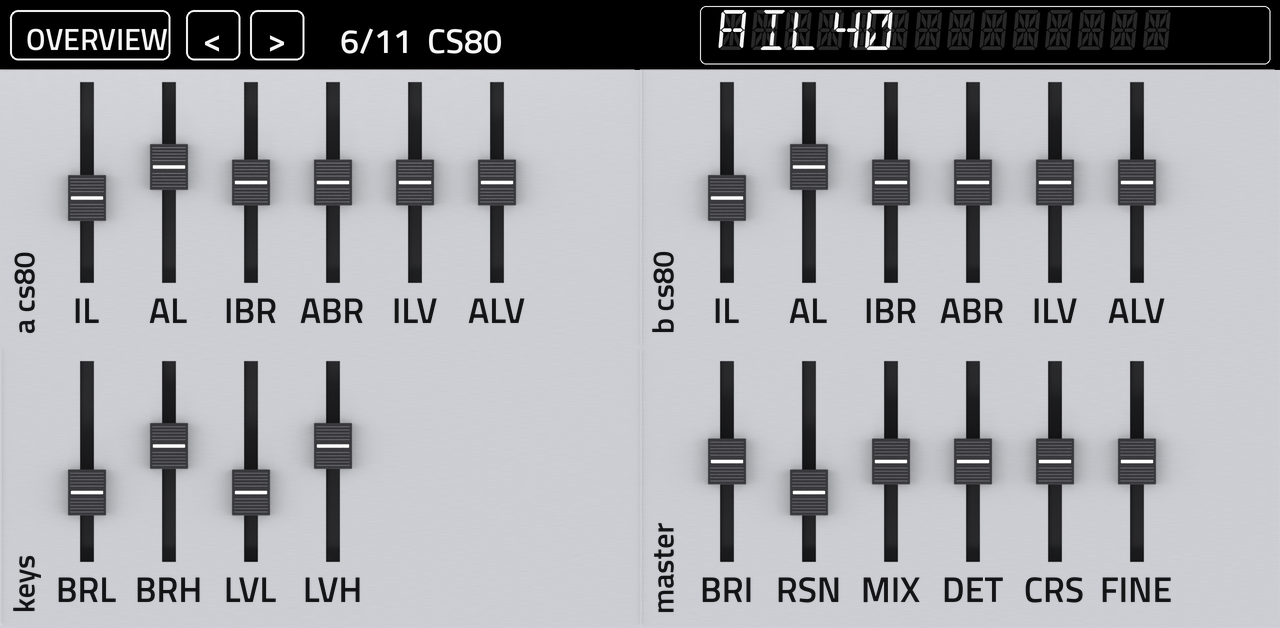
CSXXL is a two-layer, polyphonic synthesizer for the Akai Force and MPC OS, in the spirit of the Yamaha CS-80. It is a completely new build, not a port. The voices and tones are written from Deckard’s Dream voice notes,…
Collection of custom MPC plugins
A step sequencer VST 2 plugin for Akai MPC One G2
Modernized Vintage drum machine
Build instrument and effect plugins for Akai MPC standalone hardware from a plain-language description, with an AI coding agent. You never have to read C++ if you do not want to.

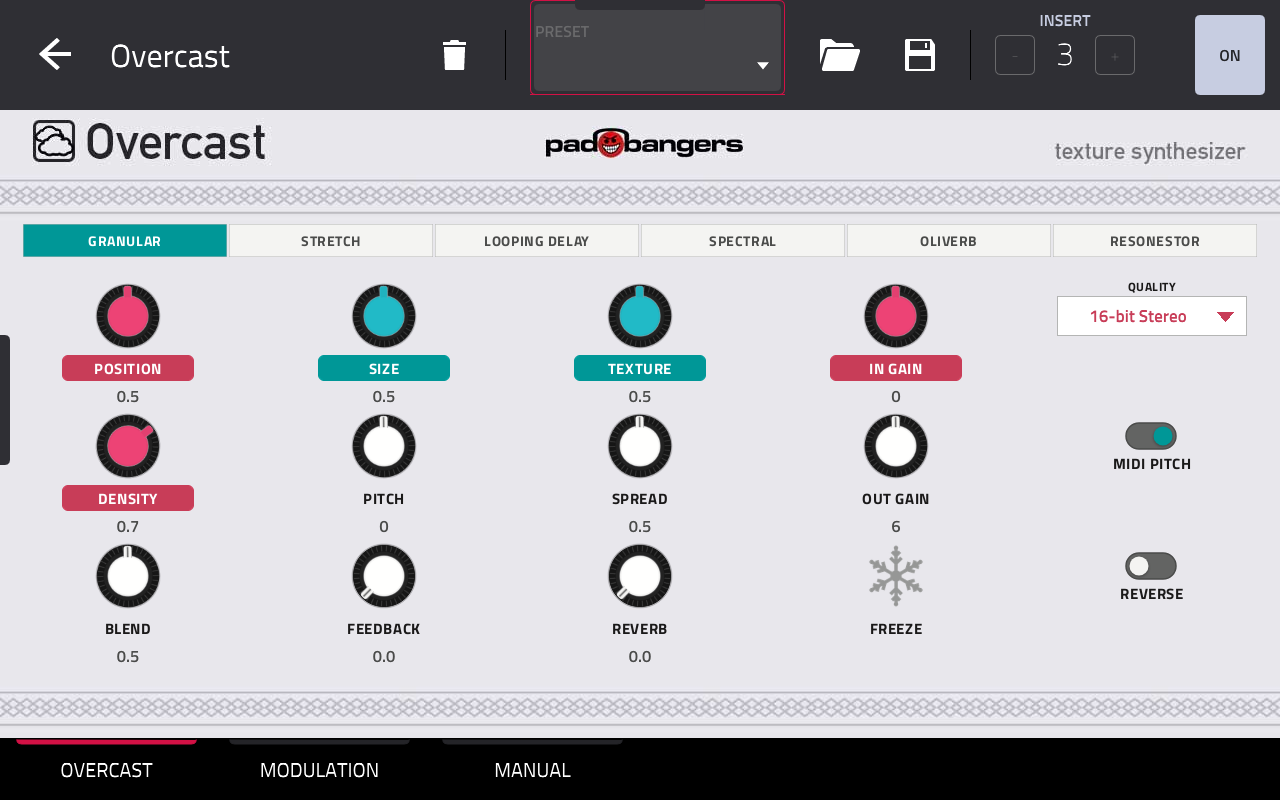
Live Akai S-series style time stretch and pitch shift with an S950 filter, a CD-deck cue/scrub and a looper with adjustable sample rate. Insert effect for Akai MPC.
Picked, checked and written up by hand for this catalog.
Runs on the Gen 1 and the Gen 2 MPCs, on MPC OS 3.10.1 or newer. It does not run on the MPC Sample.
When the plugin has a build that runs on every MPC, take that one. It needs MPC OS 3.10.1 or newer.
Unzip the archive on your computer, then copy the plugin folder into the "VST2 Plugins" folder.
On MPC OS 3.10.1 and newer, external plugins only load when the enhancements are on. Go to Menu > Preferences > Enhancements, set Enable Enhancements to On and turn on the plugin support.
Open a track, load the plugin from the browser under Instrument or Effect plugins, and it appears with its own screen.
Z950 is an insert effect for Akai MPC standalone hardware. It is a live S-series style time stretch and pitch shift (CYCLIC and INTELL modes, after the Akai S1000), an S900/S950 style low-pass filter, 8/12/16/24-bit and sample-rate reduction, a CD-deck Cue / Jog scrub, a turntable-style Speed control and a Punch In / Punch Out looper. The touch screen is styled after an Akai S950 front panel.
Z950 is experimental software, provided "AS IS", without warranty of any kind, express or implied. You use it entirely at your own risk. It was made and tested on an MPC Live III only; other MPC models that run external plugins should load it but are untested. Not affiliated with, endorsed by or connected to Akai Professional or inMusic. Built with the inMusic MPC Plugin SDK (MIT). All code is original; no Akai code or data is included.
| File | What it is |
|---|---|
Keebz - Z950 v1_0_1.zip | The plugin for a stock MPC: the folder you copy to your drive (MPC OS 3.10.1+) |
Z950-1.0.1-mpc-aarch64.zip | The same plugin packaged for the Open MPC catalog and installer (Gen2, e.g. Live III) |
Z950-1.0.1-mpc-armv7.zip | Open MPC package for 32-bit devices (untested on a device) |
Z950 Quick Start.pdf | The Quick Start guide (10 pages) |
Keebz - Z950 v1_0_1.zip on your computer. It contains one folder, VST2 Plugins, and inside it one folder, Keebz - VST - Z950.VST2 Plugins folder, open it and copy only the Keebz - VST - Z950 folder into it. Do not replace your existing VST2 Plugins folder, or you will remove your other plugins. Keep the folder name exactly as it is.To remove it, delete the Keebz - VST - Z950 folder from VST2 Plugins.
By Keebz - Keebz.com - Instagram: @LeeKebler - Github: Github.com/Keebz
Licence: MIT.
Delete the plugin folder from the "VST2 Plugins" folder on the device. Move it out of the way instead of deleting it when you want to keep your own files, presets or samples that are inside it.
| Version | Released | Downloads | Checksums | Download |
|---|---|---|---|---|
| 1.0.1 | 2026-11-18 | 46 | 64-bit (aarch64) | |
| 1.0 | 2026-11-18 | 2 | Download |