CTRL-MixBus
v2.2.0Effect
Professional stereo mixing and processing effect for Akai MPC
- Developer
- tonyalonsotech
- Released
- November 14, 2026
- Versions
- 4
- Downloads
- 2,024
The free Akai MPC plugins we picked and checked by hand, with the downloads, the checksums and the install steps. They run on the Gen 1 and the Gen 2 MPCs: the Live, Live II, XL, One and Force, and the Live III, One Gen 2 and Key 37 Gen 2. They do not run on the MPC Sample: it has its own firmware, and the mods for it are on their own page.
4 plugins
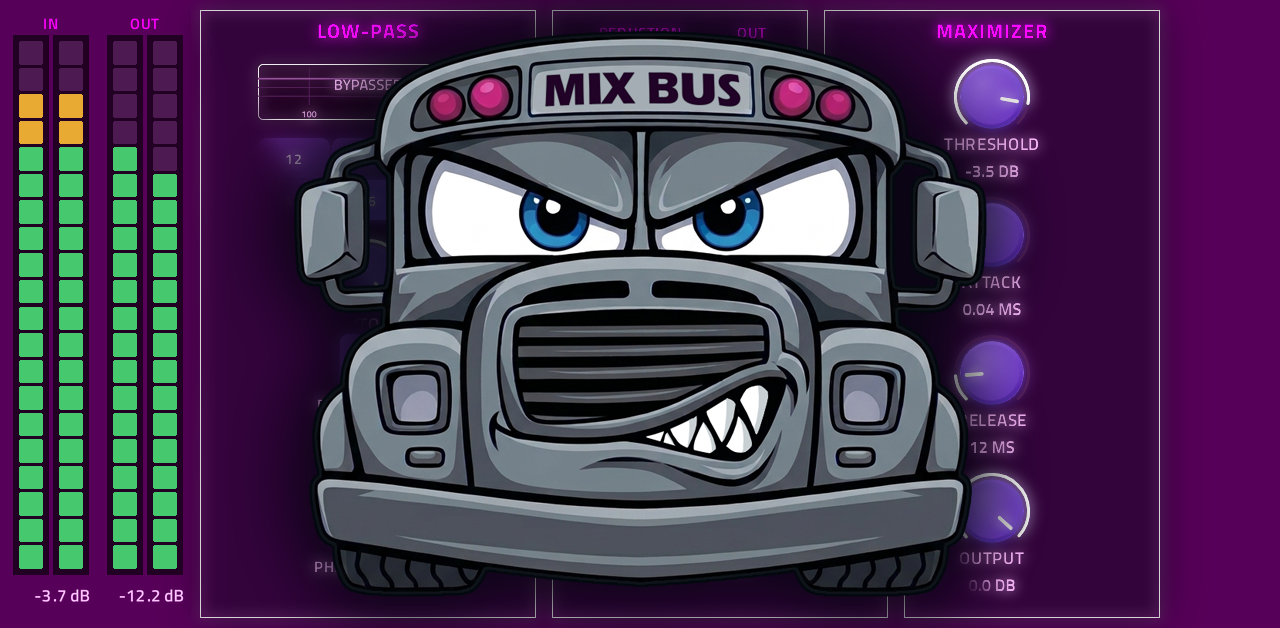
Professional stereo mixing and processing effect for Akai MPC
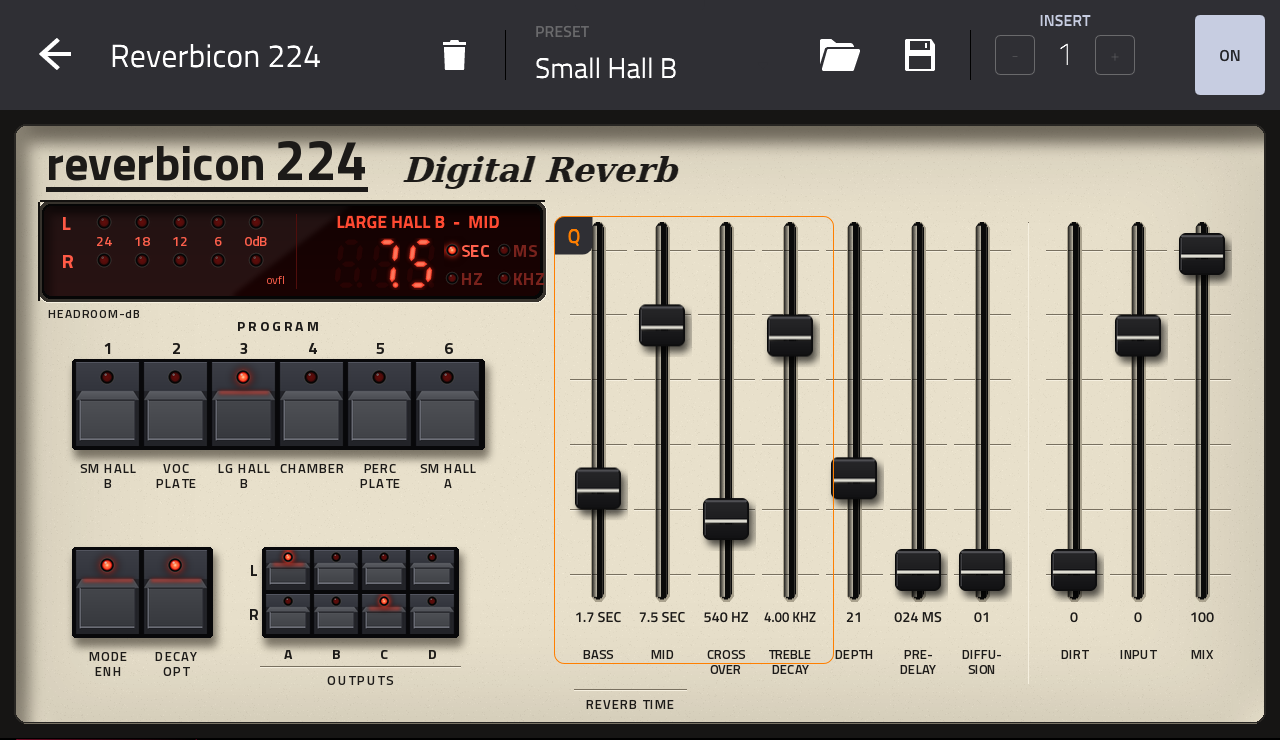
A Lexicon 224 (original, firmware v4.4) style reverb as a native effect plugin for Akai MPC OS standalone devices
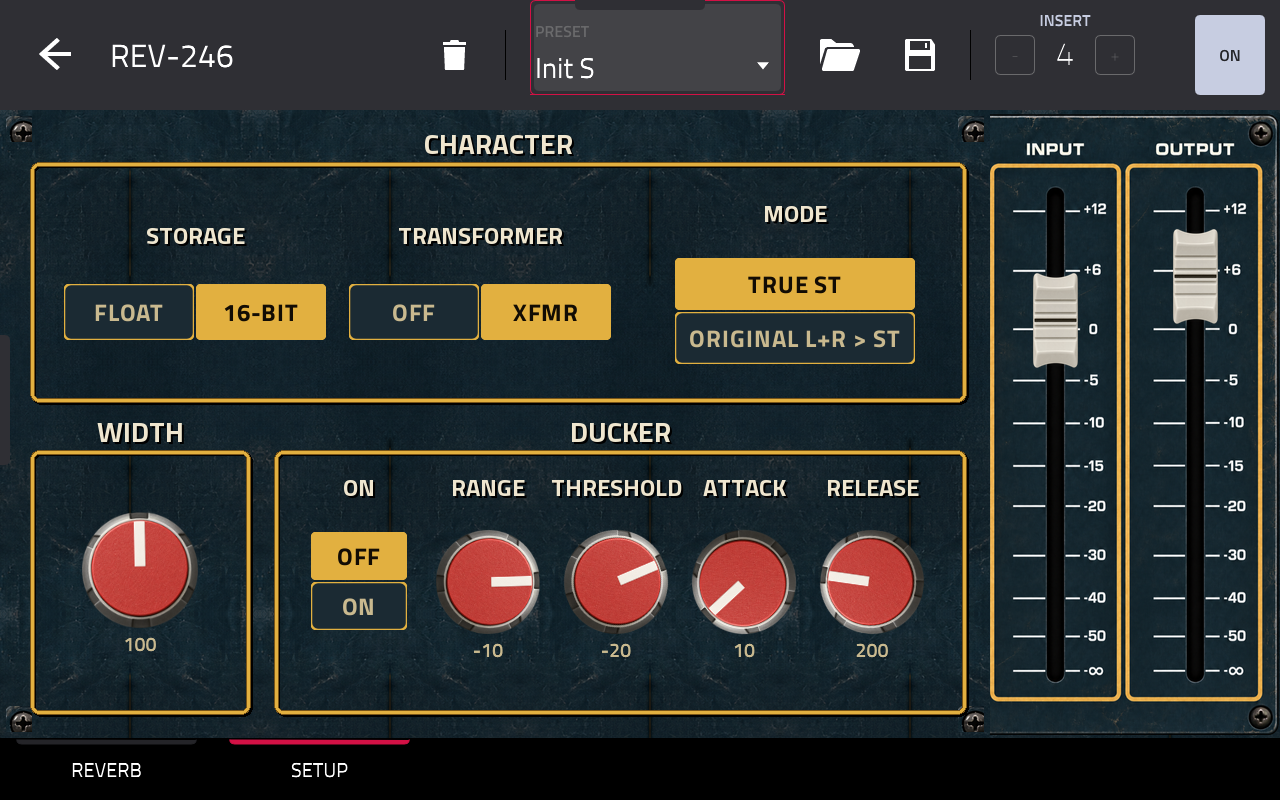
REV-246 (tehguitarist's vintage digital reverb) ported to Akai MPC OS as a VST2 insert effect
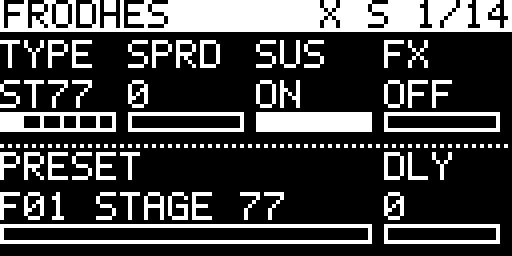
Physically modelled electric piano, vibraphone and marimba for the M-VAVE FM-1, SMK-37 and MKE-P37 keyboards, plus Ableton Move, and a CLAP/VST3/AU plugin for macOS, Windows and Linux. No samples. Effects, arpeggiator, sequencer, scales, presets and a web emulator.
Picked, checked and written up by hand for this catalog.
Runs on the Gen 1 and the Gen 2 MPCs, on MPC OS 3.10.1 or newer. It does not run on the MPC Sample.
When the plugin has a build that runs on every MPC, take that one. It needs MPC OS 3.10.1 or newer.
Unzip the archive on your computer, then copy the plugin folder into the "VST2 Plugins" folder.
On MPC OS 3.10.1 and newer, external plugins only load when the enhancements are on. Go to Menu > Preferences > Enhancements, set Enable Enhancements to On and turn on the plugin support.
Open a track, load the plugin from the browser under Instrument or Effect plugins, and it appears with its own screen.
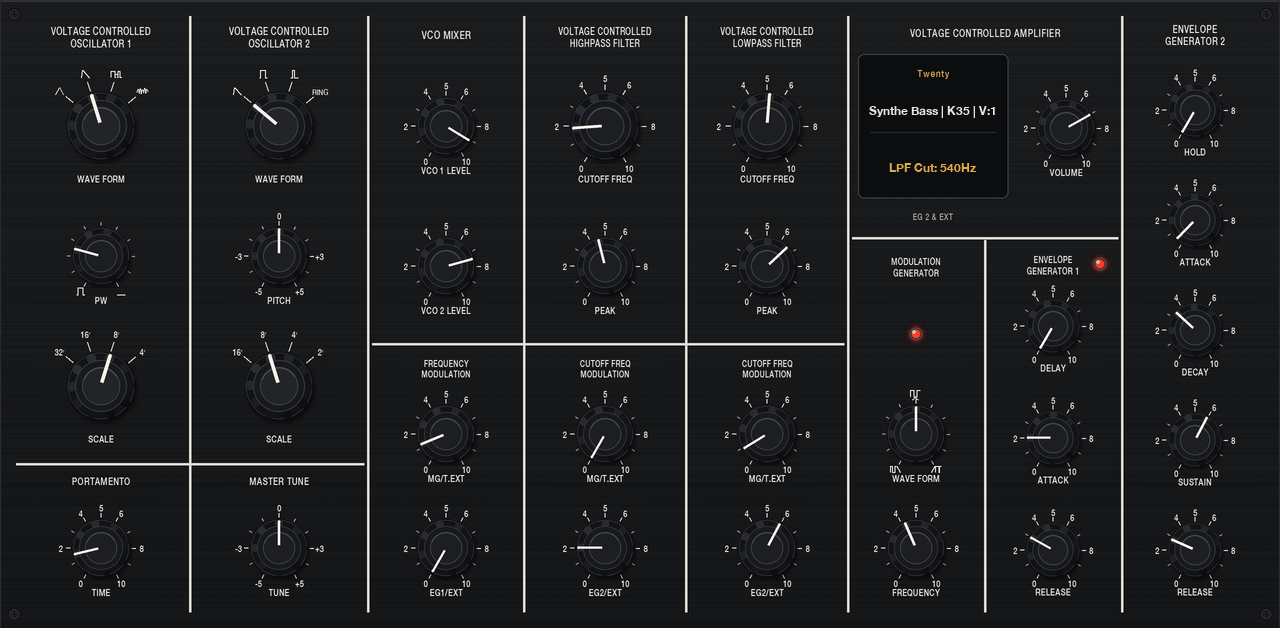
Frodhes 0.9.13: a physically modelled electric piano, vibraphone and marimba for the M-VAVE FM-1, the Ableton Move, the Akai MPC and your computer. Every note is computed live from the mechanics of the instrument; there are no samples.
Download: frodhes.fwsc below (the same file as frodhes-0.9.13.fwsc; the newest is always at https://github.com/leonardoMirabal/frodhes/releases/latest/download/frodhes.fwsc). Try it first in your browser: https://leonardomirabal.github.io/frodhes/
FM-1: download frodhes.fwsc below. Install it from the emulator page (Chrome or Edge, Install on your FM-1 or SMK-37), or from a terminal:
pip install mido python-rtmidi
python3 tools/fm1_install.py frodhes.fwsc
Your settings, presets and pattern are kept. If anything goes wrong, switch the FM-1 off, hold OCT− and switch it on: that is the USB rescue, and you can install again from there.
Computer (plugin): frodhes-plugin-macos.pkg (or frodhes-plugin-macos.zip), frodhes-plugin-windows.zip, frodhes-plugin-linux-x86_64.zip or frodhes-plugin-linux-aarch64.zip below. How to install each: PLUGIN.md.
Move: you need Schwung on the Move. Install Frodhes with Schwung Manager in a web browser: Install Custom Module > From GitHub URL, leonardoMirabal/frodhes. Or download frodhes-module.tar.gz below and use From Tarball. Details: the Move manual.
Akai MPC: frodhes-mpc.zip below (MPC OS 3.10.1 or later, External Plugin Support on). Copy its folder Frodhes - VST - Frodhes into VST2 Plugins at the top of the MPC's drive. Details: MPC.md.
SMK-37 Pro, SMK-37 Elite, MKE-P37: frodhes-smk37-pro.fwsc, frodhes-smk37-elite.fwsc and frodhes-mke-p37.fwsc below. Read SMK37.md first.
Manager, which picks the build for your MPC. Each release now also has the catalogue's two packages, one for the 32-bit and one for the 64-bit MPC models. Installing by hand from the release's zip works as before.
kept the odd value (78 %, 83 % ...), so the round steps could not be reached. Now the first step of the knob lands on the 5 % step in the direction you turn, then it steps 5 %.
BPM kept the tenth (119.1, 121.1), so 120 could not be set again by hand. Now a slow turn steps 0.1 BPM, so 120.1 turns down to 120.0 and every tenth can be set by hand; a fast turn moves 1 to 4 BPM a click. The plugin's BPM - / + keys step 0.1 BPM too (Shift with the arrow keys: 1 BPM).
channel, the display or a tapped tempo were not saved until the clock stopped, so switching off first lost them. Now they are saved as usual, about 2 s after the change once the sound has died away, and the sequencer's pattern too while the sequencer is stopped. The clock keeps its tempo and its beat through the save.
sound never went fully silent and saves kept waiting. The tail now ends in silence.
after the reverb was switched OFF; fixed. Its tail now always fades at the DECAY you set, and INFINITE picked again after its tail has ended starts fresh.
within that size; the knobs look as before and their pictures move in slightly coarser steps (105 instead of 127).
plugin browser: the manager pointed the MPC at the plugin's binary by its bare file name, and the binary sat in a subfolder. The two binaries (32-bit and 64-bit) are now at the top of the plugin folder, where every installer looks. Installing by hand: replace the whole folder "Frodhes - VST - Frodhes" (delete the old one first).
Dragging past either end no longer leaves a stretch of dead travel before the value moves back.
save (or after HOME cancelled it), so a different sound played than the one you had just saved. Now the sound you saved, or the one you had, keeps playing. A Program Change arriving while you browse no longer has it either.
VIBES and MARIMBA, B now lifts the soft end smoothly, so every harder strike is louder, with the same tone.
18 s) and the next echoes came bunched and bent. The delay now comes fully to rest once its last echo has died away, and TIME then jumps straight to the new value, as it always did before any note.
keeps the TUNE it was struck with; the bend moves it by the bend alone.
cents apart from each other. Every sounding note now follows the wheel together.
up. They now follow how lightly the dampers touch.
(a loud low note no longer ticks under a soft new one); the new note starts as early as before.
turning its depth up on PERFORM) brought back PAN instead of the WAH or TREM you had. Now it brings back the one that was on.
Full manual: https://github.com/leonardoMirabal/frodhes/blob/main/docs/MANUAL.md · Built on Dinghy. GPL-3.0.
Delete the plugin folder from the "VST2 Plugins" folder on the device. Move it out of the way instead of deleting it when you want to keep your own files, presets or samples that are inside it.
| Version | Released | Downloads | Checksums | Download |
|---|---|---|---|---|
| 0.9.13 | 2026-11-17 | 1,675 | 64-bit (aarch64) | |
| 0.9.12 | 2026-11-15 | 579 | 64-bit (aarch64) | |
| 0.9.11 | 2026-11-12 | 565 | 64-bit (aarch64) | |
| 0.9.10 | 2026-11-10 | 396 | 64-bit (aarch64) | |
| 0.9.9 | 2026-11-08 | 393 | Download | |
| 0.9.8 | 2026-11-05 | 339 | Download | |
| 0.9.7 | 2026-10-27 | 651 | Download | |
| 0.9.6 | 2026-10-26 | 153 | Download | |
| 0.9.5 | 2026-10-25 | 160 | Download | |
| 0.9.4 | 2026-10-20 | 452 | Download | |
| 0.9.3 | 2026-10-19 | 178 | Download | |
| 0.9.2 | 2026-10-16 | 237 | Download | |
| 0.9.1 | 2026-10-16 | 97 | Download | |
| 0.9.0 | 2026-10-15 | 103 | Download | |
| 0.8.1 | 2026-10-15 | 16 | Download |