mpc-vst-Dust-87
v0.1.0Instrument
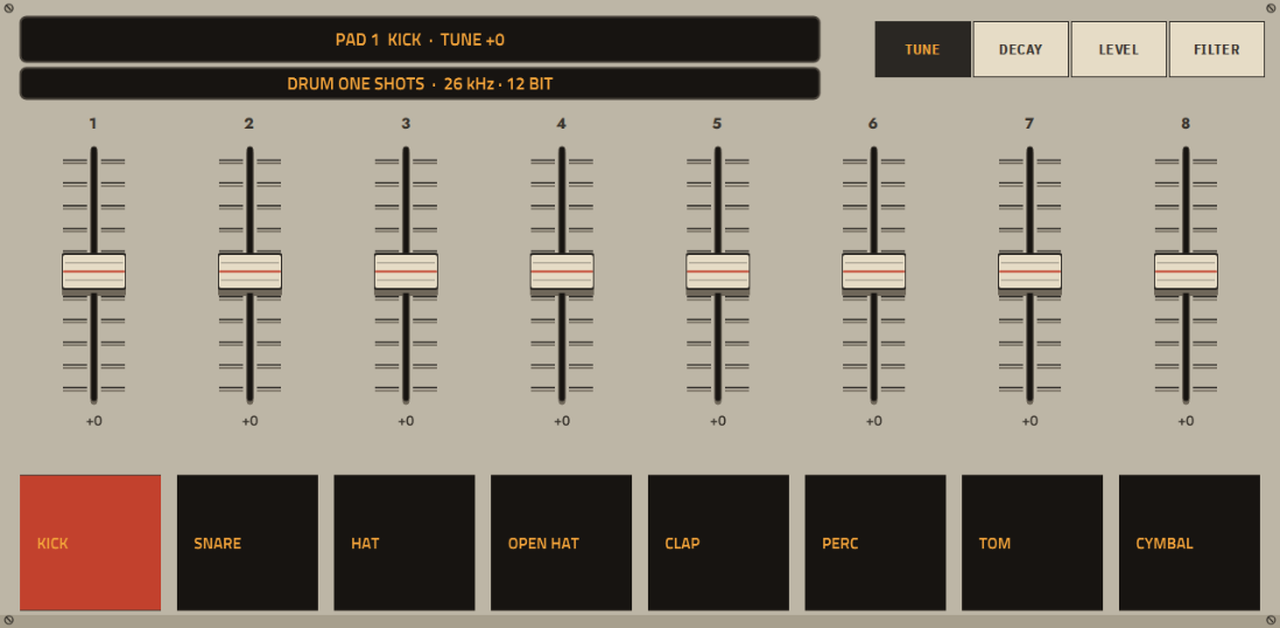
Modernized Vintage drum machine
- Developer
- Luminous-Works
- Released
- November 26, 2026
- Versions
- 1
- Downloads
- 70
The free Akai MPC plugins we picked and checked by hand, with the downloads, the checksums and the install steps. They run on the Gen 1 and the Gen 2 MPCs: the Live, Live II, XL, One and Force, and the Live III, One Gen 2 and Key 37 Gen 2. They do not run on the MPC Sample: it has its own firmware, and the mods for it are on their own page.
33 plugins
Modernized Vintage drum machine
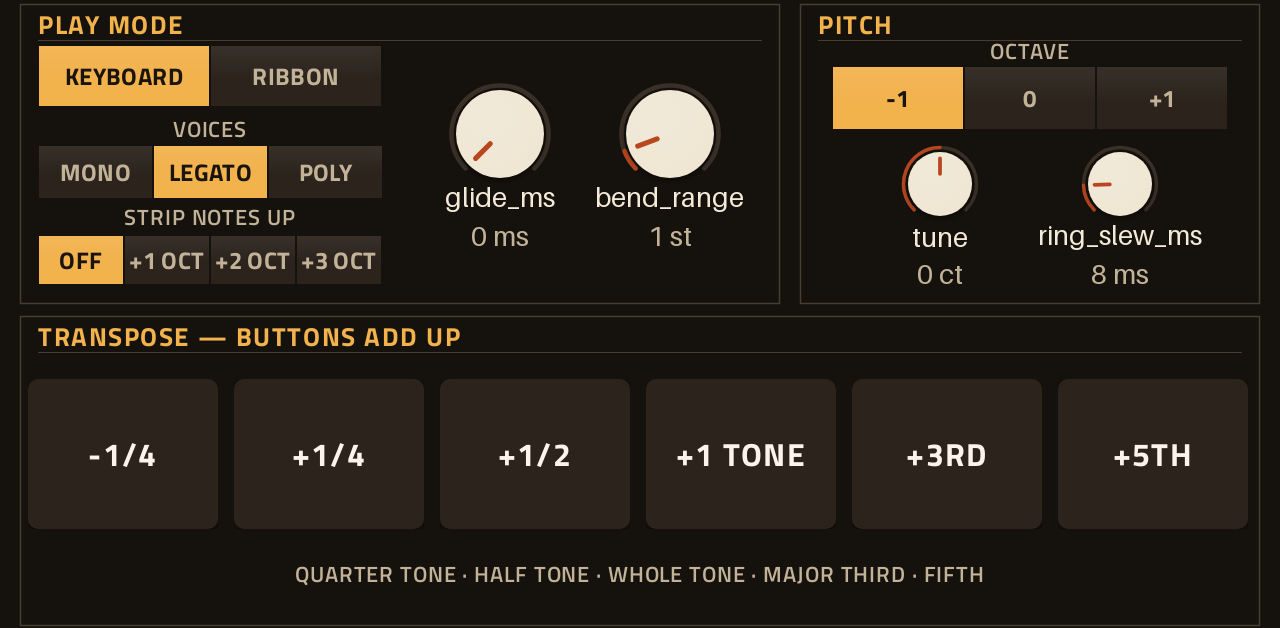
Ondes Martenot-style instrument for Akai MPC OS (native VST2 with an MPC screen skin)
A sample-driven euclidean sequencer that uses a Markov chain to choose samples.
Geonkick MPC — Gen2 MPC percussion synthesizer with native touch UI, pad kits, WAV preview and factory presets.
VST2 Instrument
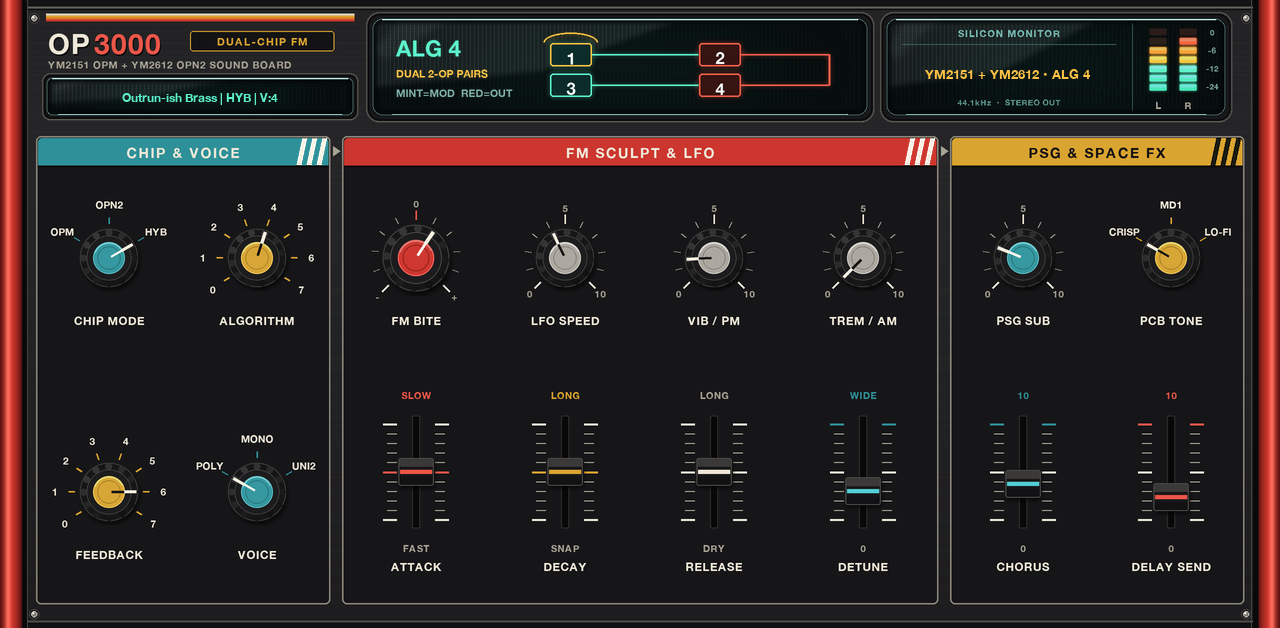
Third Planet: a generative Berlin School instrument for Akai MPC standalone, a port of NACHTFAHRT (FM-1)
Synthstrom Deluge DSP as plugins for Akai MPC/Force standalone hardware (MPC Plugin SDK)
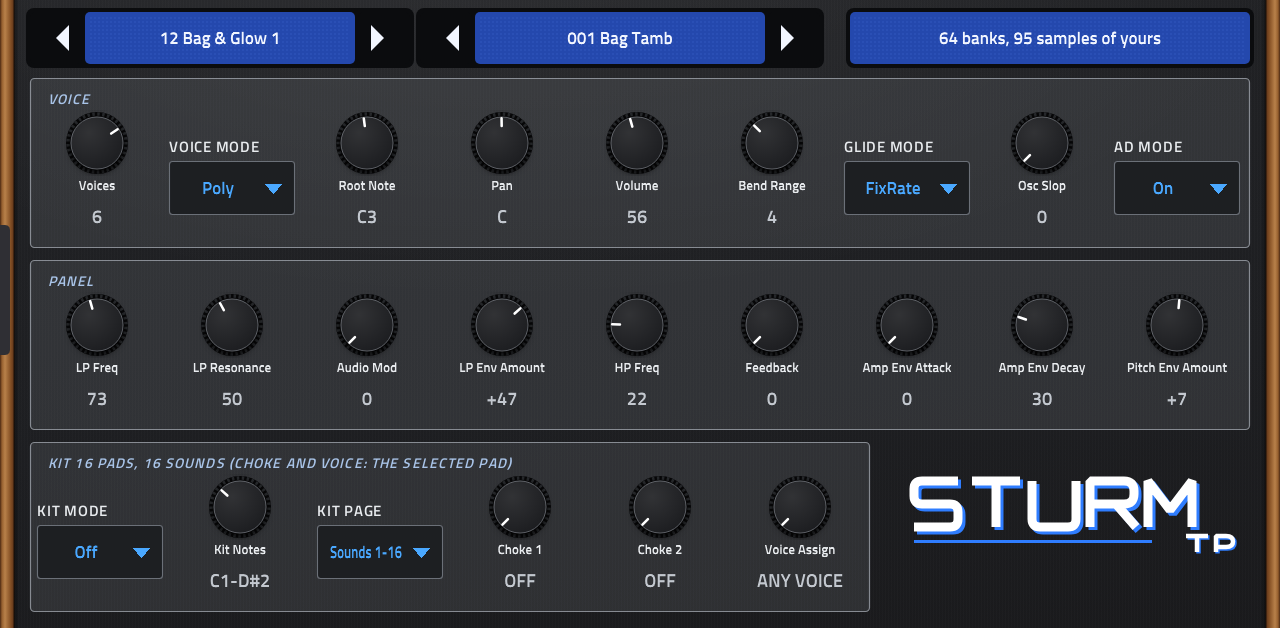
A six-voice analog-style drum and synth voice inspired by DSI Tempest for Akai MPC OS standalone devices. Uses the factory ROM for sounds and presets.
Access Virus A/B/C emulation (gearmulator) as a native VST2 instrument for Akai MPC Gen2 (aarch64) devices
A Waldorf Wave emulation that runs as a plugin instrument on Akai MPC Gen2 standalone devices built on the emulation by mo0kid: a model of the Wave's voice circuits driven by the instrument's own OS 1.700, running on emulated 68000s.
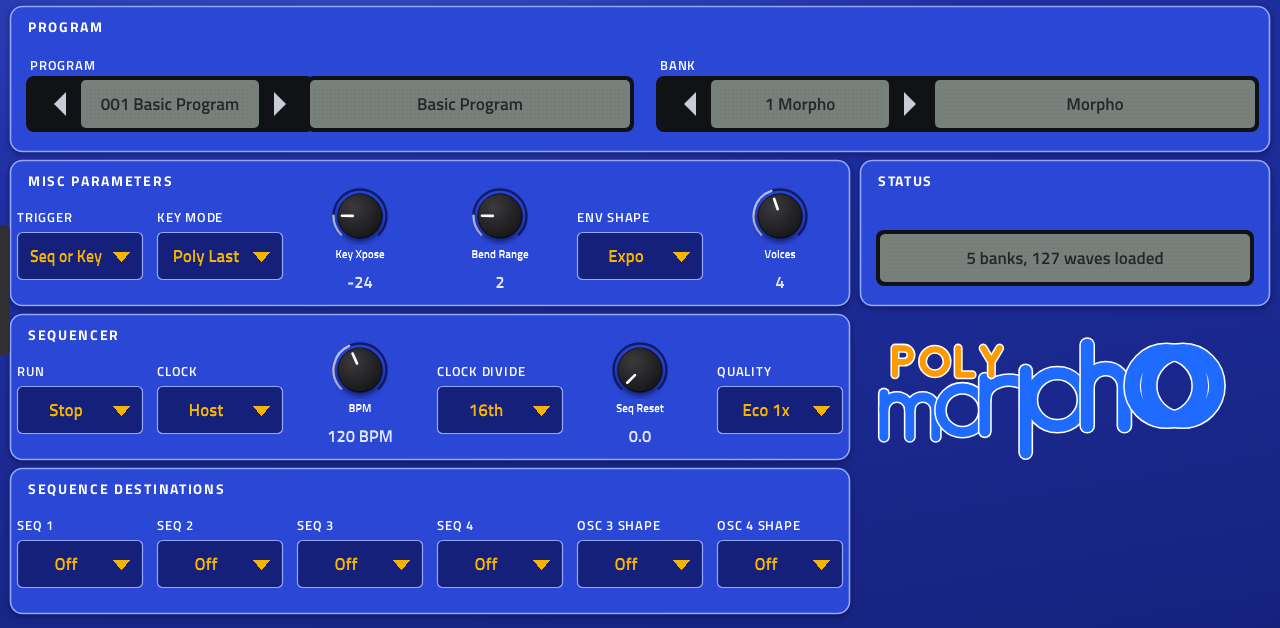
Bytebeat Machine and Bytebeat Drums: GPL-3.0 bytebeat instruments for Akai MPC and desktop VST2/VST3
12-bit SP-1200-style drum sampler plugin for standalone MPCs (MPC OS 3.x)
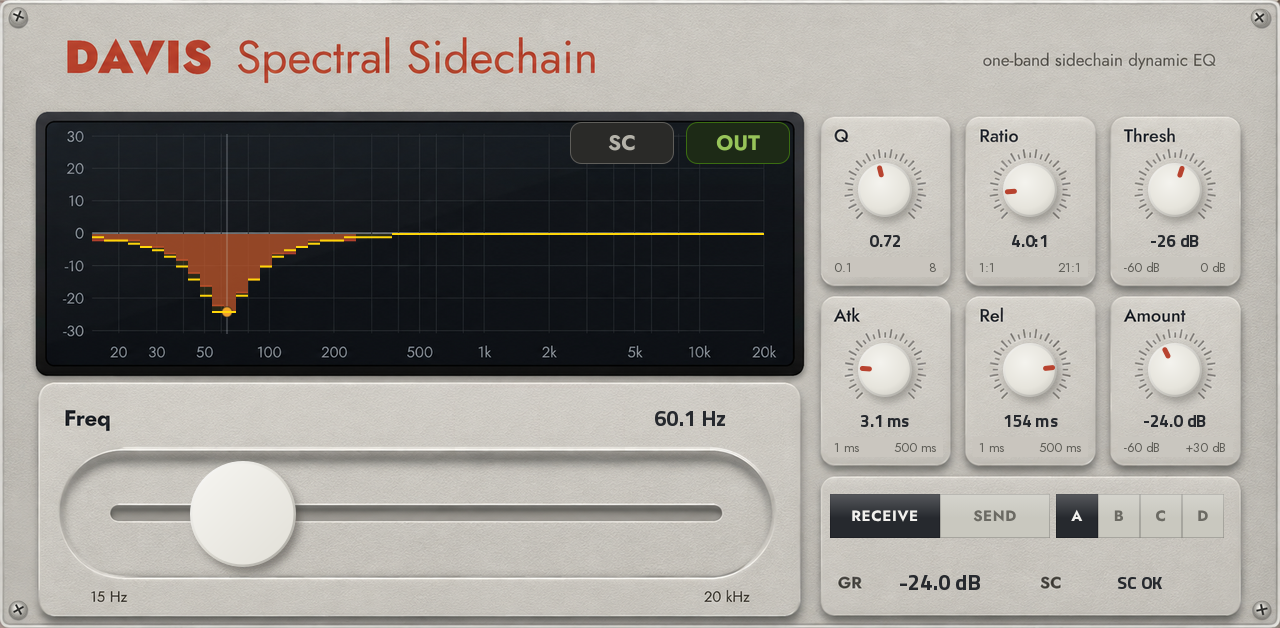
One-band sidechain dynamic EQ for Akai MPC standalone (VST2, MPC OS 3.x). Put SEND on any source (kick, snare, vocal...) and RECEIVE on any track (bass, pads, samples...): it makes room only at the chosen frequency and only while the…
Complex drone synth - based on COSM Chips: 2x NAND gates, 1x 4093 Ocillator, 1x twin-555 timer, 2x 4017 shiftregisters
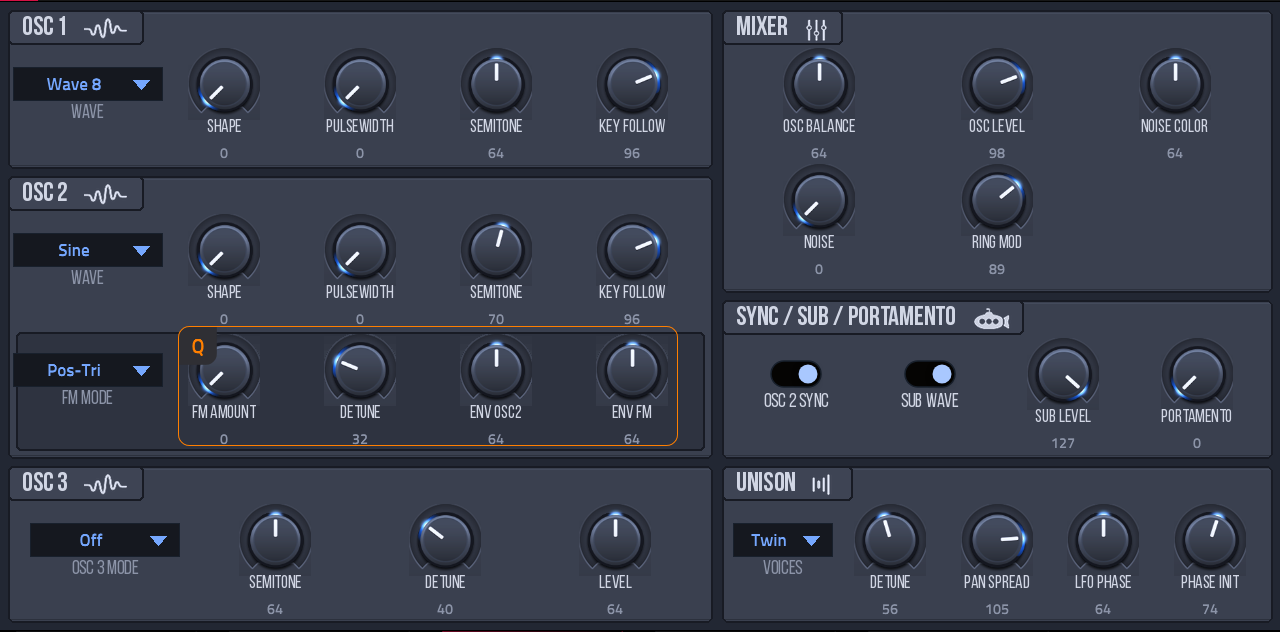
A four-voice hybrid evolving synthesizer for Akai MPC OS 3.x standalone devices. It plays the way the DSI Poly Evolver's voice does including its factory sounds and presets.
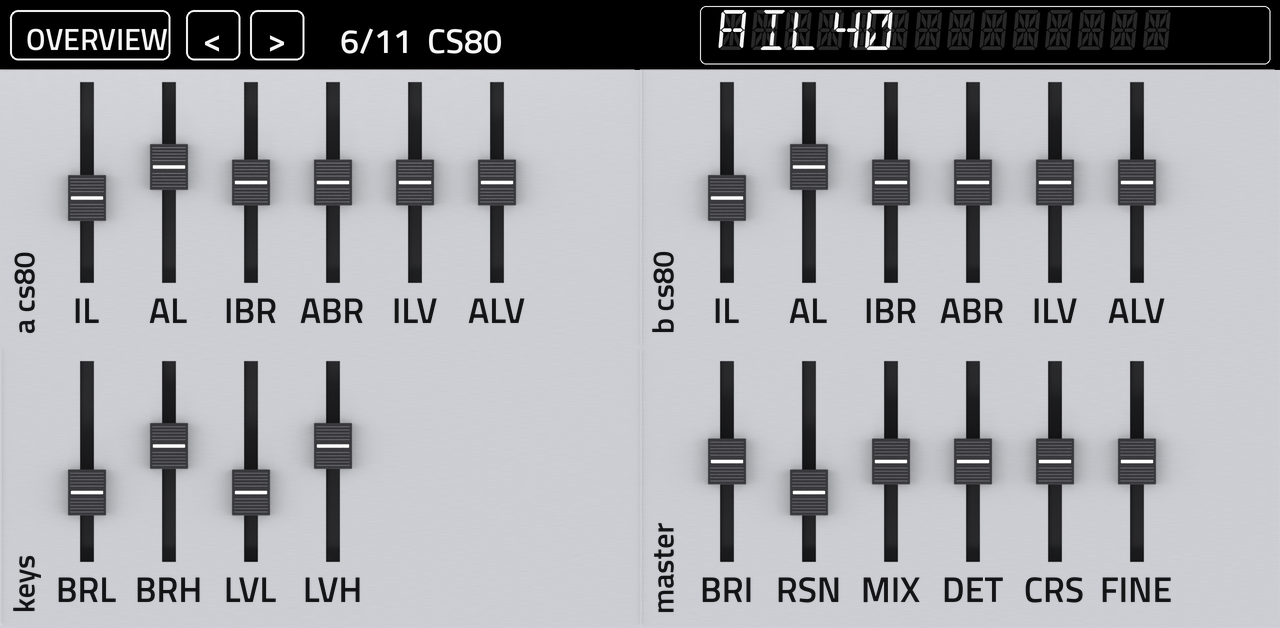
CSXXL is a two-layer, polyphonic synthesizer for the Akai Force and MPC OS, in the spirit of the Yamaha CS-80. It is a completely new build, not a port. The voices and tones are written from Deckard’s Dream voice notes,…
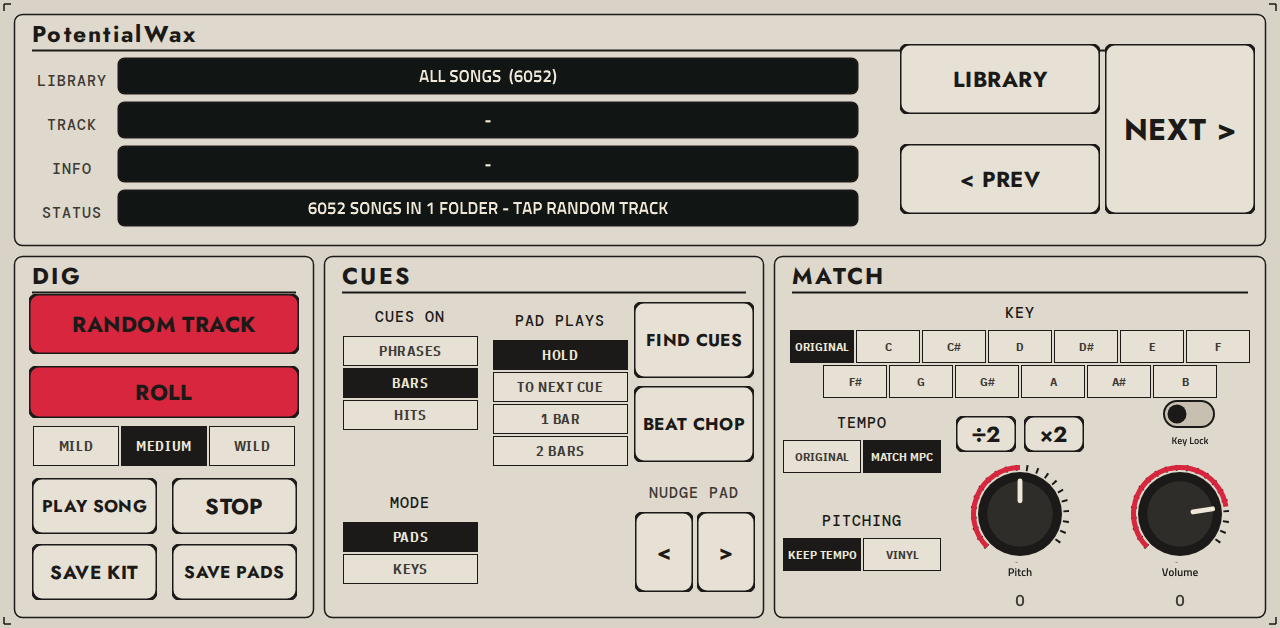
PotentialWax: a Serato Sample-style melodic sampler plugin for Akai MPC standalone
Sonix is a ROMpler instrument for standalone Akai MPC devices, featuring a diverse collection of sounds including pianos, keys, pads, strings, brass, choirs, basses, leads, and synths. Built with redistributable sound libraries, it brings a versatile range of melodic sounds…
Fretty is a multi-layered instrument for standalone Akai MPC devices, built for expressive guitar-style performances. It combines playable layers, articulations, and performance controls to create natural-sounding fret-based parts.
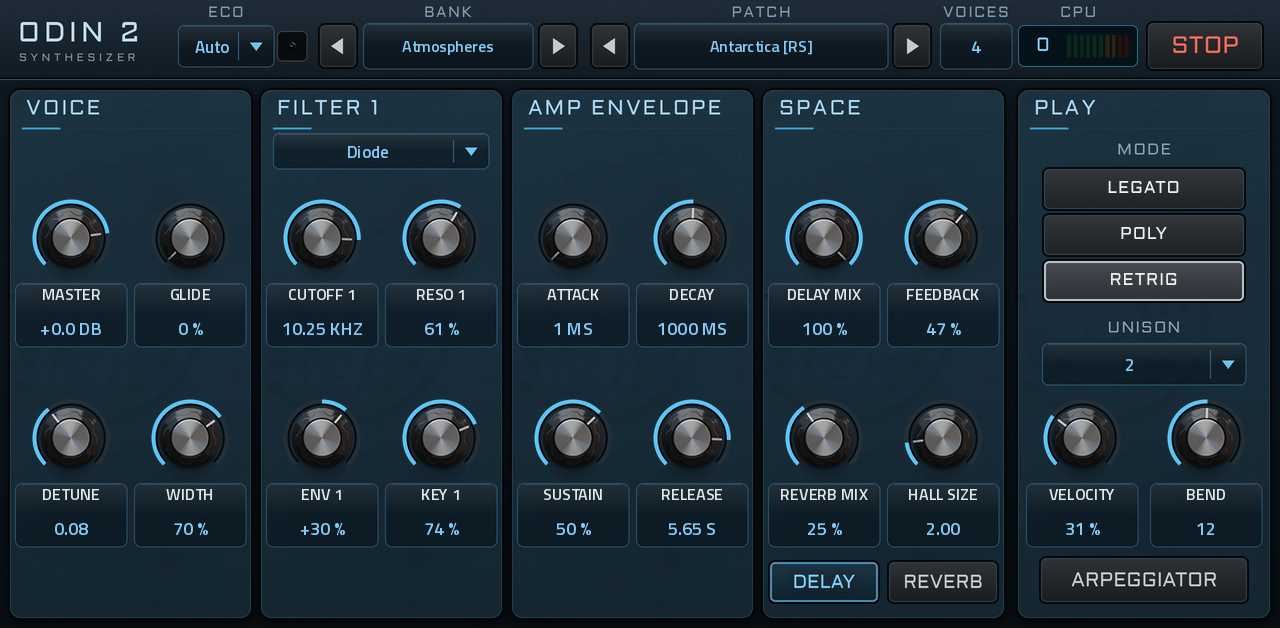
Odin 2 synthesizer ported to the Akai MPC Live II as a native VST2 plugin: Odin’s own engine, 261 factory patches, touchscreen pages in Odin’s look, automatic voice management and a CPU meter. Unofficial port, GPL-3.0.
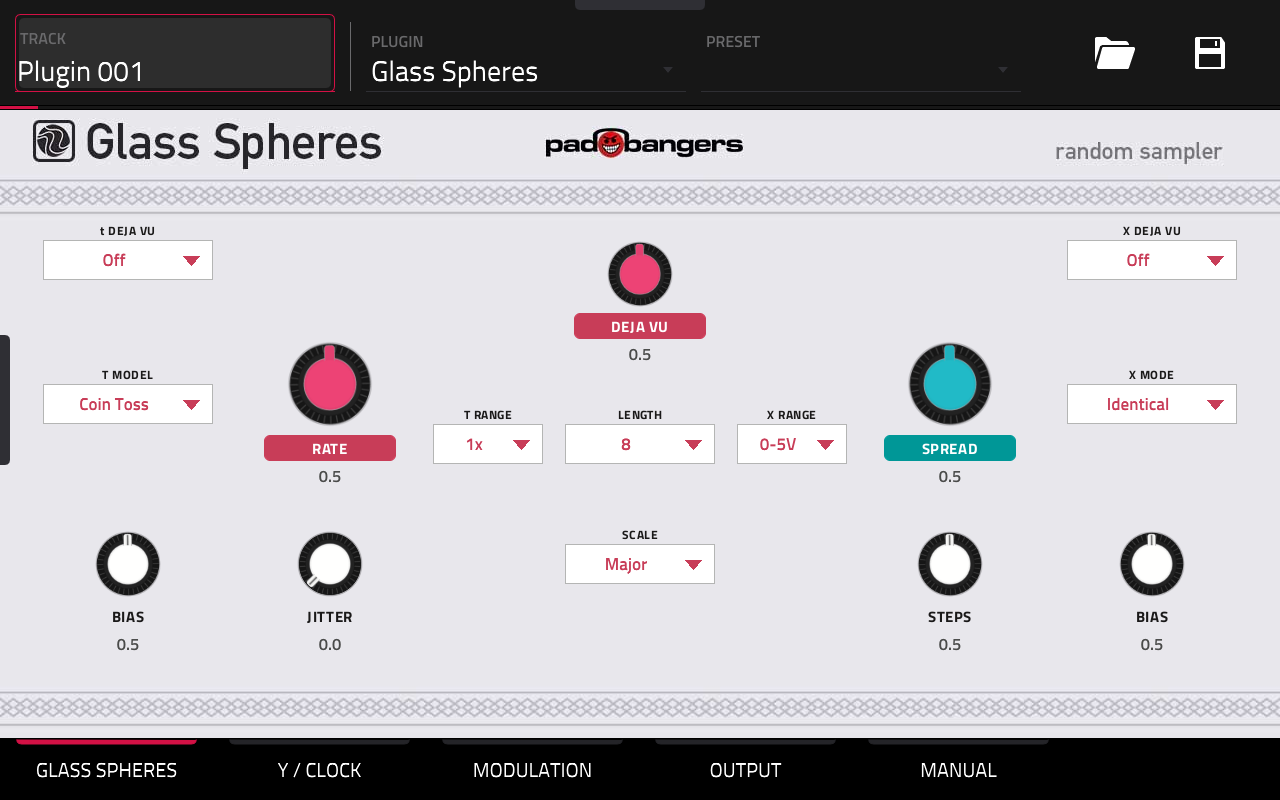
Glass Spheres: a random sampler after Mutable Instruments Marbles for Akai MPC standalone, MIDI or MPC X CV out
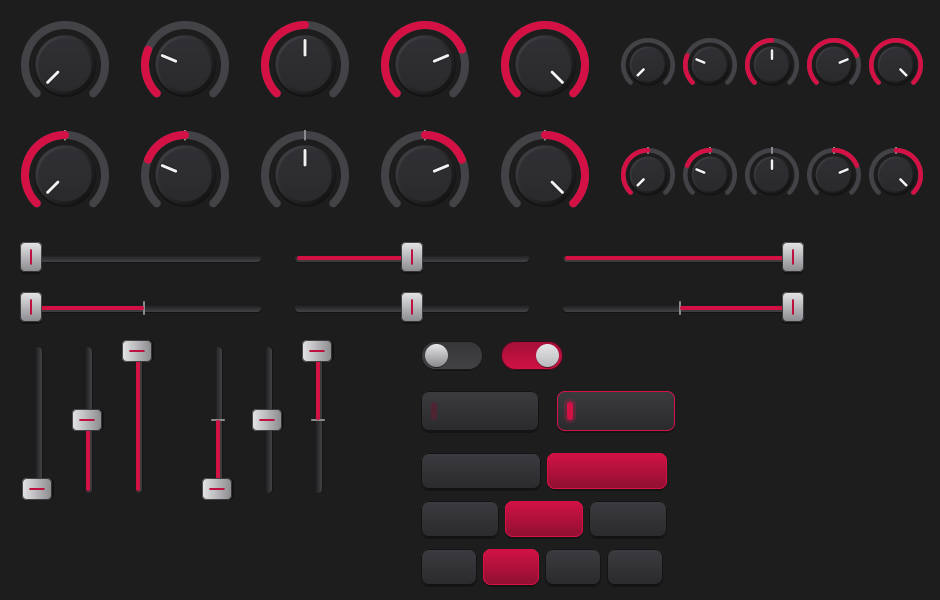
Build instrument and effect plugins for Akai MPC standalone hardware from a plain-language description, with an AI coding agent. You never have to read C++ if you do not want to.
Picked, checked and written up by hand for this catalog.
Runs on the Gen 1 and the Gen 2 MPCs, on MPC OS 3.10.1 or newer. It does not run on the MPC Sample.
When the plugin has a build that runs on every MPC, take that one. It needs MPC OS 3.10.1 or newer.
Unzip the archive on your computer, then copy the plugin folder into the "VST2 Plugins" folder.
On MPC OS 3.10.1 and newer, external plugins only load when the enhancements are on. Go to Menu > Preferences > Enhancements, set Enable Enhancements to On and turn on the plugin support.
Open a track, load the plugin from the browser under Instrument or Effect plugins, and it appears with its own screen.
Delete the plugin folder from the "VST2 Plugins" folder on the device. Move it out of the way instead of deleting it when you want to keep your own files, presets or samples that are inside it.