CTRL-MixBus
v2.2.0Effect
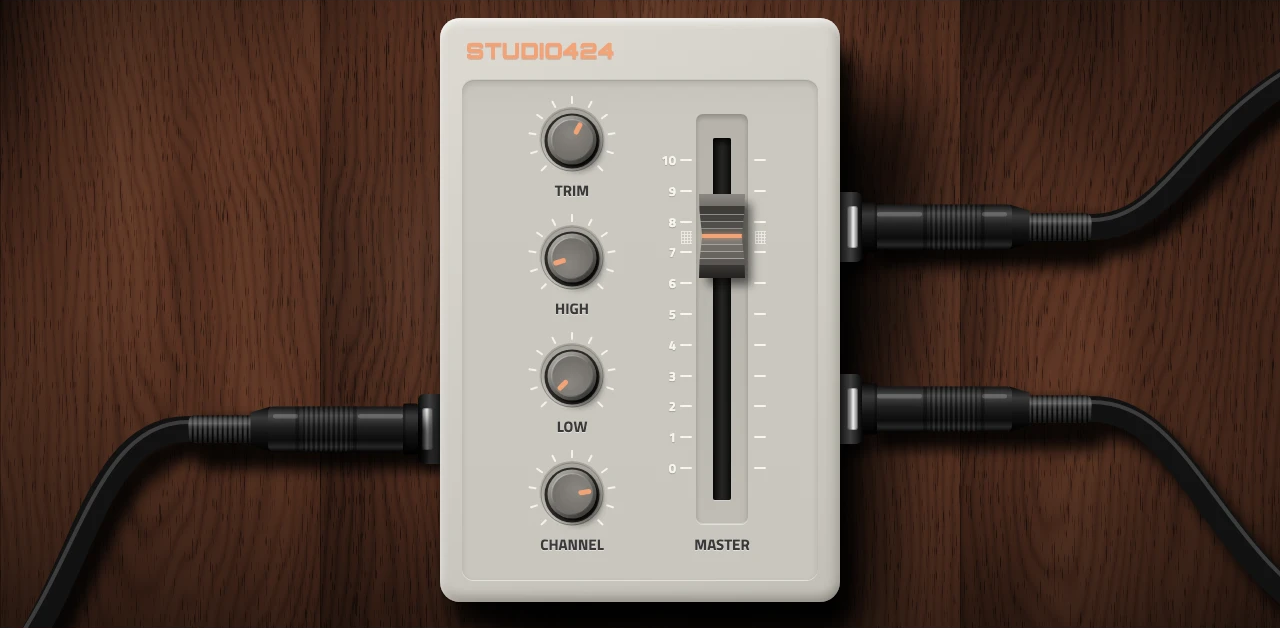
Professional stereo mixing and processing effect for Akai MPC
- Developer
- tonyalonsotech
- Released
- November 14, 2026
- Versions
- 4
- Downloads
- 2,024
The free Akai MPC plugins we picked and checked by hand, with the downloads, the checksums and the install steps. They run on the Gen 1 and the Gen 2 MPCs: the Live, Live II, XL, One and Force, and the Live III, One Gen 2 and Key 37 Gen 2. They do not run on the MPC Sample: it has its own firmware, and the mods for it are on their own page.
25 plugins
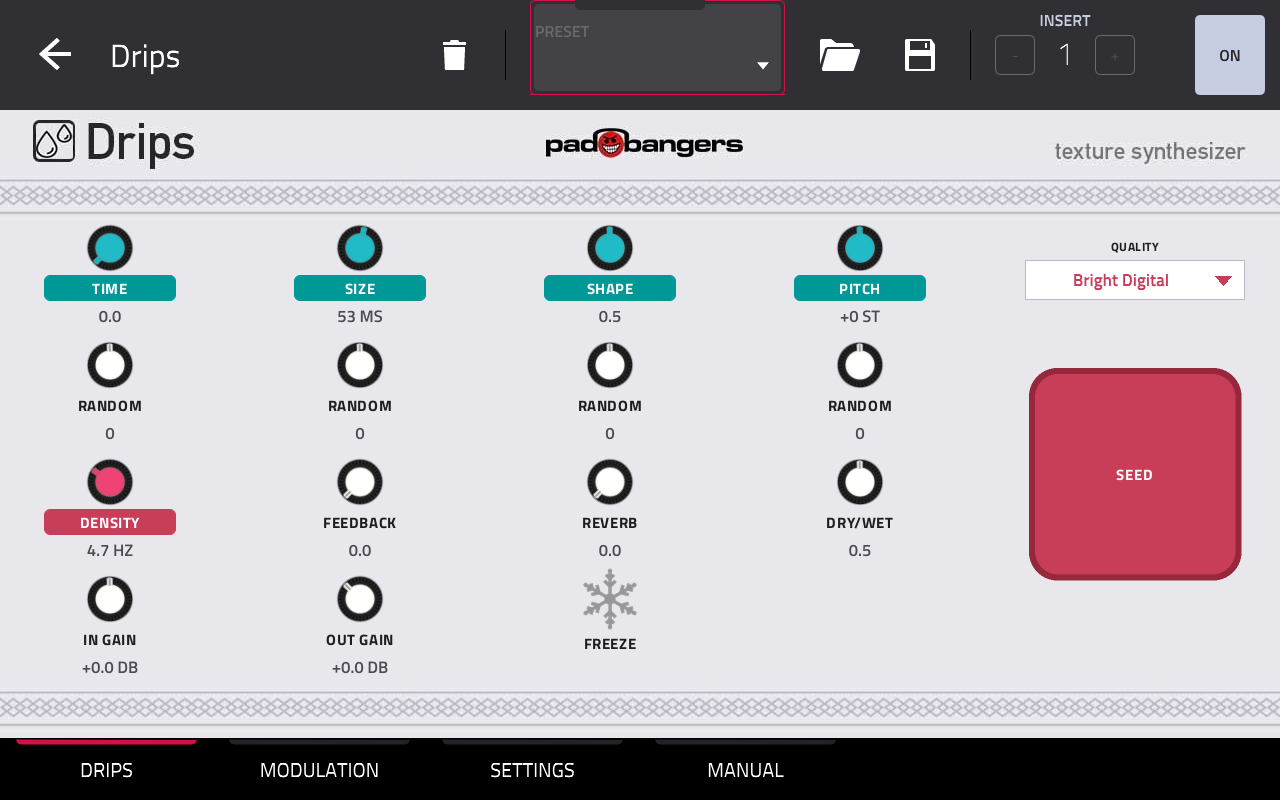
Professional stereo mixing and processing effect for Akai MPC
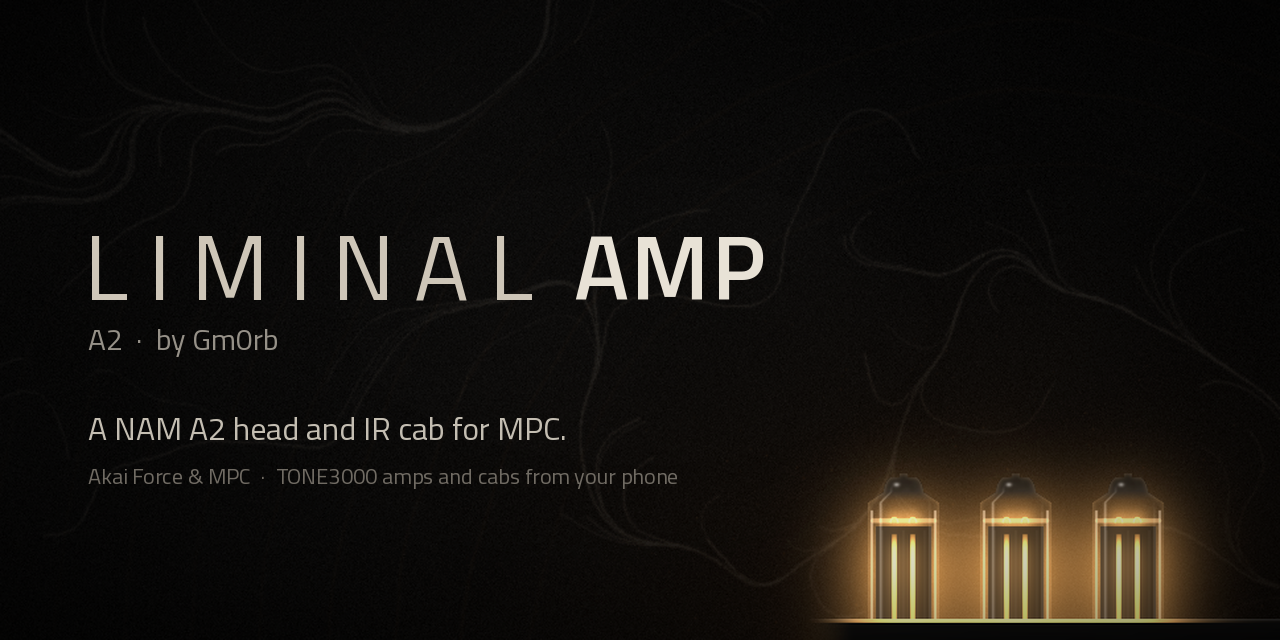
A NAM A2 head and IR cab for MPC (Akai Force / MPC OS)
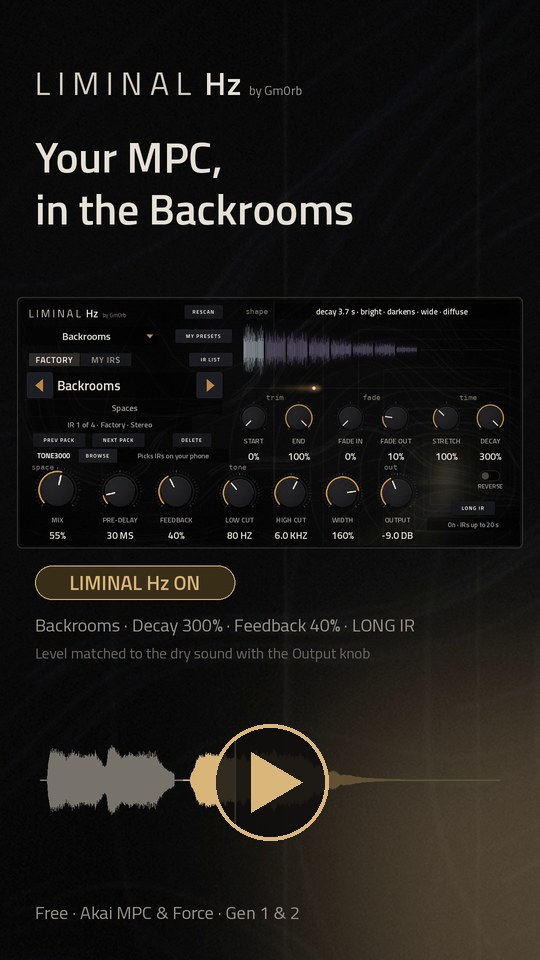
Liminal Hz for MPC OS - Convolution reverb plugin
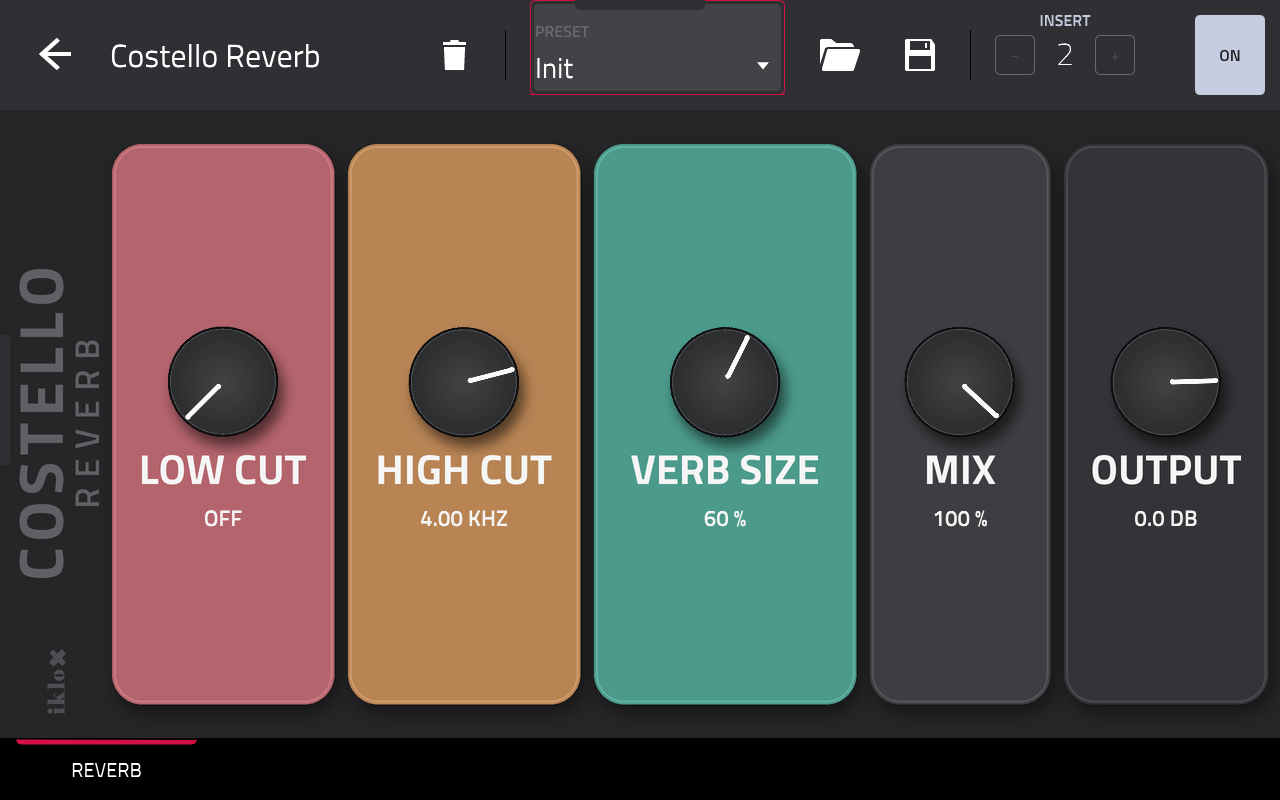
Costello Reverb (AudioKit/Soundpipe revsc) ported to Akai MPC OS as a VST2 insert effect
Dragonfly Plate reverb for MPC OS Gen1 - Port of Dragonfly Reverb Plate
Three-head tape echo for Akai MPC and Force standalone: 12 head modes, three preamp characters, tape wear, tempo sync, spring reverb and a companion screen in the browser
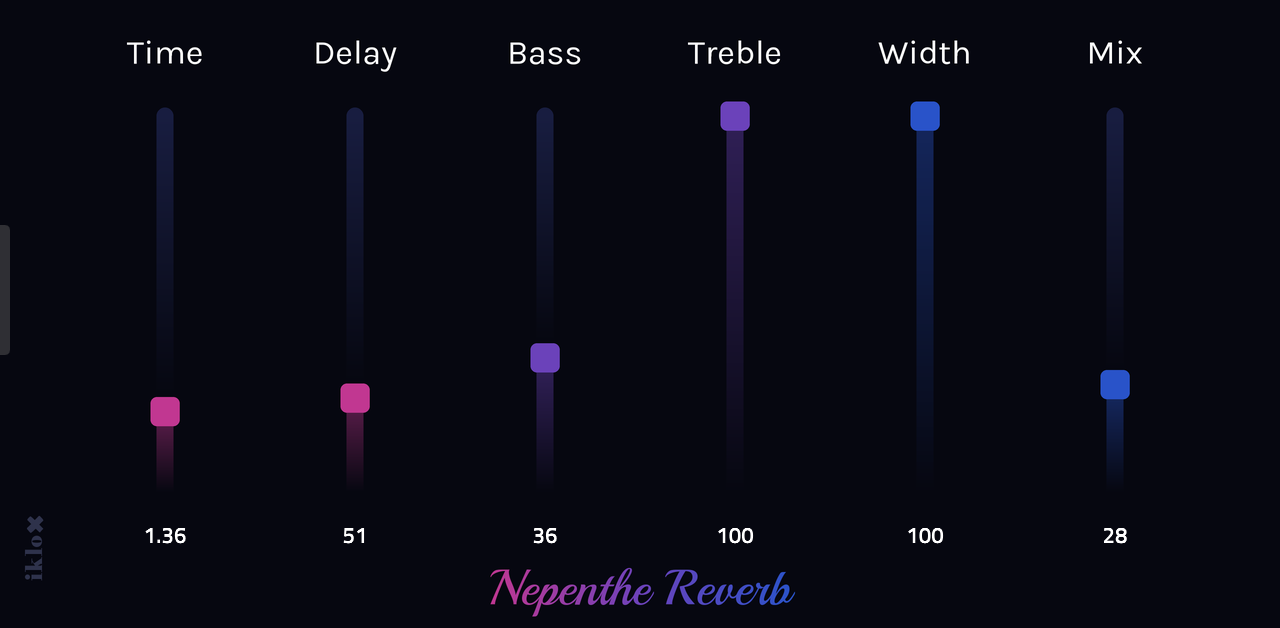
Nepenthe velvet-noise reverb (Amalgamated Signals) ported to Akai MPC OS as a VST2 insert effect
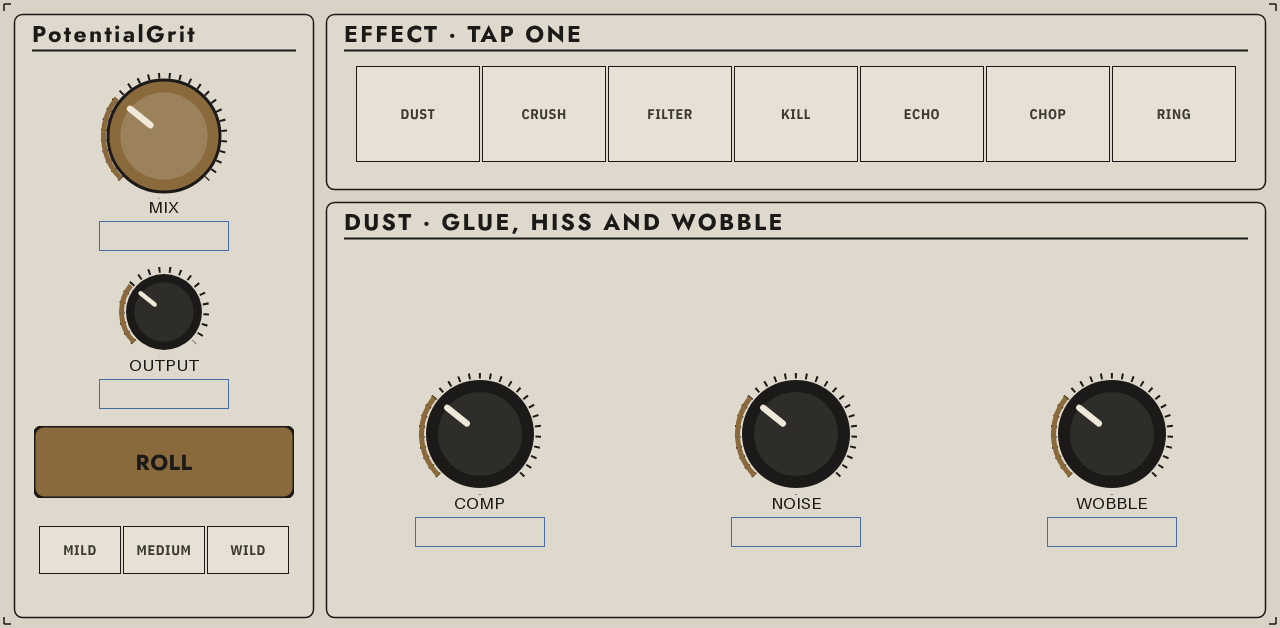
PotentialGrit: seven lo-fi effects in one box for MPC
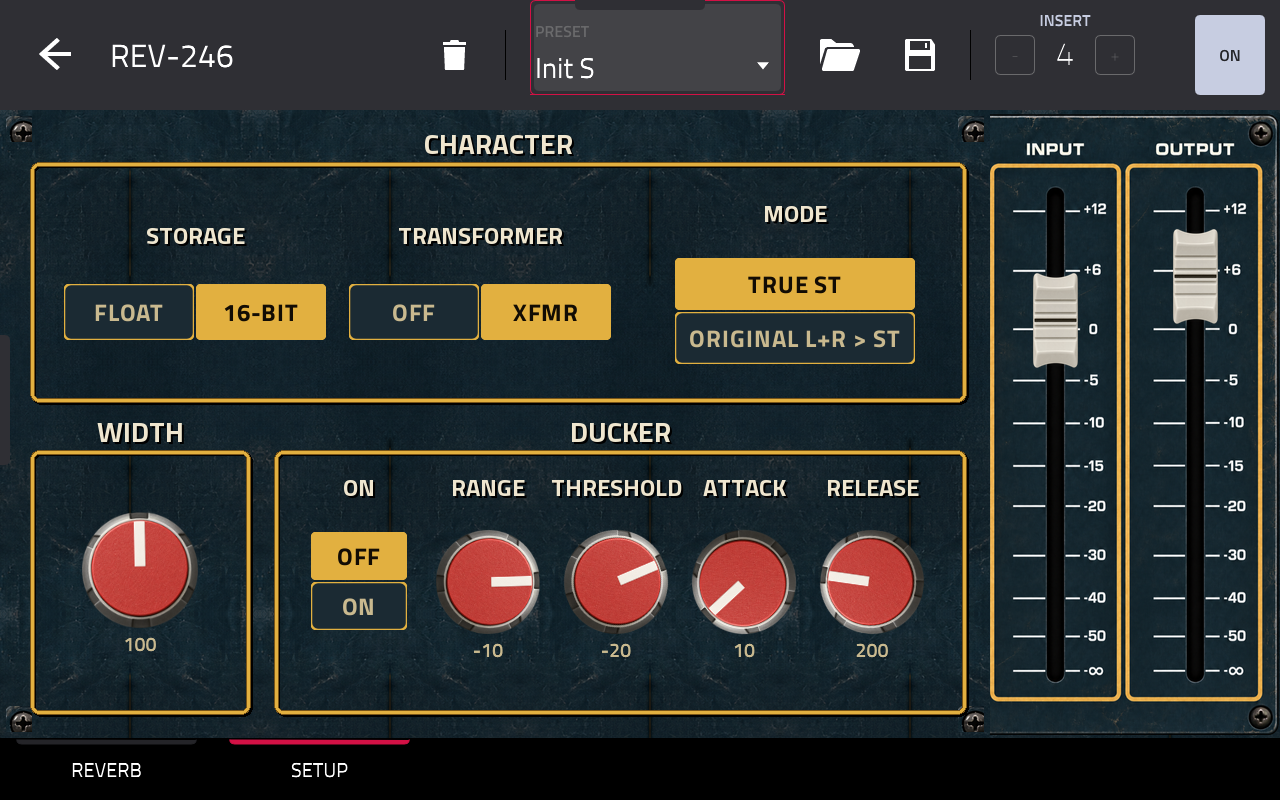
REV-246 (tehguitarist's vintage digital reverb) ported to Akai MPC OS as a VST2 insert effect
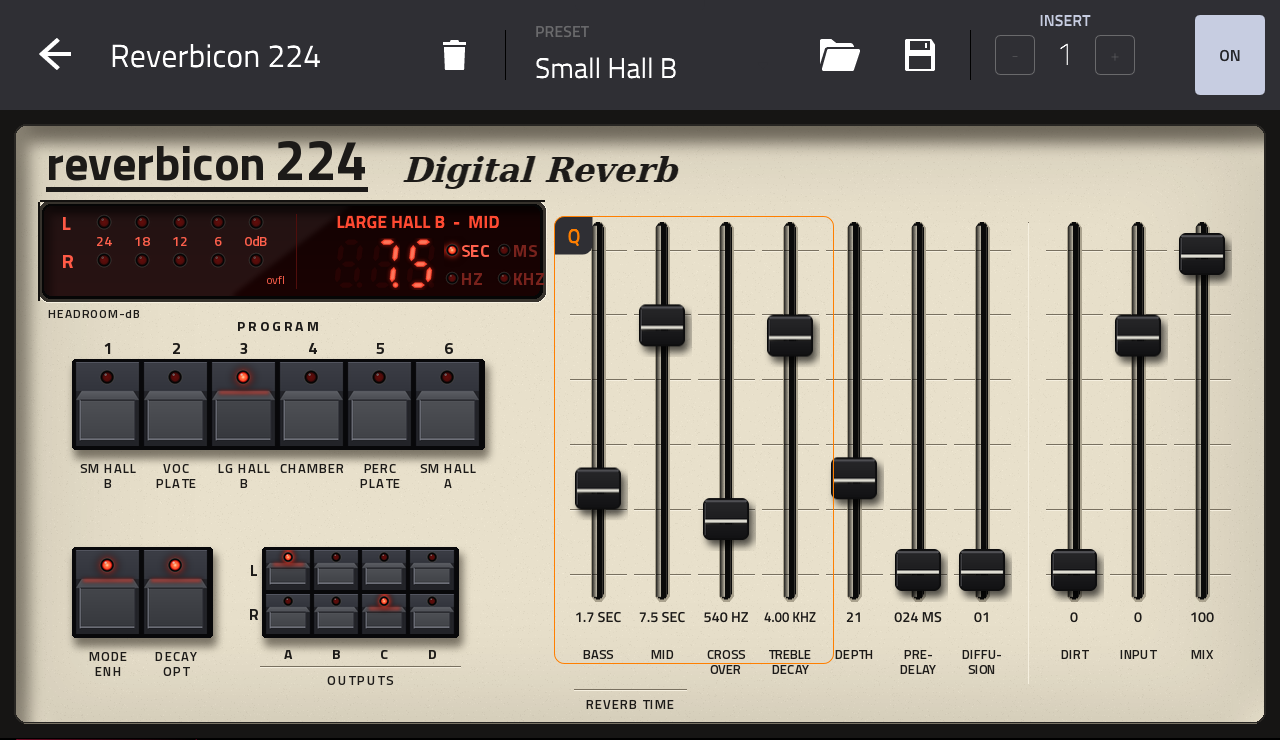
A Lexicon 224 (original, firmware v4.4) style reverb as a native effect plugin for Akai MPC OS standalone devices
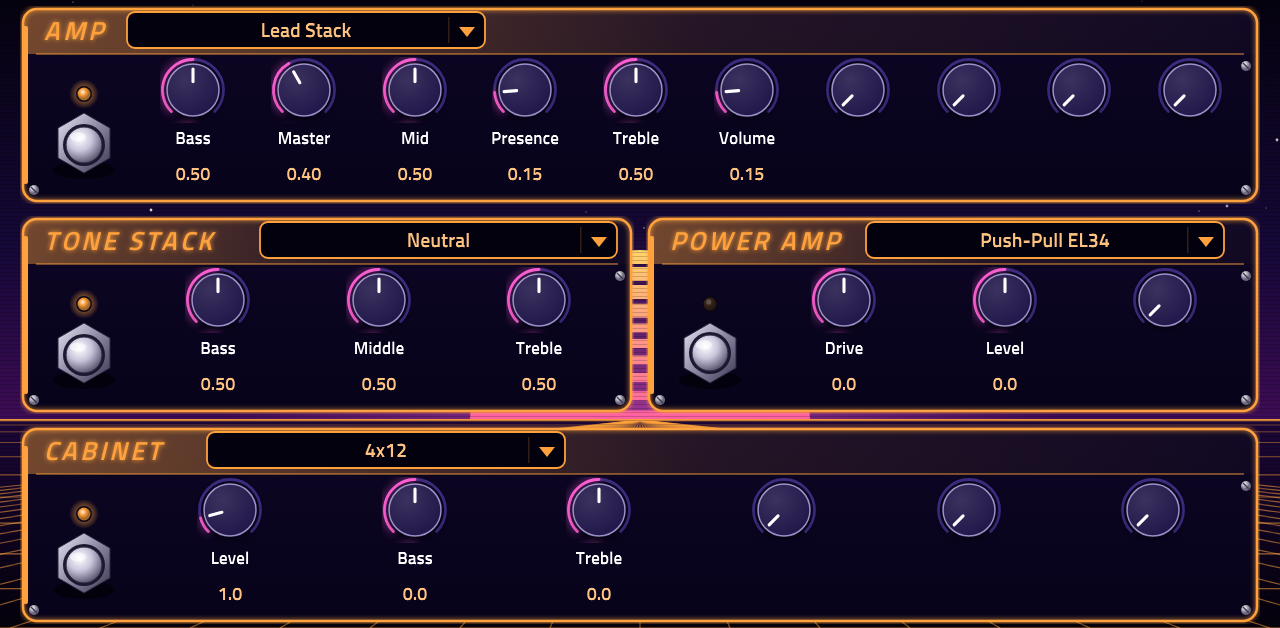
A whole guitar rig (guitarix and GxPlugins, 219 models, 40 factory presets) as one VST insert effect for Akai MPC OS standalone devices, with a native screen skin
Plateau 0.3.0 brings Valley's plate reverb to MPC, tested on Akai Force with the latest OS and Mockba Mod. Features Bogaudio LFO, Mutable Tides and Marbles, an in-house step sequencer, interconnected modulation routing, filtering, saturation, RMXXXL-style limiting, presets, panic reset…
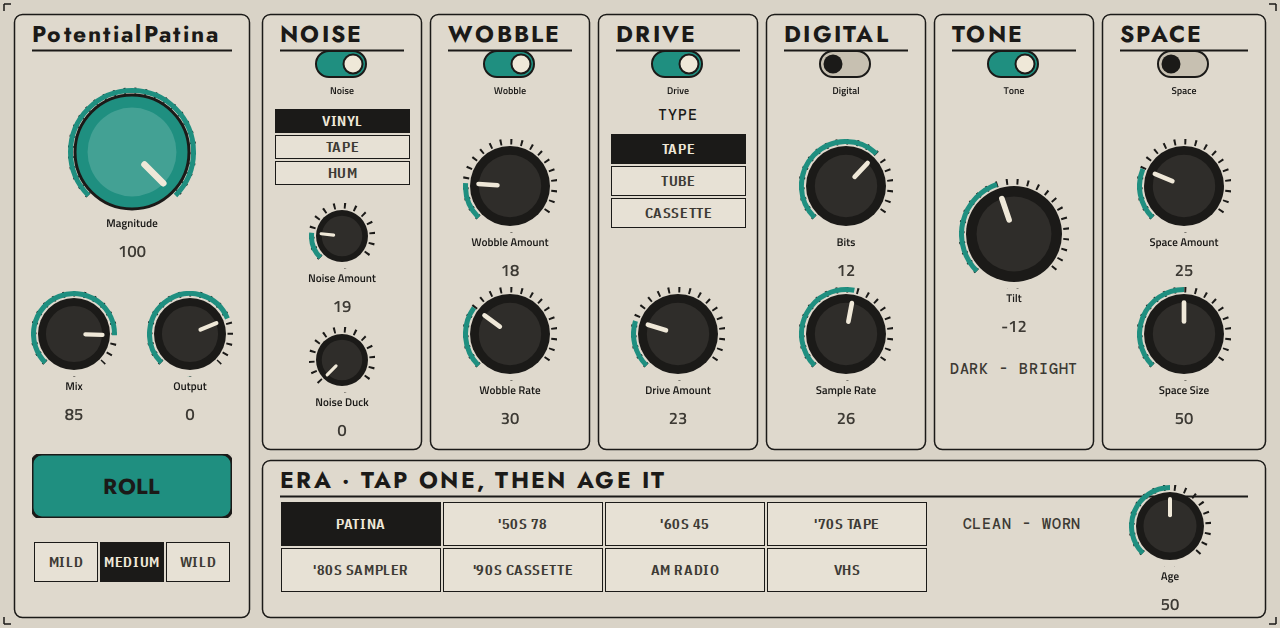
PotentialPatina - retro-colour insert effect plugin for Akai MPC standalone (MPC One, Live, X)
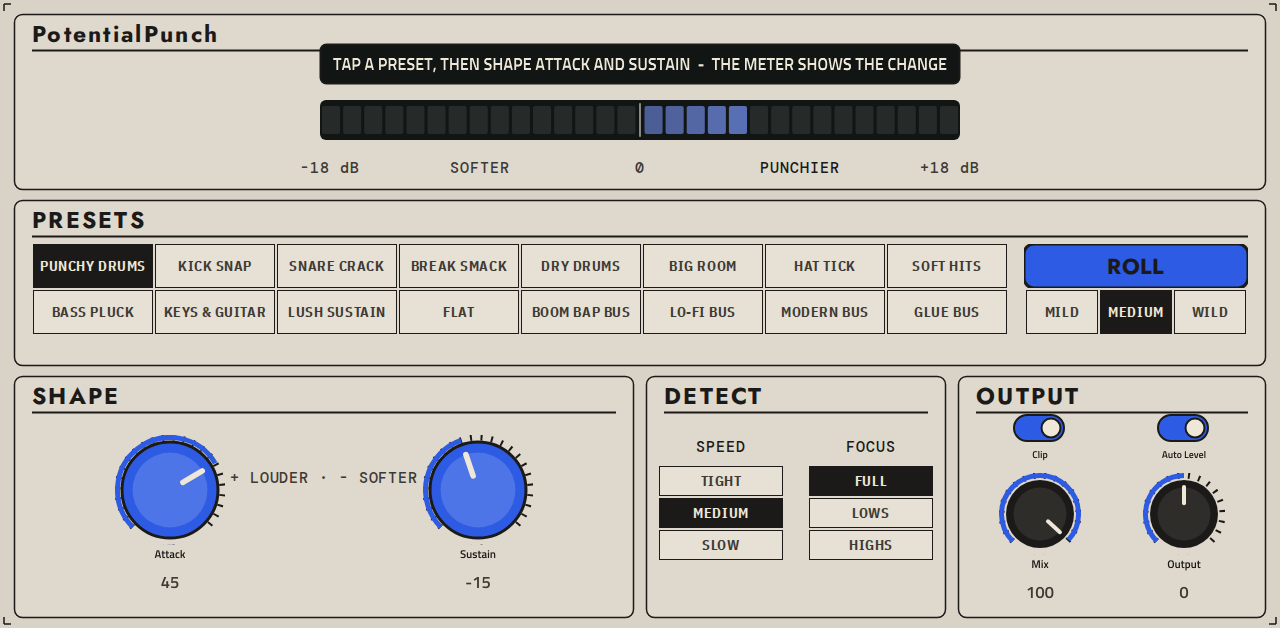
PotentialPunch: a transient shaper plugin for Akai MPC standalone
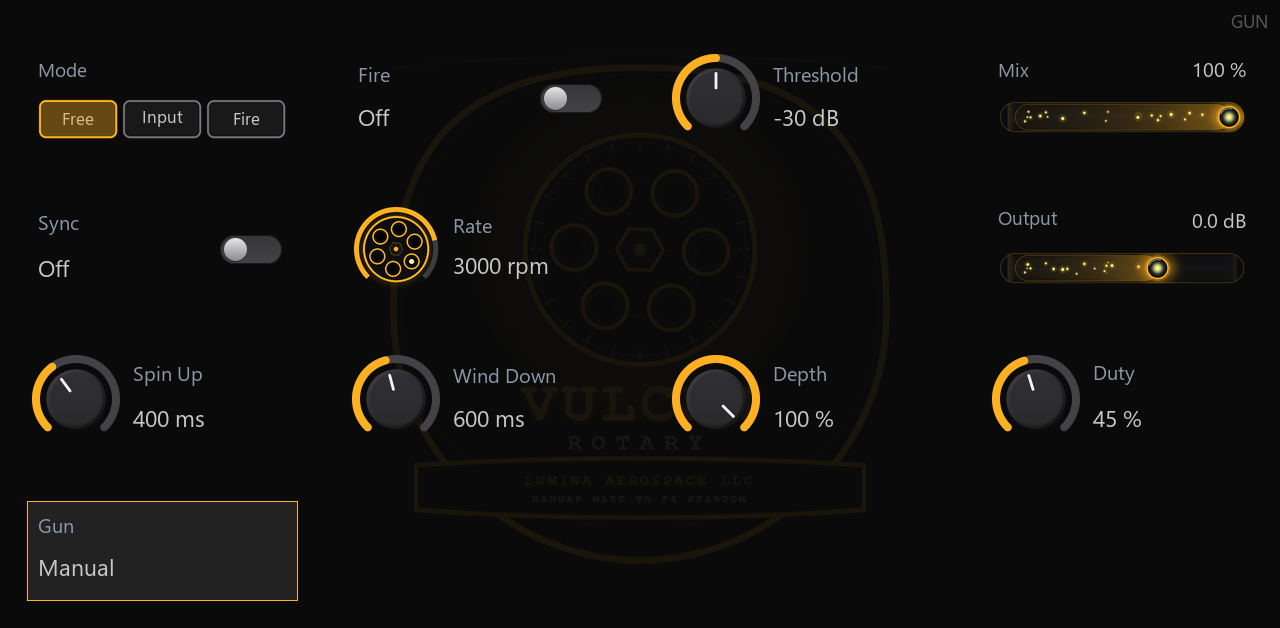
Vulcan Rotary: a six-barrel rotary gate and stutter effect for Akai MPC (Lumina Aerospace)
Picked, checked and written up by hand for this catalog.
Runs on the Gen 1 and the Gen 2 MPCs, on MPC OS 3.10.1 or newer. It does not run on the MPC Sample.
When the plugin has a build that runs on every MPC, take that one. It needs MPC OS 3.10.1 or newer.
Unzip the archive on your computer, then copy the plugin folder into the "VST2 Plugins" folder.
On MPC OS 3.10.1 and newer, external plugins only load when the enhancements are on. Go to Menu > Preferences > Enhancements, set Enable Enhancements to On and turn on the plugin support.
Open a track, load the plugin from the browser under Instrument or Effect plugins, and it appears with its own screen.
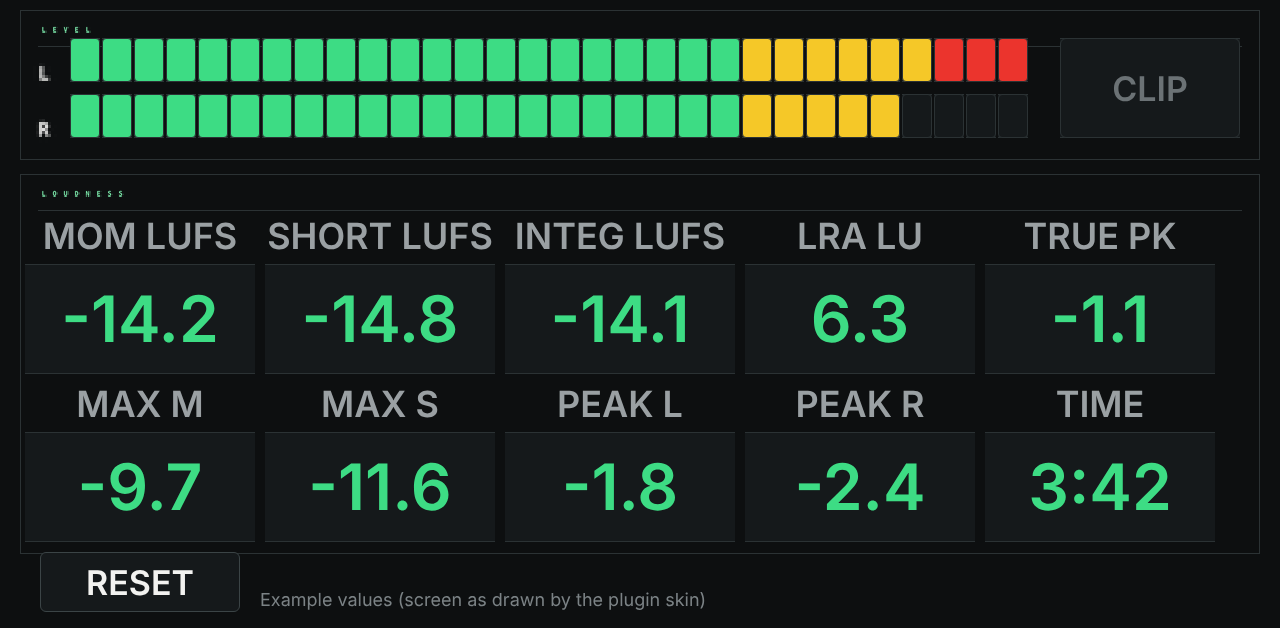
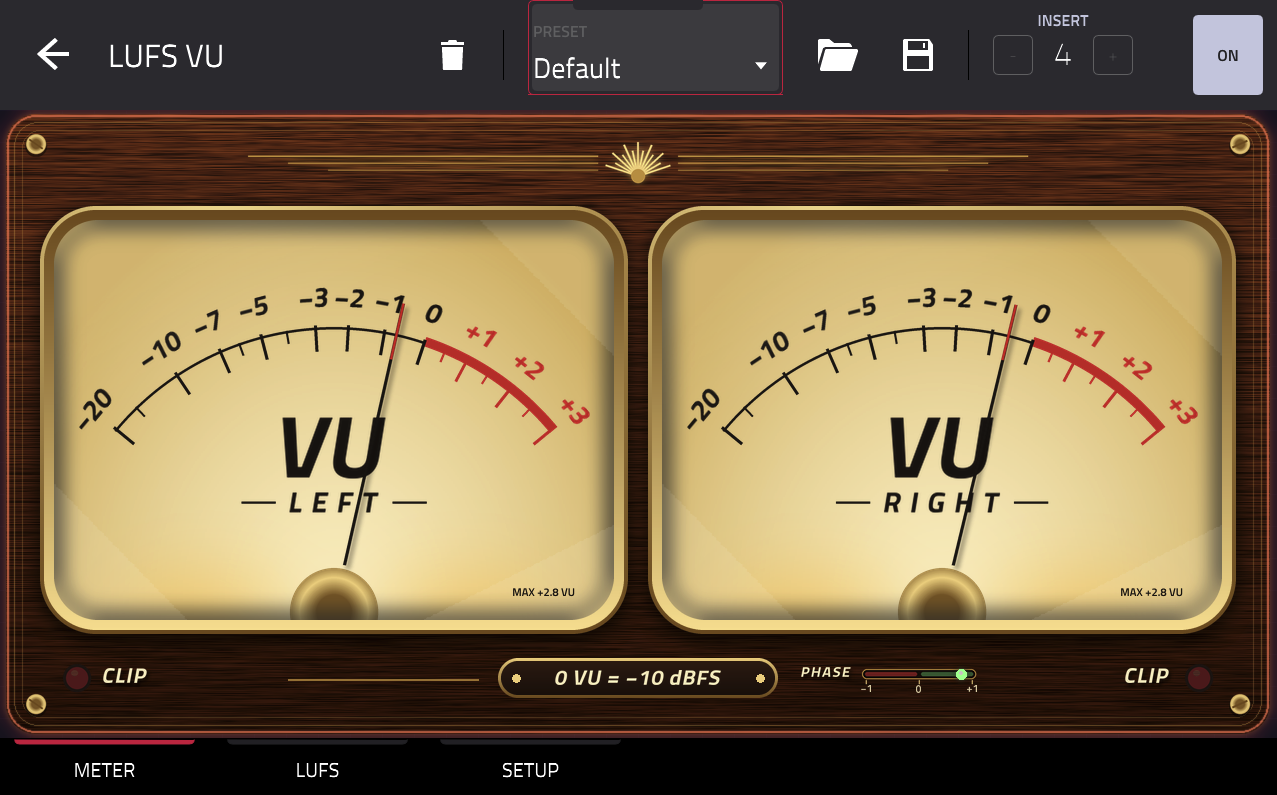
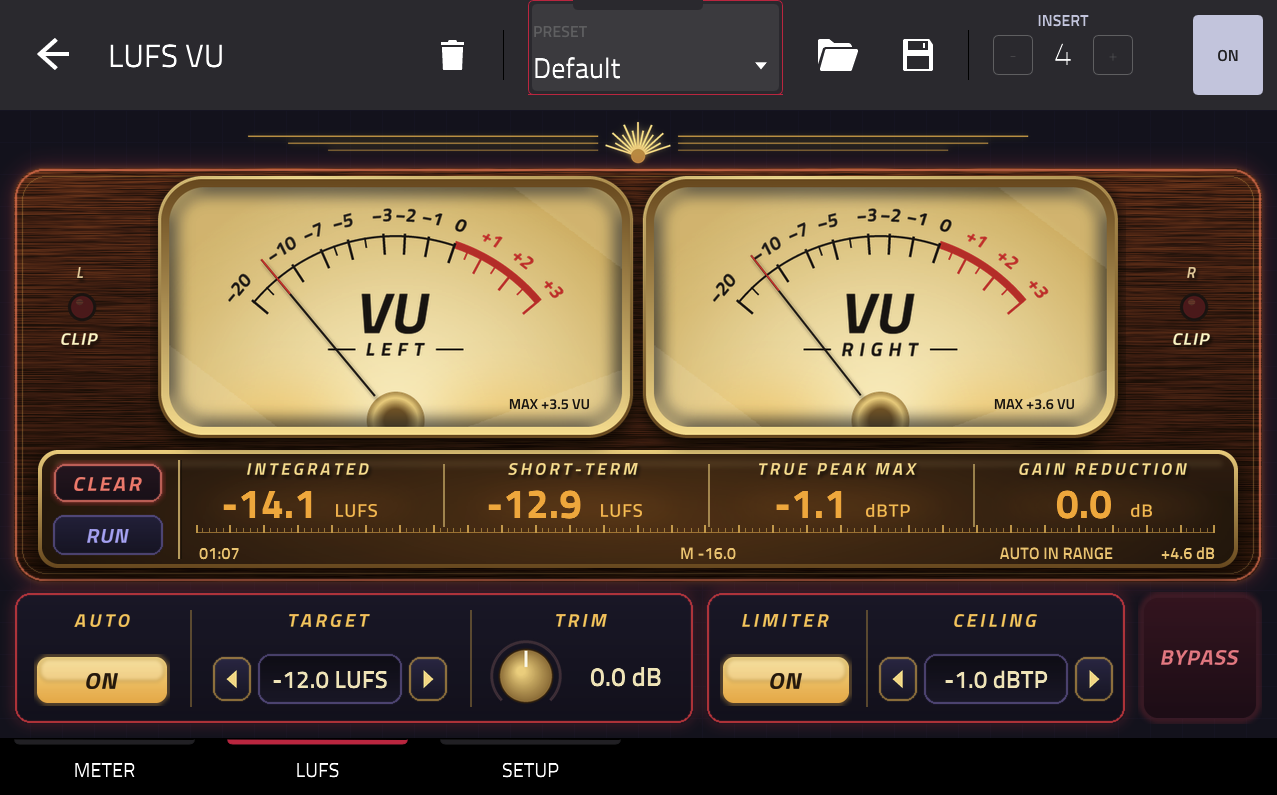
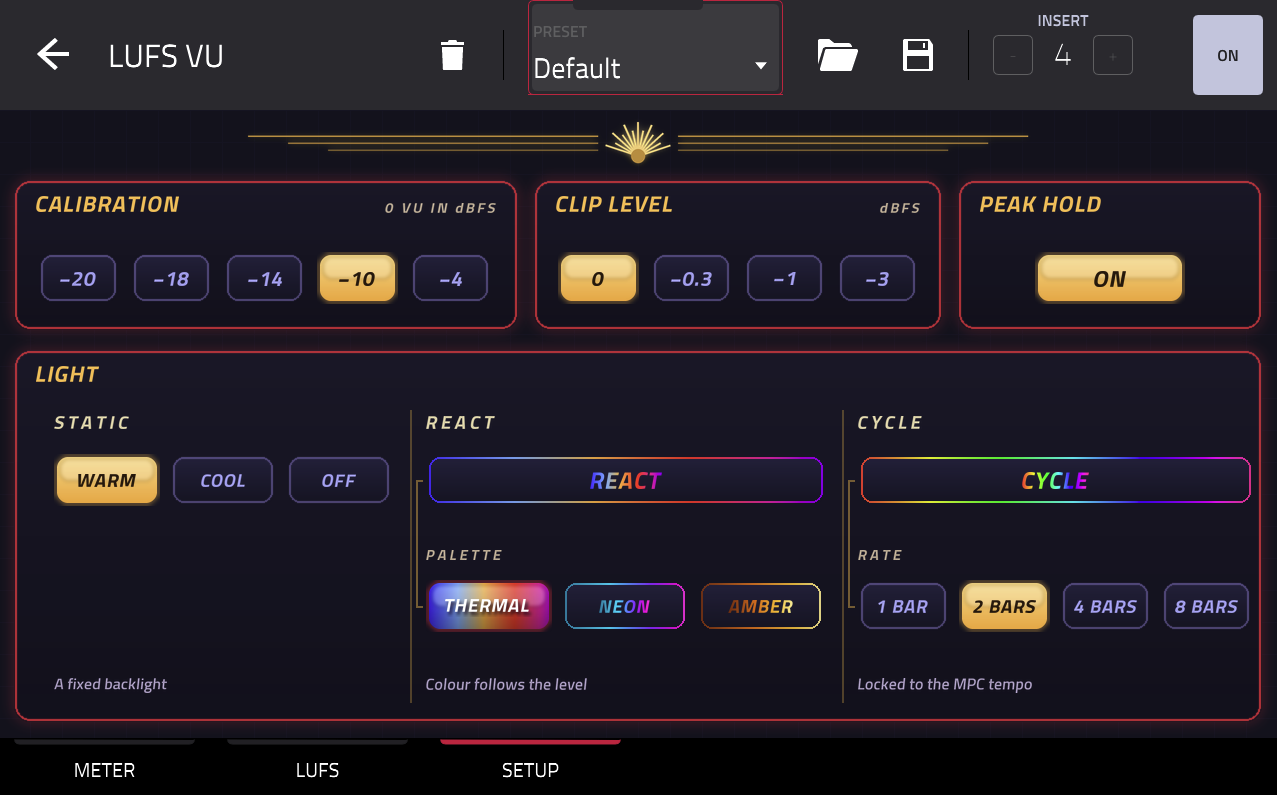
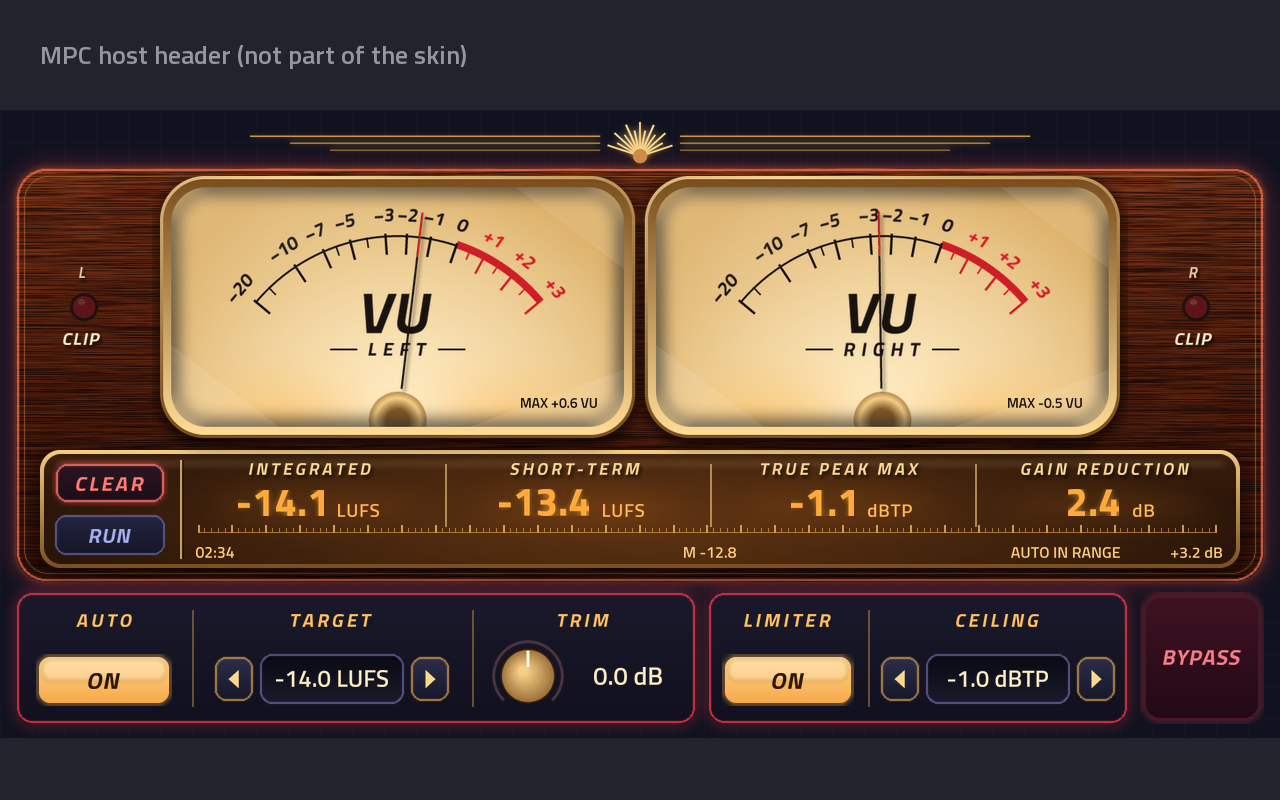
Analog VU meters, EBU R 128 loudness and a true-peak limiter: an insert effect for Akai MPC standalone (MPC OS 3.10.1+). Formerly "VU Meter".
| METER | LUFS | SETUP |
|---|---|---|
| !METER | !LUFS | !SETUP |
Slow Ops - VST - LUFS VU folder into a folder named VST2 Plugins at the top level of a USB drive, SD card or the MPC's internal drive.The zip also contains LUFS VU User Guide.html, a one-page manual covering every control.
Updating from "VU Meter": delete the old Slow Ops - VST - VU Meter folder, then add LUFS VU again on any track that used it.
LICENSE to the repository and to the release zip (LICENSE.txt). The audio, the controls and the skin are the same as in 1.0.0.ebur128.Third-party plugins are not supported by inMusic / Akai. Save your work often.
install.sh for modded units. These are used by the Open MPC Plugin Manager and installers.Delete the plugin folder from the "VST2 Plugins" folder on the device. Move it out of the way instead of deleting it when you want to keep your own files, presets or samples that are inside it.