mpc-vst-f4-phantom
v1.2.0F4 Phantom: an 8-voice subtractive synth for Akai MPC with stereo chorus and a rotary gate (Lumina Aerospace)
- Developer
- Luminous-Works
- Released
- November 18, 2026
- Versions
- 2
- Downloads
- 8
The free Akai MPC plugins we picked and checked by hand, with the downloads, the checksums and the install steps. They run on the Gen 1 and the Gen 2 MPCs, on MPC OS 3.10.1 or newer. Filter by type, developer, licence and tag.
These plugins run on the Gen 1 and the Gen 2 MPCs. That is the Live, Live II, XL, One and Force, and the Live III, One Gen 2 and Key 37 Gen 2. They need MPC OS 3.10.1 or newer, with the enhancements switched on. They do not run on the MPC Sample: that machine has its own firmware, and the mods built for it are on their own page.
14 plugins
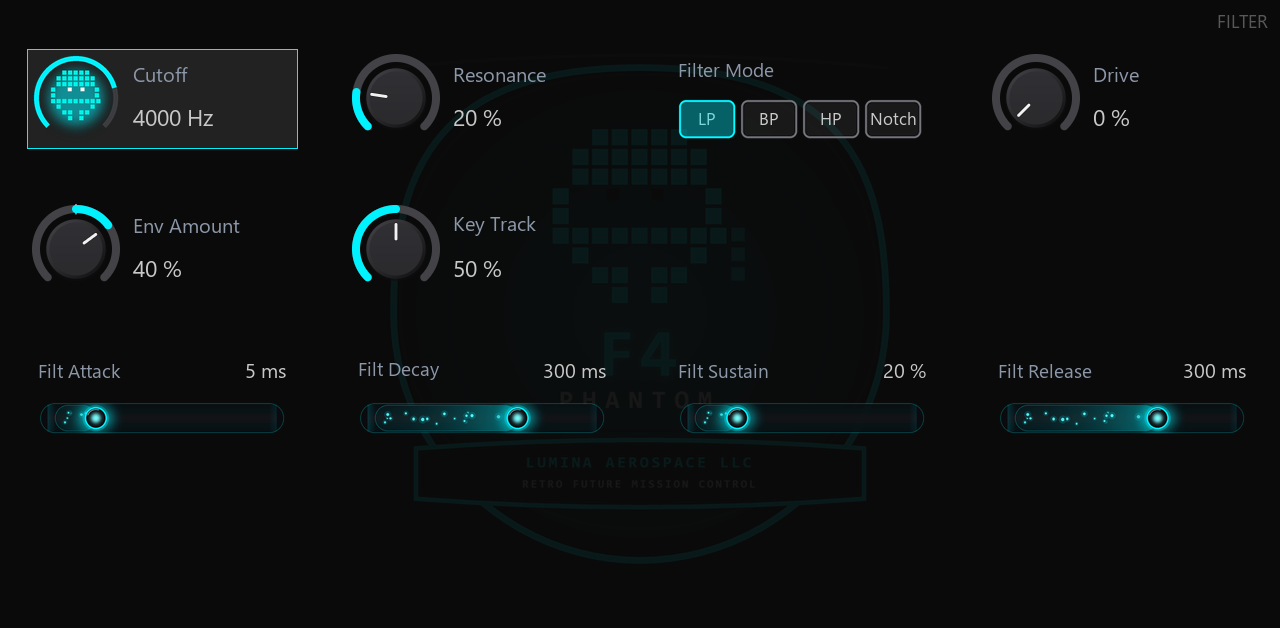
F4 Phantom: an 8-voice subtractive synth for Akai MPC with stereo chorus and a rotary gate (Lumina Aerospace)
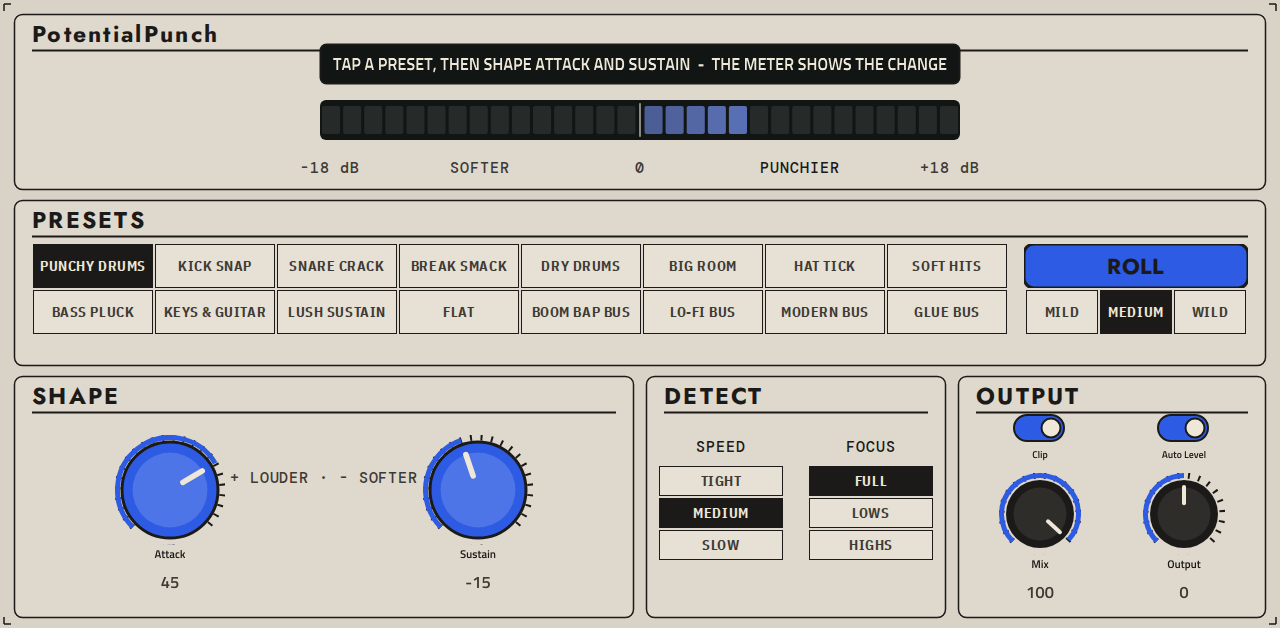
PotentialPunch: a transient shaper plugin for Akai MPC standalone
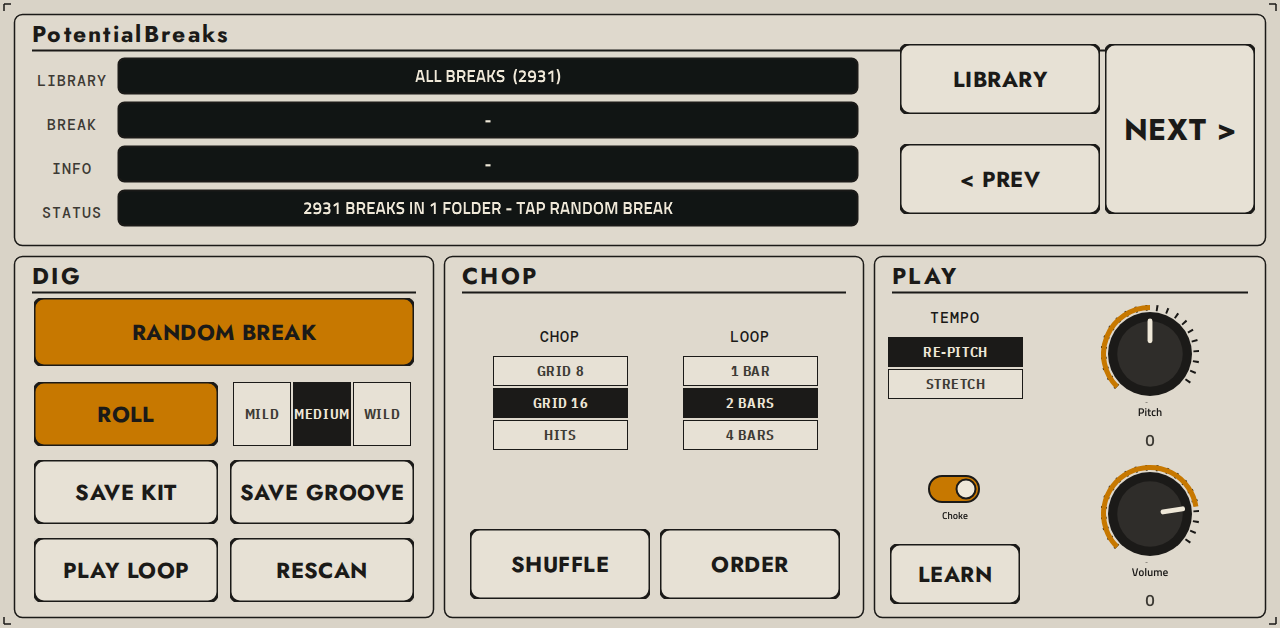
PotentialBreaks - drum-break slicer plugin for Akai MPC standalone (MPC One, Live, X)
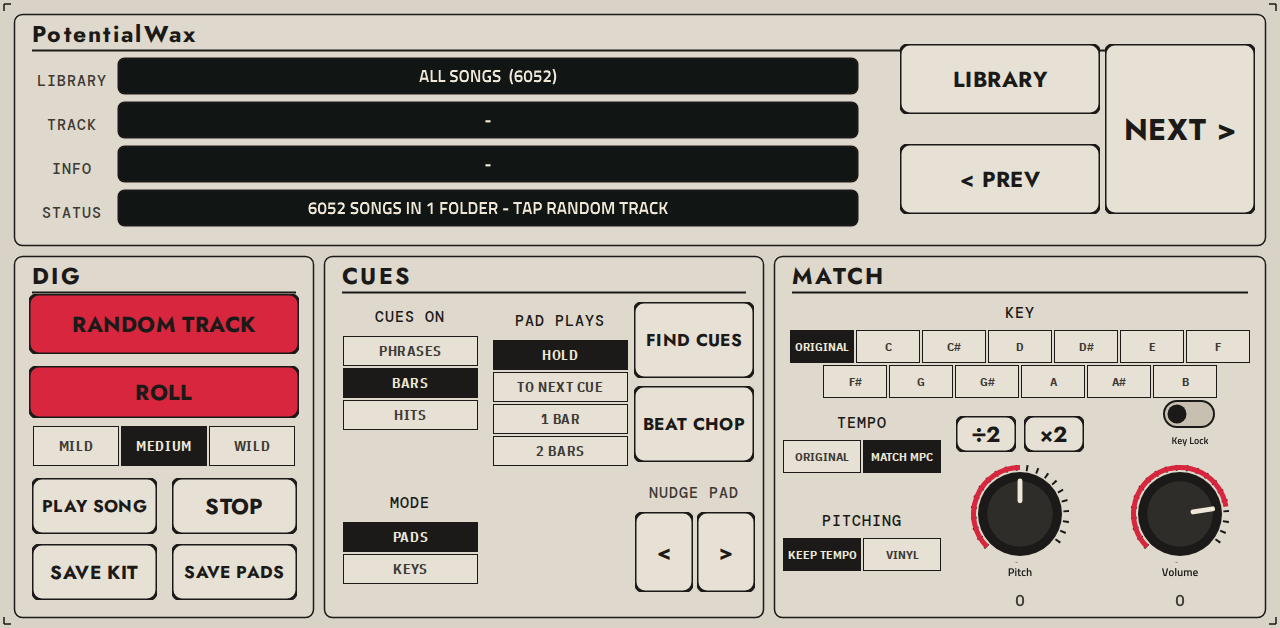
PotentialWax: a Serato Sample-style melodic sampler plugin for Akai MPC standalone
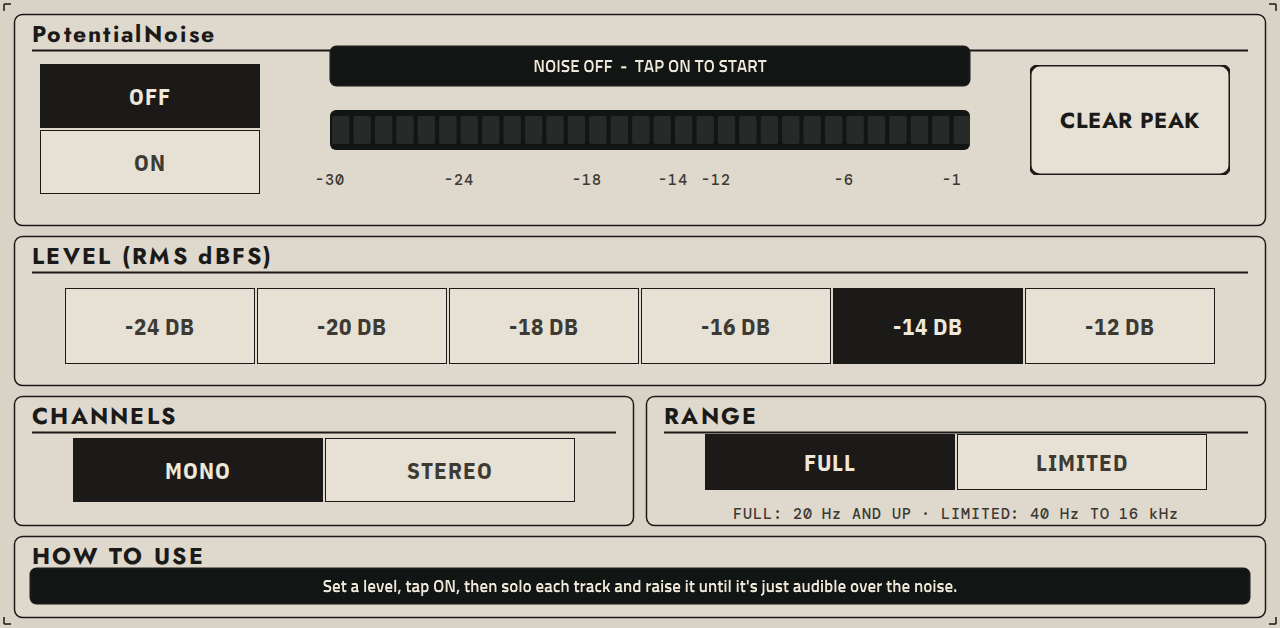
PotentialNoise: a calibrated pink noise mixing reference plugin for Akai MPC standalone
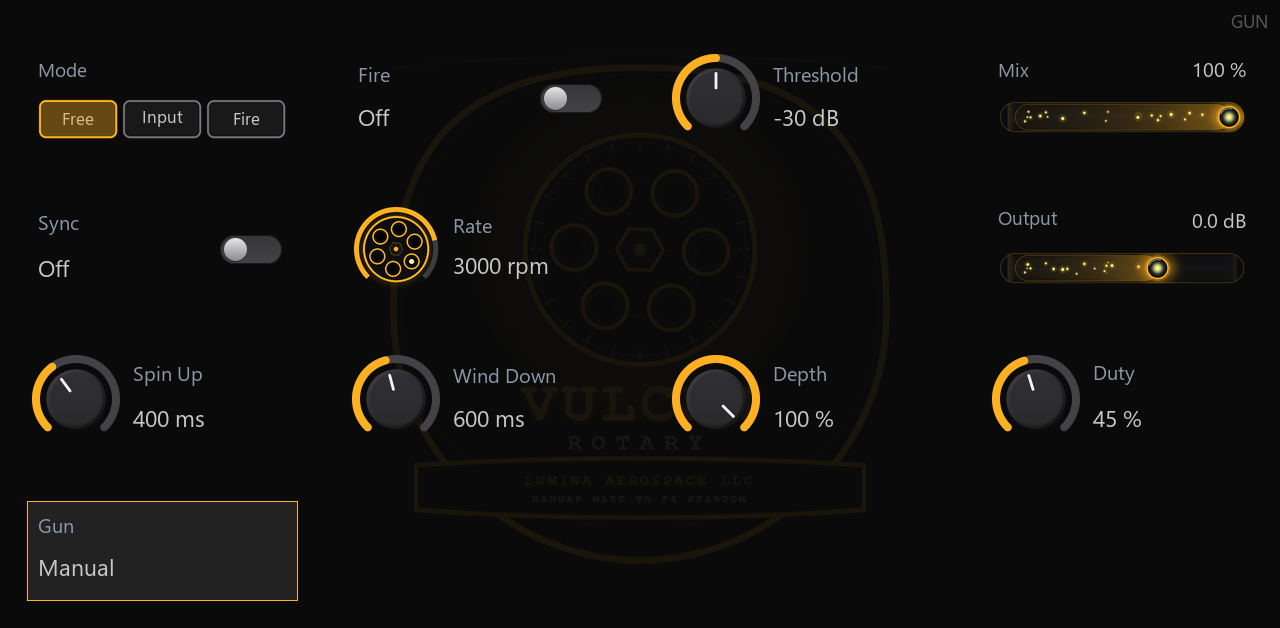
Vulcan Rotary: a six-barrel rotary gate and stutter effect for Akai MPC (Lumina Aerospace)
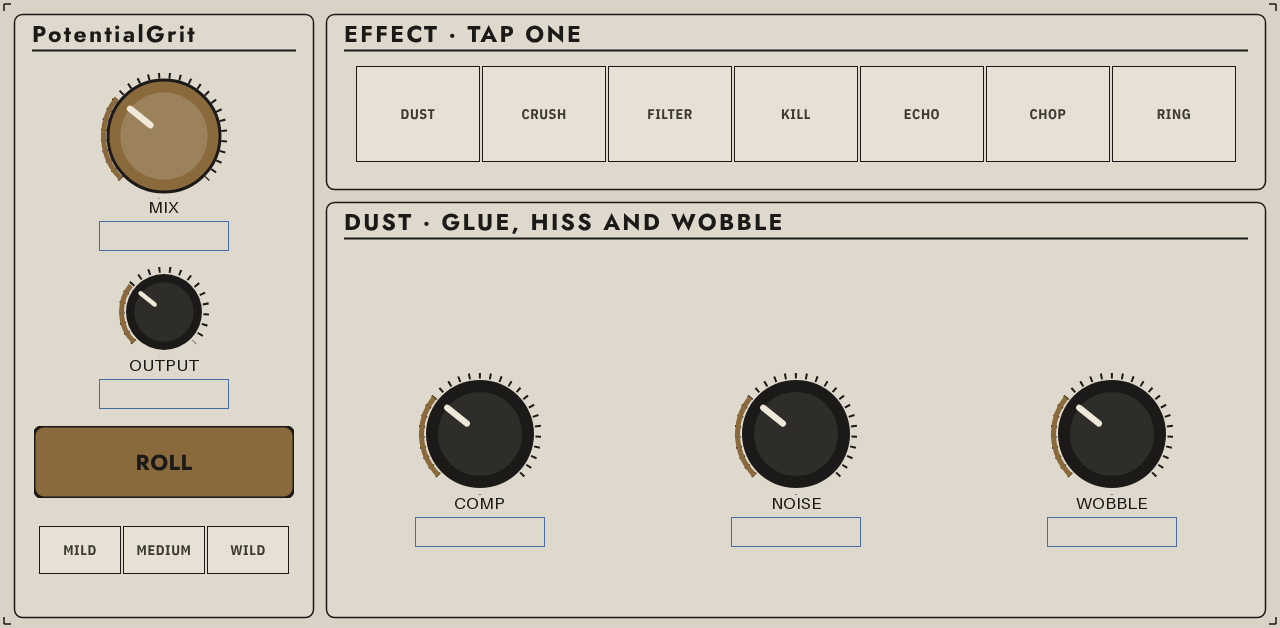
PotentialGrit: seven lo-fi effects in one box for MPC
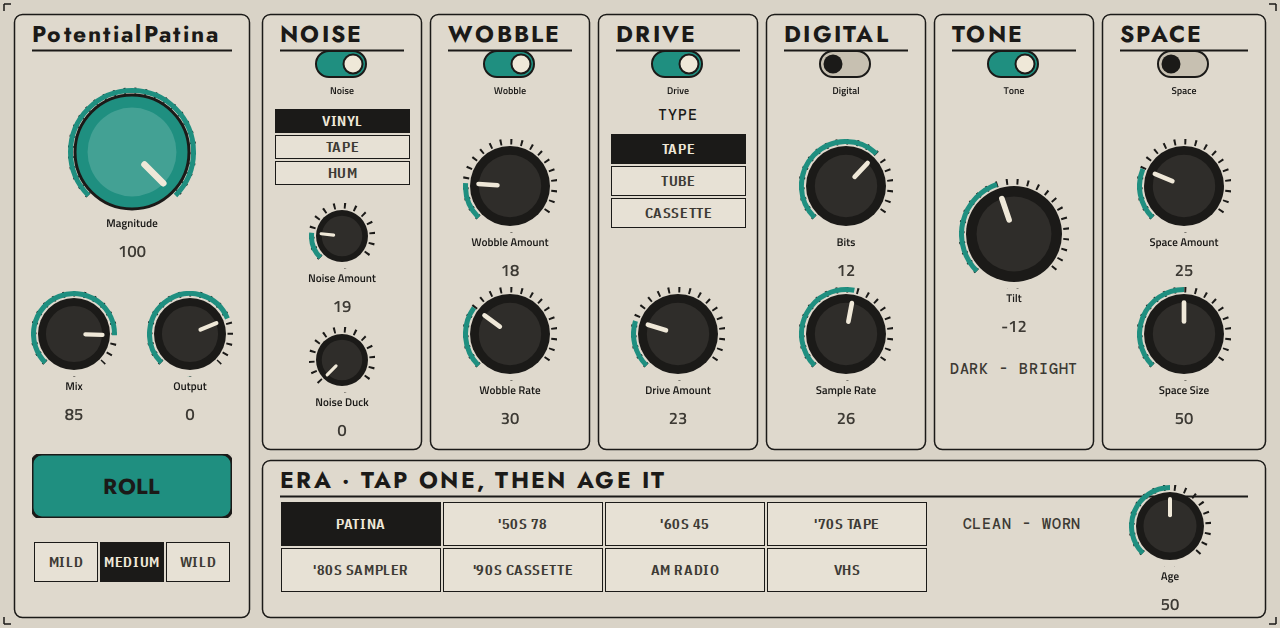
PotentialPatina - retro-colour insert effect plugin for Akai MPC standalone (MPC One, Live, X)
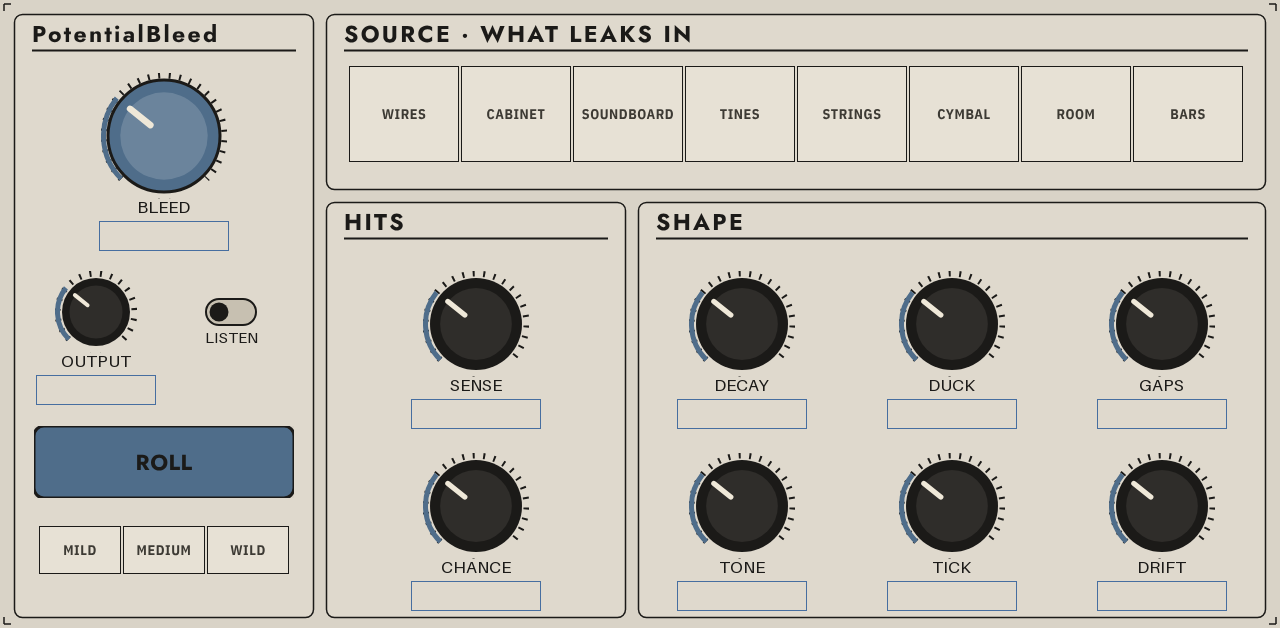
PotentialBleed: ghost-note bleed and residue around every hit, for MPC
Sunflower: a Fibonacci sequencer for the Akai MPC. Two arms play a sunflower lattice at the golden angle; self-sounding, 14 modes, live playhead. Free, MIT. (Lumina Aerospace)
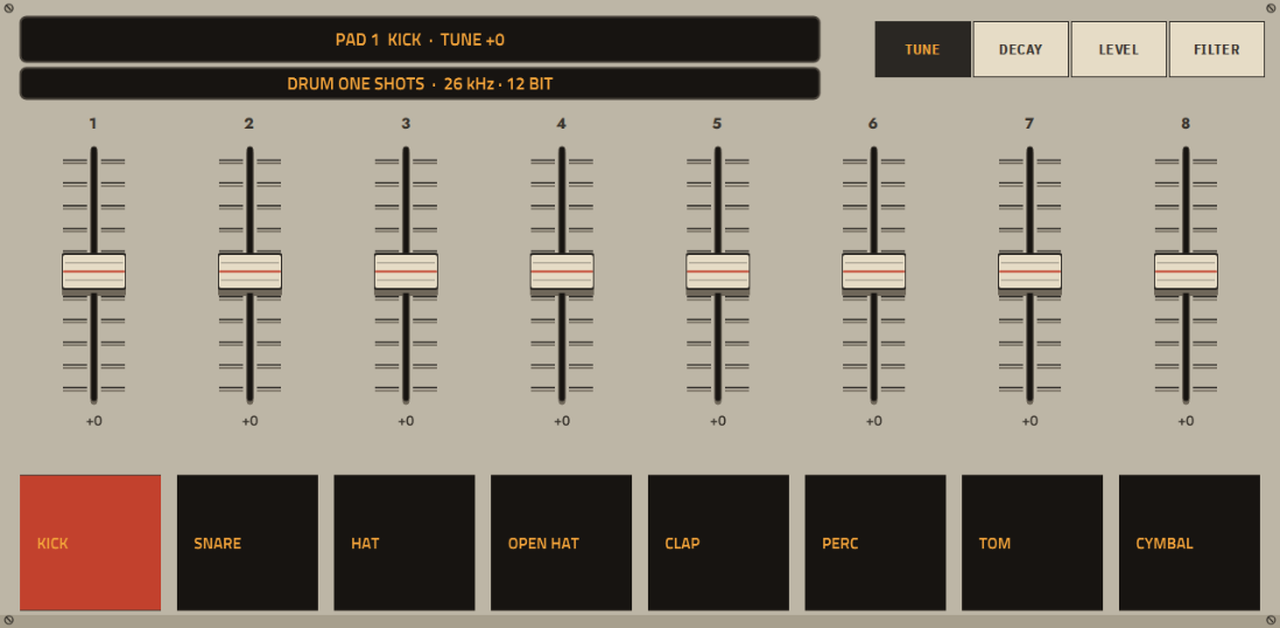
12-bit SP-1200-style drum sampler plugin for standalone MPCs (MPC OS 3.x)
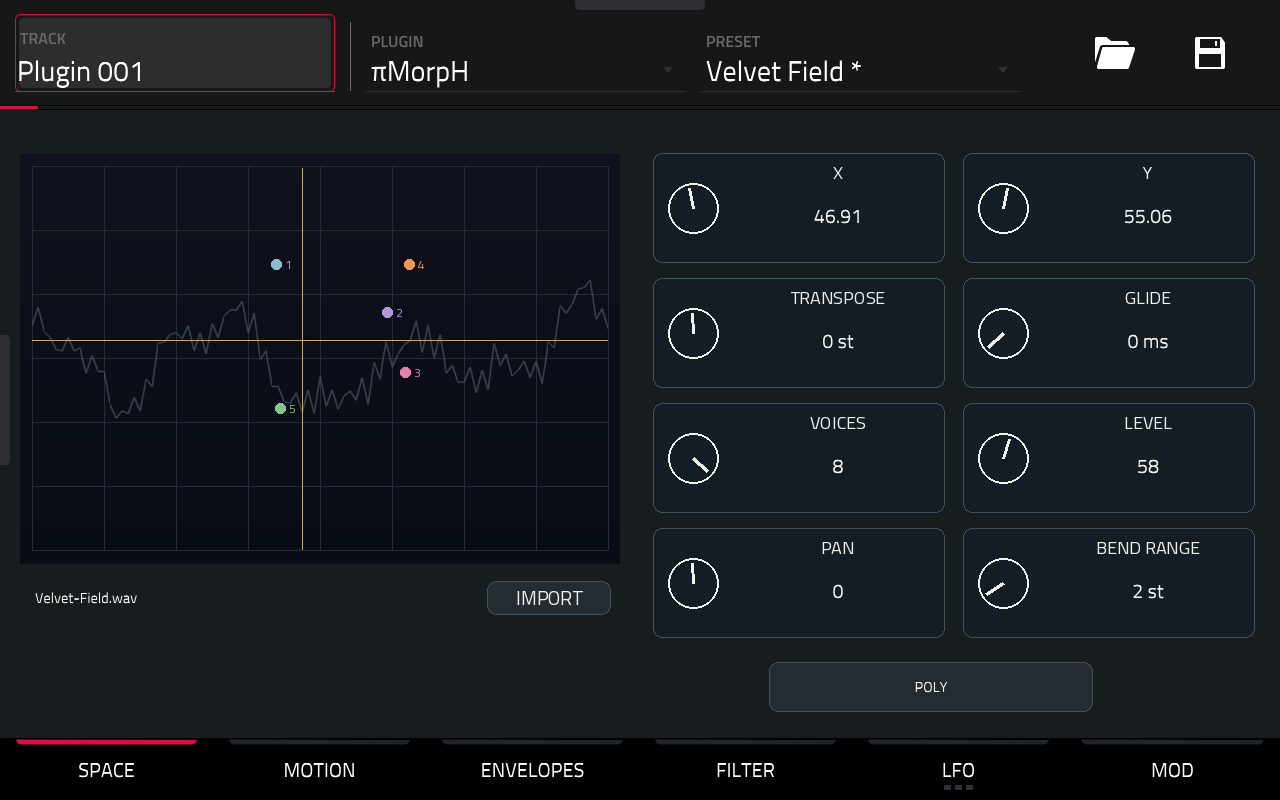
Polyphonic XY wavetable synthesizer for Akai Force Gen1, with paths, orbit, dual LFOs and a CC0 Adventure Kid factory bank.
Picked, checked and written up by hand for this catalog.
Runs on the Gen 1 and the Gen 2 MPCs, on MPC OS 3.10.1 or newer. It does not run on the MPC Sample.
When the plugin has a build that runs on every MPC, take that one. It needs MPC OS 3.10.1 or newer.
Unzip the archive on your computer, then copy the plugin folder into the "VST2 Plugins" folder.
On MPC OS 3.10.1 and newer, external plugins only load when the enhancements are on. Go to Menu > Preferences > Enhancements, set Enable Enhancements to On and turn on the plugin support.
Open a track, load the plugin from the browser under Instrument or Effect plugins, and it appears with its own screen.
Force Gen1 / ARM32 release, with an untested Gen2 ARM64 variant. Sound, presets and projects are unchanged: the synthesis code is identical to 0.1.2, and 0.1.2 projects reopen with the same sound.
PC validation: sanitized native engine and wrapper tests, notification budgets, skin references, and an A/B render showing byte-identical audio before and after the display changes. The candidate build was installed and used on Force Gen1.
Delete the plugin folder from the "VST2 Plugins" folder on the device. Move it out of the way instead of deleting it when you want to keep your own files, presets or samples that are inside it.
| Version | Released | Downloads | Checksums | Download |
|---|---|---|---|---|
| 0.1.3 | 2026-11-16 | 47 | 64-bit (aarch64) | |
| 0.1.2 | 2026-11-12 | 911 | 64-bit (aarch64) | |
| 0.1.1 | 2026-11-12 | 123 | 32-bit (armv7) | |
| 0.1.0 | 2026-11-12 | 135 | 32-bit (armv7) |