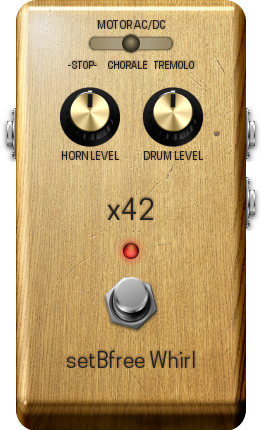
SetBfree Organ
v0.4.0setBfree tonewheel organ port for Akai MPC OS and Force
- Developer
- SamplingHigh
- Released
- November 15, 2026
- Versions
- 7
- Downloads
- 3,320
The free Akai MPC plugins we picked and checked by hand, with the downloads, the checksums and the install steps. They run on the Gen 1 and the Gen 2 MPCs, on MPC OS 3.10.1 or newer. Filter by type, developer, licence and tag.
These plugins run on the Gen 1 and the Gen 2 MPCs. That is the Live, Live II, XL, One and Force, and the Live III, One Gen 2 and Key 37 Gen 2. They need MPC OS 3.10.1 or newer, with the enhancements switched on. They do not run on the MPC Sample: that machine has its own firmware, and the mods built for it are on their own page.
1 plugin
setBfree tonewheel organ port for Akai MPC OS and Force
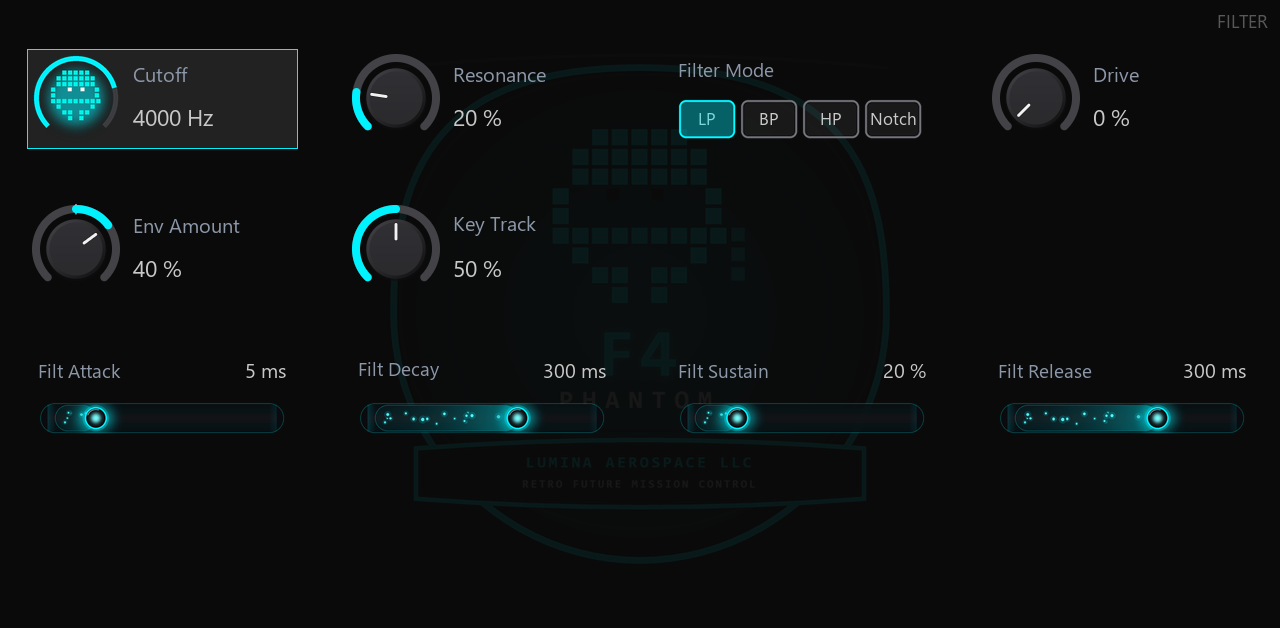
F4 Phantom: an 8-voice subtractive synth for Akai MPC with stereo chorus and a rotary gate (Lumina Aerospace)
Picked, checked and written up by hand for this catalog.
Runs on the Gen 1 and the Gen 2 MPCs, on MPC OS 3.10.1 or newer. It does not run on the MPC Sample.
When the plugin has a build that runs on every MPC, take that one. It needs MPC OS 3.10.1 or newer.
Unzip the archive on your computer, then copy the plugin folder into the "VST2 Plugins" folder.
On MPC OS 3.10.1 and newer, external plugins only load when the enhancements are on. Go to Menu > Preferences > Enhancements, set Enable Enhancements to On and turn on the plugin support.
Open a track, load the plugin from the browser under Instrument or Effect plugins, and it appears with its own screen.
A real delay, a real reverb, a new skin, and 194 factory sounds in 30 genres.
One download works on every MPC. The release zip carries both the 32-bit and the 64-bit build, so there is no way to install the wrong one. (The earlier release shipped separate 32-bit and 64-bit zips; they are gone.)
half-sample offset), a filtered and saturated feedback path (the repeats get darker as they go, and the saturation is what stops a long tail from running away), ducking under new notes, and a length that glides when you change it, so a change never clicks.
eight early reflections, and a slow drift on every comb so the tail does not ring on a fixed grid. The level does not change with the decay time.
segments, and a new background with a fine grid, magenta and cyan corner glows and the F4 decal as a ghost.
PAD, STRINGS, BRASS). The patches are named <GENRE> <FAMILY>, so the MPC's own preset list groups them by genre, the way an MPC's own 808 or 909 kits do.
Tested on hardware. A user loaded F4 Phantom on a Gen2 MPC (64-bit ARM, MPC OS 3.x) and played it: the plugin loads, it makes sound, and the sound was well received. That is a report from a user, not a claim from us about every device or every firmware.
It builds clean for both MPC processors (32-bit ARM Cortex-A17 and 64-bit AArch64) and passes the MPC Plugin SDK's host simulator (19 checks, no failures). Every one of the 194 factory programs was rendered and measured: none is silent, none runs into the limiter, none produces a non-finite sample.
Unzip and copy the folder Lumina Aerospace LLC - VST - F4 Phantom into VST2 Plugins on the MPC's drive. The full steps are in INSTALL.txt inside the zip.
Third-party plugins need MPC OS 3.10.1 or later, and Preferences → Enhancements (Beta) → Enable Enhancements and External Plugin Support both switched on.
Lumina Aerospace LLC
Delete the plugin folder from the "VST2 Plugins" folder on the device. Move it out of the way instead of deleting it when you want to keep your own files, presets or samples that are inside it.
| Version | Released | Downloads | Checksums | Download |
|---|---|---|---|---|
| 1.2.0 | 2026-11-18 | 8 | All MPCs | |
| 1.1.0 | 2026-11-17 | 76 |