mpc-vst-chordsmith
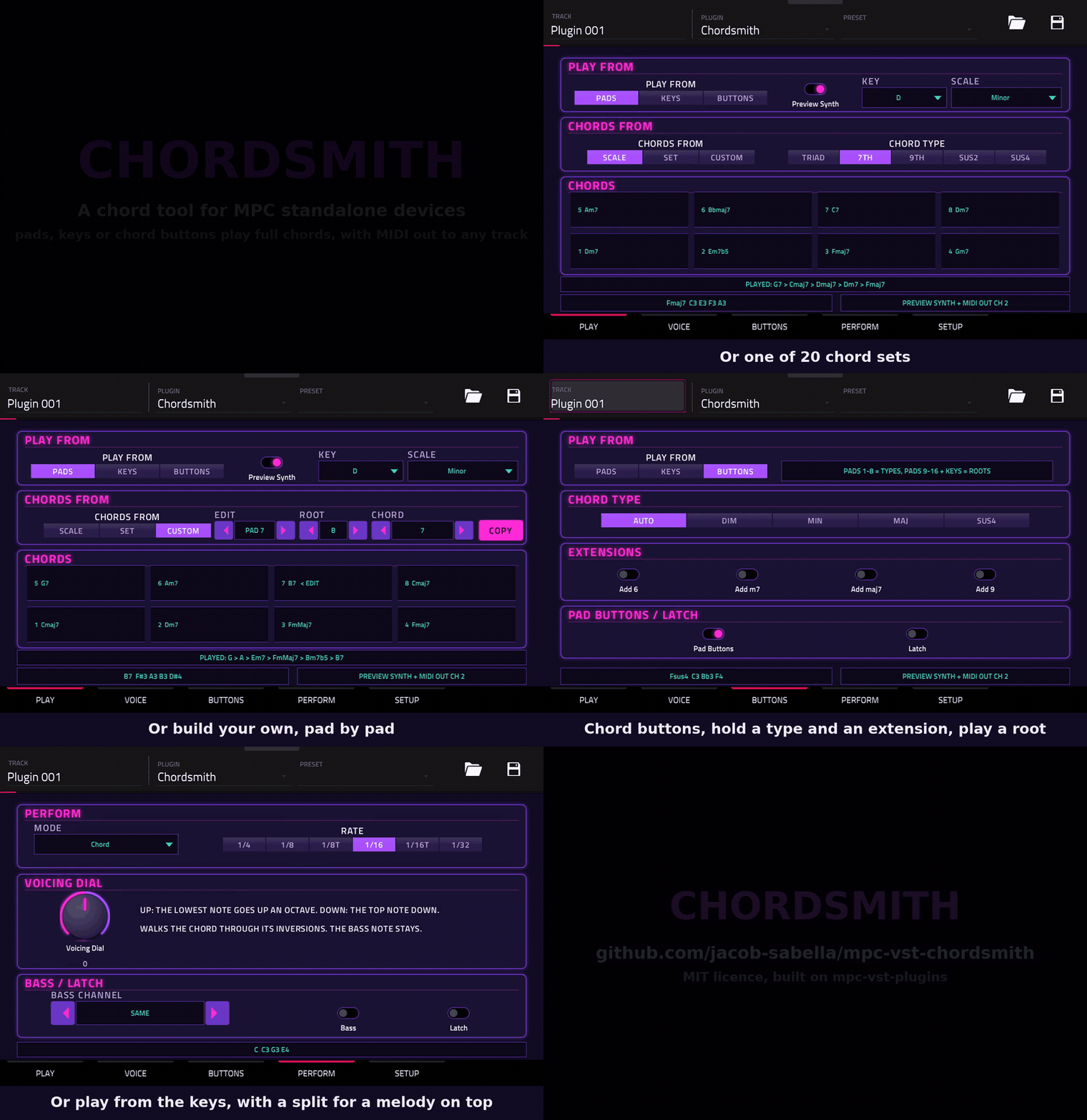
v1.0.6Chord tool for Akai MPC OS standalone devices: a native VST2 plugin with its own screen skin
- Developer
- jacob-sabella
- Released
- November 16, 2026
- Versions
- 8
- Downloads
- 6,951
The free Akai MPC plugins we picked and checked by hand, with the downloads, the checksums and the install steps. They run on the Gen 1 and the Gen 2 MPCs: the Live, Live II, XL, One and Force, and the Live III, One Gen 2 and Key 37 Gen 2. They do not run on the MPC Sample: it has its own firmware, and the mods for it are on their own page.
8 plugins
Chord tool for Akai MPC OS standalone devices: a native VST2 plugin with its own screen skin
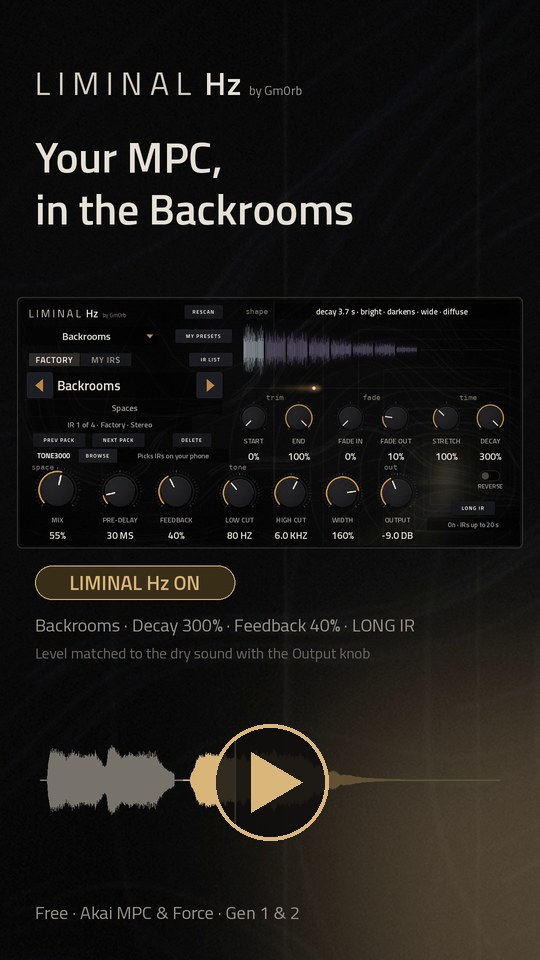
Liminal Hz for MPC OS - Convolution reverb plugin
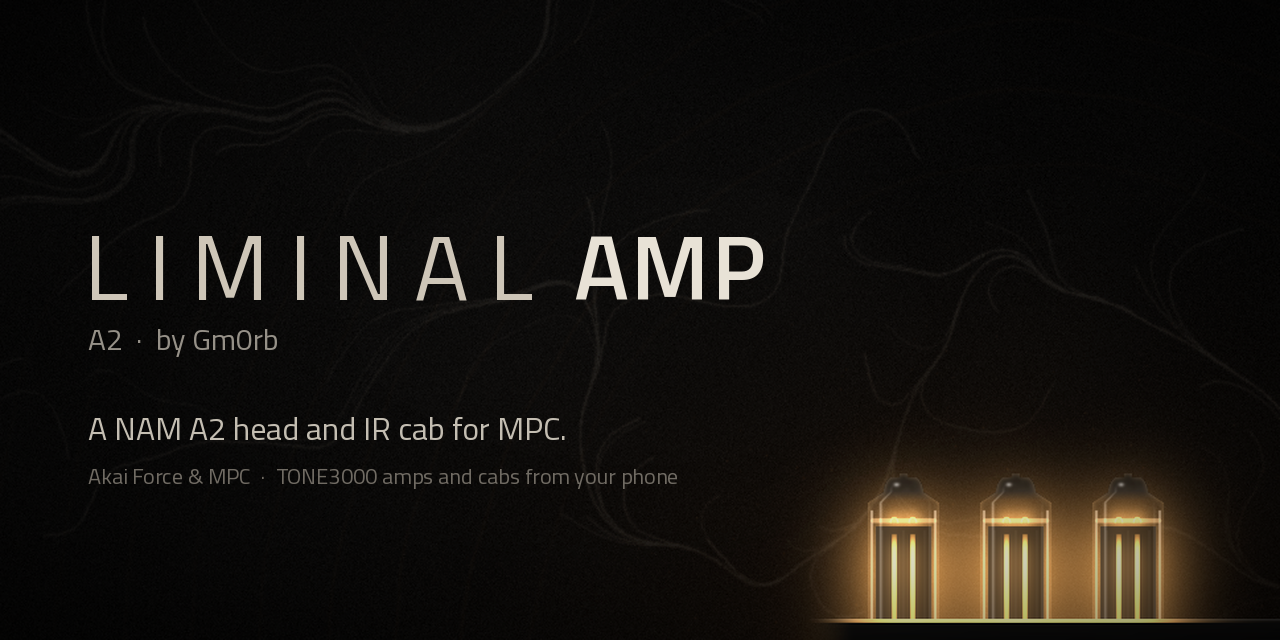
A NAM A2 head and IR cab for MPC (Akai Force / MPC OS)
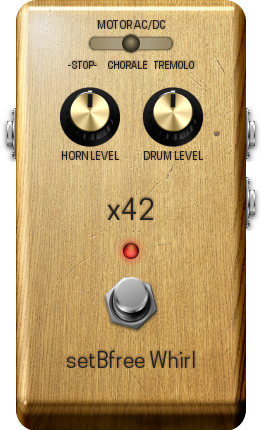
setBfree tonewheel organ port for Akai MPC OS and Force
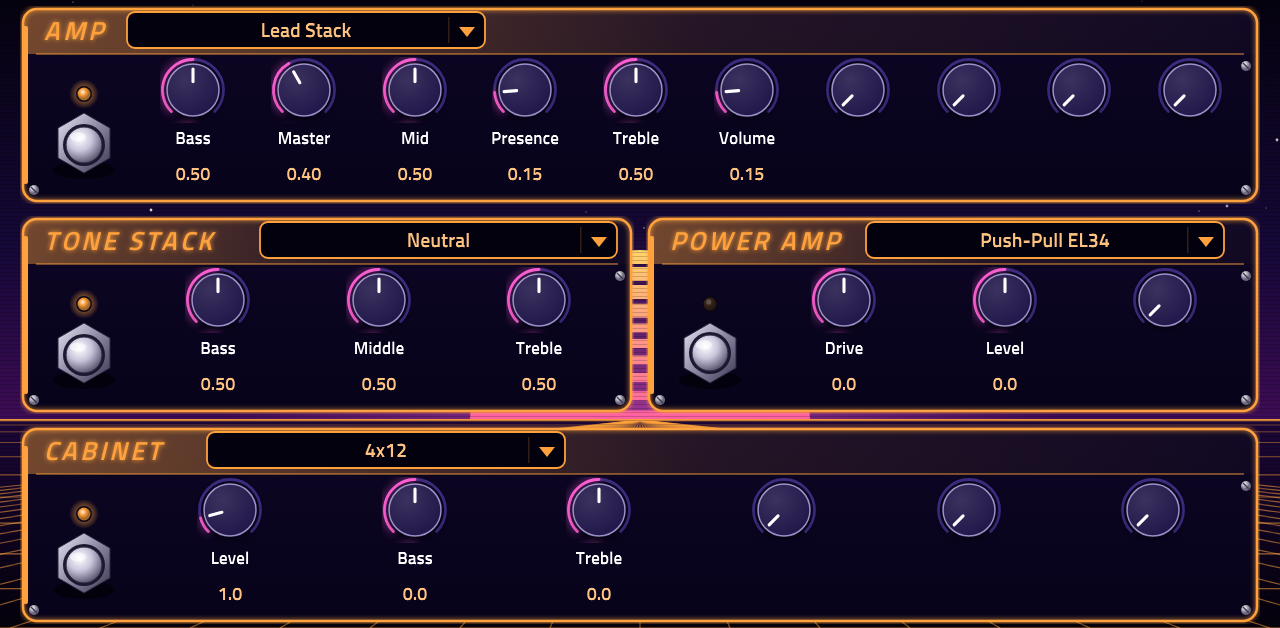
A whole guitar rig (guitarix and GxPlugins, 219 models, 40 factory presets) as one VST insert effect for Akai MPC OS standalone devices, with a native screen skin
Dragonfly Plate reverb for MPC OS Gen1 - Port of Dragonfly Reverb Plate
Bytebeat Machine and Bytebeat Drums: GPL-3.0 bytebeat instruments for Akai MPC and desktop VST2/VST3
Idle Foundry's CA-72, a circuit-modelled homage to the 1970s Minimoog Model D synthesizer ported as a MPC VST Plugin host for standalone devices.
Picked, checked and written up by hand for this catalog.
Runs on the Gen 1 and the Gen 2 MPCs, on MPC OS 3.10.1 or newer. It does not run on the MPC Sample.
When the plugin has a build that runs on every MPC, take that one. It needs MPC OS 3.10.1 or newer.
Unzip the archive on your computer, then copy the plugin folder into the "VST2 Plugins" folder.
On MPC OS 3.10.1 and newer, external plugins only load when the enhancements are on. Go to Menu > Preferences > Enhancements, set Enable Enhancements to On and turn on the plugin support.
Open a track, load the plugin from the browser under Instrument or Effect plugins, and it appears with its own screen.
Model-72 now runs on Akai's MPC Plugin SDK. It is the same instrument and the same plugin: same name, same id and the same parameters, so projects saved with 1.x open with their sound. Install it over 1.x.
New
menu (U01 to U64); - DELETE PRESET removes the picked one. Kept in the plugin's folder and kept when you update.
(MPC Live III and other 64-bit MPCs), in LO on the Force and Gen1.
mixer). Double tap a knob for the large knob view.
-mpc-sdk.zip), next to the per-device zips.Downloads: *-mpc-armv7.zip for the Force and Gen1 MPCs (MPC OS 3.9.x and later), *-mpc-aarch64.zip for Gen2 (MPC Live III and kin), *-mpc-sdk.zip: one folder for both, MPC OS 3.10.1+. Restart MPC after installing (skins load at its start).
Tested: on an MPC Live III (skin, Q-Links, presets, QUALITY, pitch wheel). The Force build passes the offline tests; 2.0 has not been run on a Force yet (1.0 was). Loading a 1.x project was tested offline with a state the 1.x engine wrote. Reports welcome.
Delete the plugin folder from the "VST2 Plugins" folder on the device. Move it out of the way instead of deleting it when you want to keep your own files, presets or samples that are inside it.
| Version | Released | Downloads | Checksums | Download |
|---|---|---|---|---|
| 2.0.0 | 2026-11-18 | 1,216 | All MPCs | |
| 1.0.1 | 2026-10-21 | 3,780 | All MPCs | |
| 1.0.0 | 2026-10-15 | 1,061 | 64-bit (aarch64) |