PotentialPatina
v1.7.0Effect
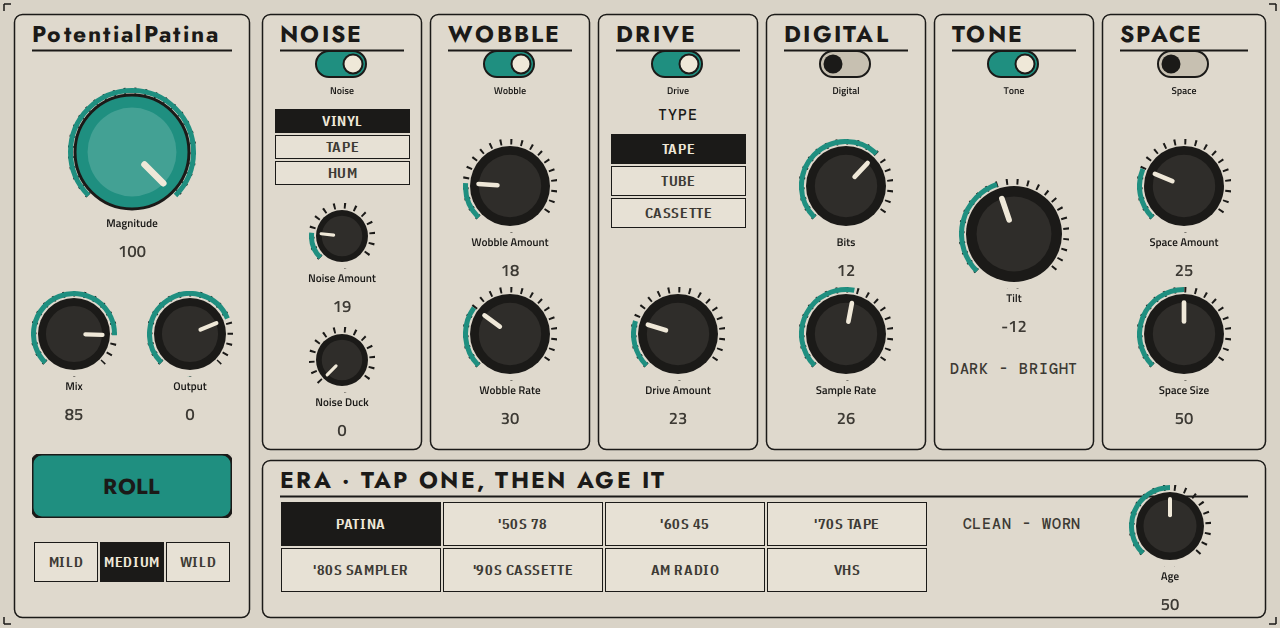
PotentialPatina - retro-colour insert effect plugin for Akai MPC standalone (MPC One, Live, X)
- Developer
- PotentialBreakfast
- Released
- November 18, 2026
- Versions
- 13
- Downloads
- 5,678
The free Akai MPC plugins we picked and checked by hand, with the downloads, the checksums and the install steps. They run on the Gen 1 and the Gen 2 MPCs: the Live, Live II, XL, One and Force, and the Live III, One Gen 2 and Key 37 Gen 2. They do not run on the MPC Sample: it has its own firmware, and the mods for it are on their own page.
14 plugins
PotentialPatina - retro-colour insert effect plugin for Akai MPC standalone (MPC One, Live, X)
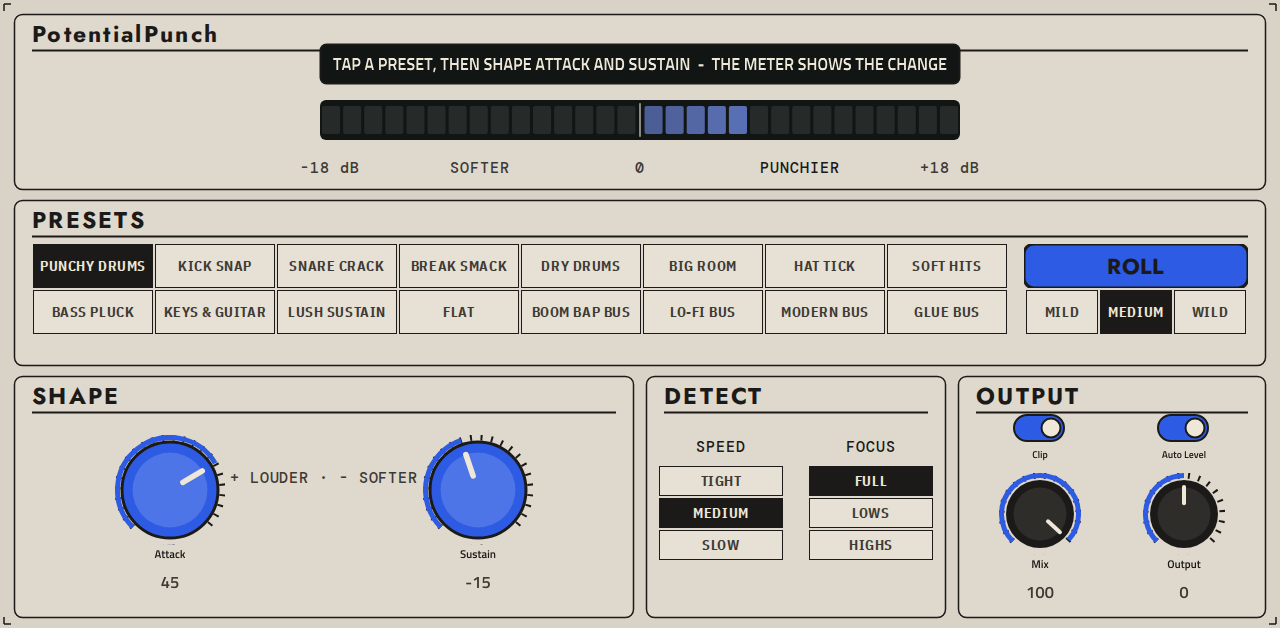
PotentialPunch: a transient shaper plugin for Akai MPC standalone
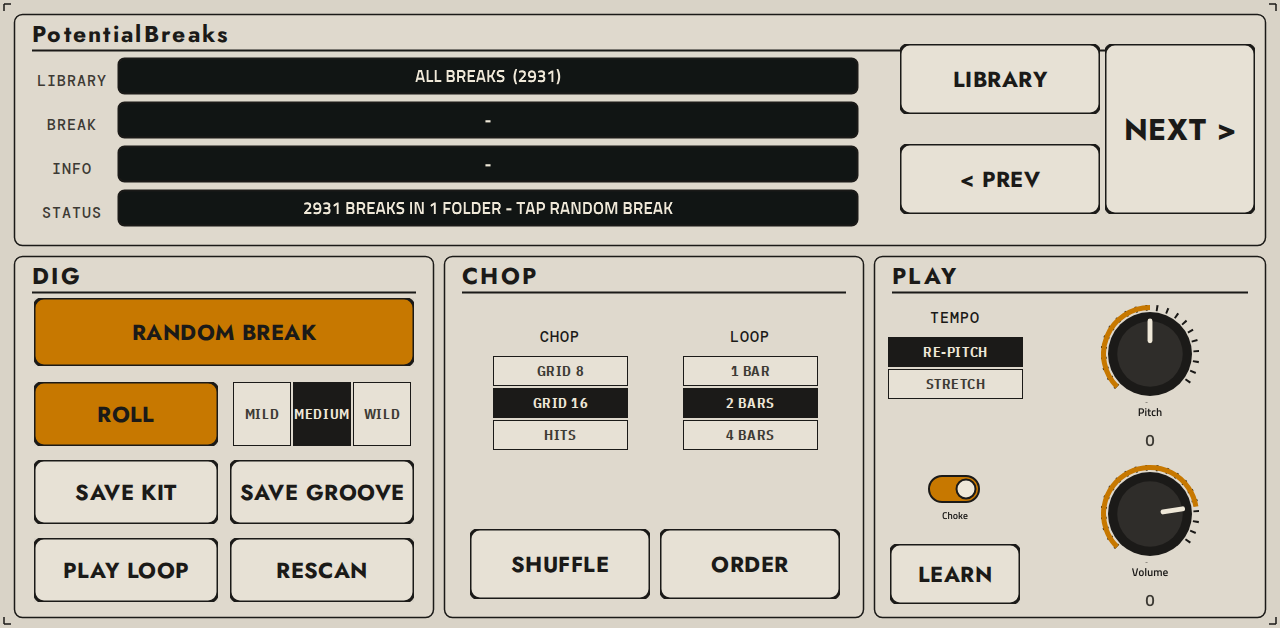
PotentialBreaks - drum-break slicer plugin for Akai MPC standalone (MPC One, Live, X)
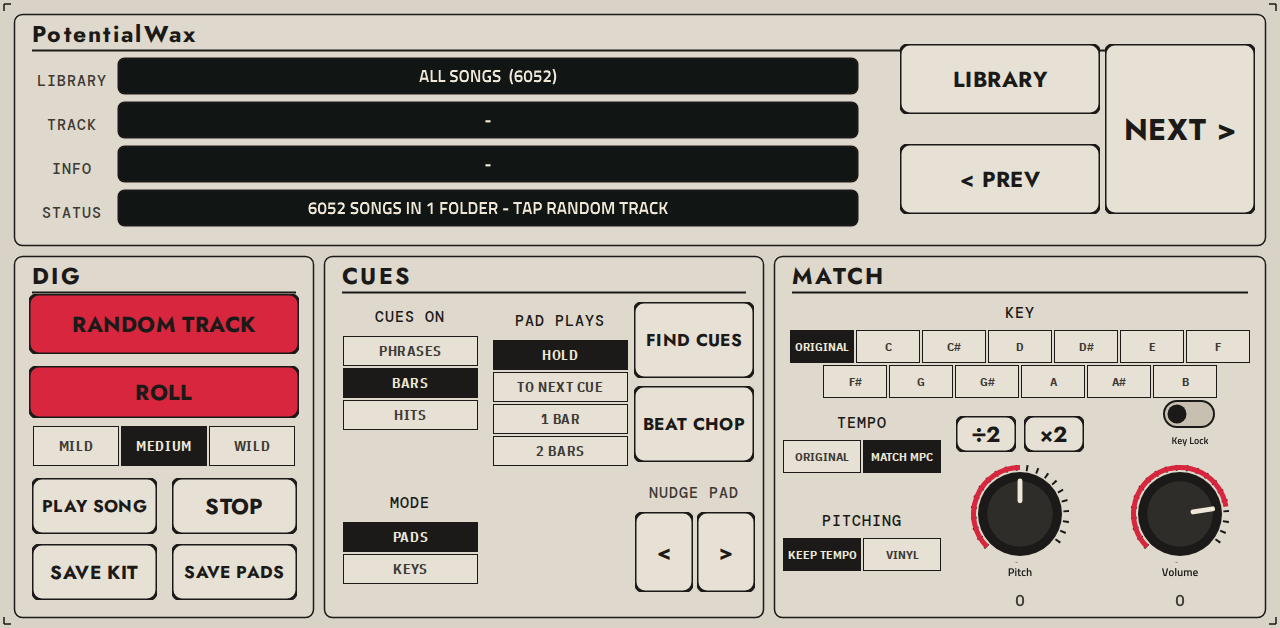
PotentialWax: a Serato Sample-style melodic sampler plugin for Akai MPC standalone
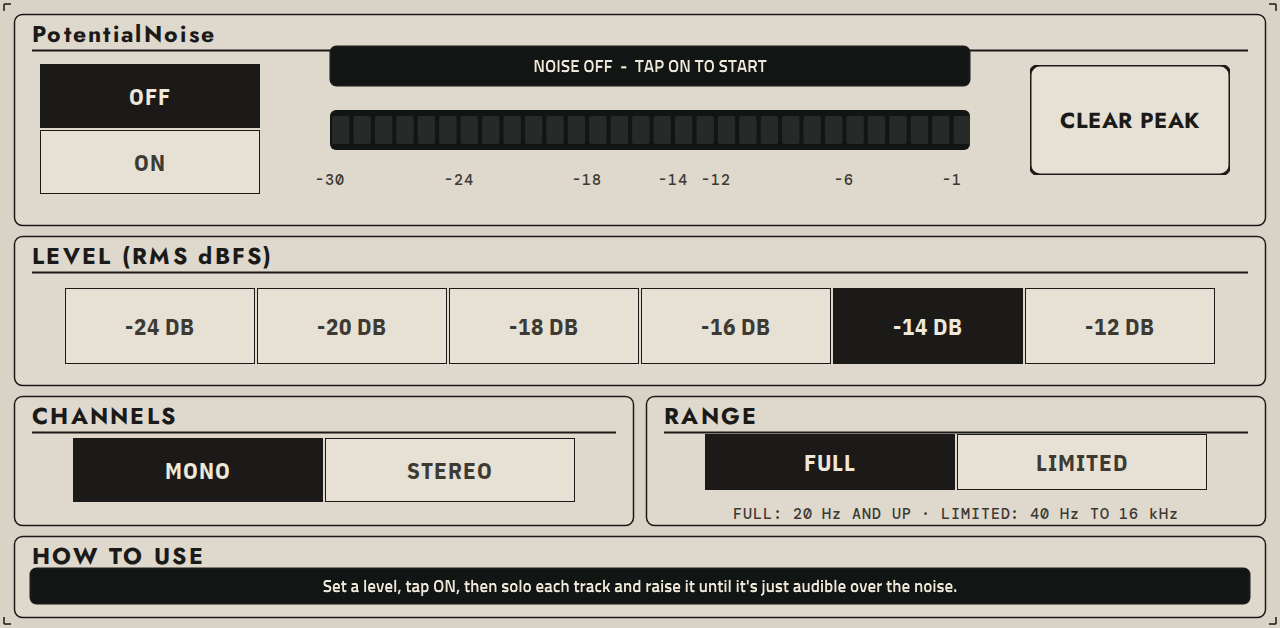
PotentialNoise: a calibrated pink noise mixing reference plugin for Akai MPC standalone
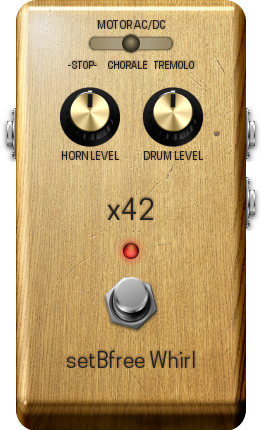
setBfree tonewheel organ port for Akai MPC OS and Force
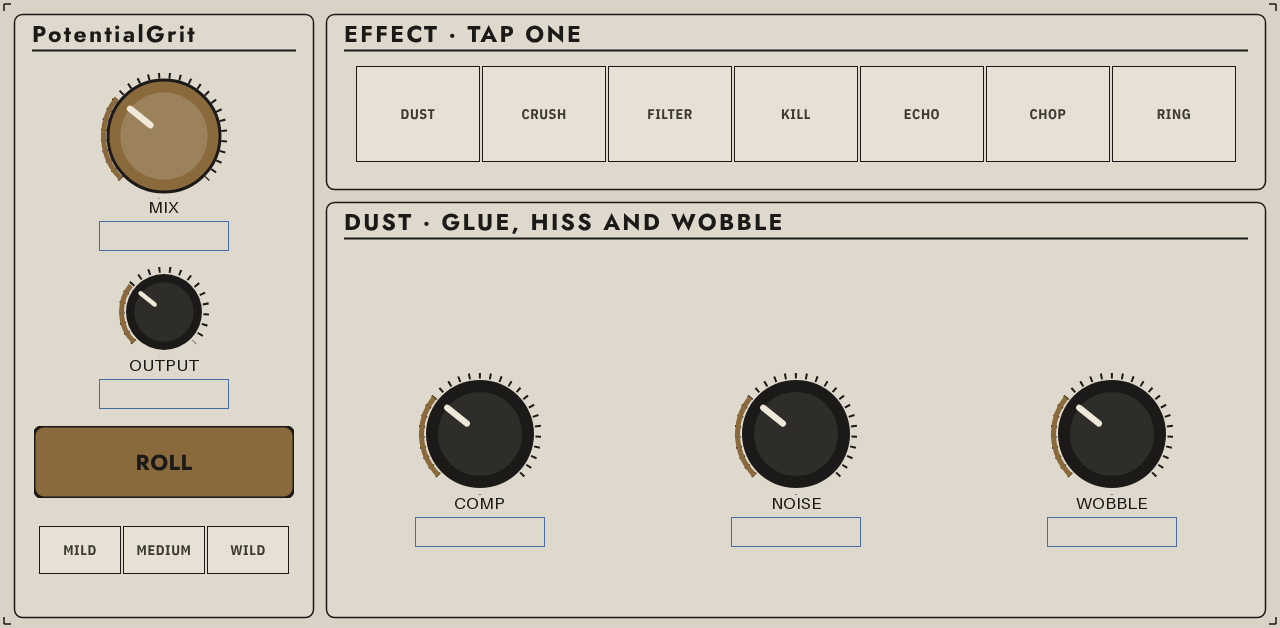
PotentialGrit: seven lo-fi effects in one box for MPC
PotentialBleed: ghost-note bleed and residue around every hit, for MPC
12-bit SP-1200-style drum sampler plugin for standalone MPCs (MPC OS 3.x)
Synthstrom Deluge DSP as plugins for Akai MPC/Force standalone hardware (MPC Plugin SDK)
Sonix is a ROMpler instrument for standalone Akai MPC devices, featuring a diverse collection of sounds including pianos, keys, pads, strings, brass, choirs, basses, leads, and synths. Built with redistributable sound libraries, it brings a versatile range of melodic sounds to your MPC.
Picked, checked and written up by hand for this catalog.
Runs on the Gen 1 and the Gen 2 MPCs, on MPC OS 3.10.1 or newer. It does not run on the MPC Sample.
When the plugin has a build that runs on every MPC, take that one. It needs MPC OS 3.10.1 or newer.
Unzip the archive on your computer, then copy the plugin folder into the "VST2 Plugins" folder.
On MPC OS 3.10.1 and newer, external plugins only load when the enhancements are on. Go to Menu > Preferences > Enhancements, set Enable Enhancements to On and turn on the plugin support.
Open a track, load the plugin from the browser under Instrument or Effect plugins, and it appears with its own screen.
Install: see INSTALL.md inside the zip.
Built by GitHub Actions from 3dthc/Sonix@2c32beb with mpc-vst-plugins@c4bef5d.
Delete the plugin folder from the "VST2 Plugins" folder on the device. Move it out of the way instead of deleting it when you want to keep your own files, presets or samples that are inside it.
| Version | Released | Downloads | Checksums | Download |
|---|---|---|---|---|
| 0.3.16 | 2026-11-17 | 492 | All MPCs | |
| 0.3.15 | 2026-11-13 | 1,720 | All MPCs | |
| 0.3.14 | 2026-11-11 | 1,011 | 64-bit (aarch64) | |
| 0.3.12 | 2026-11-03 | 775 | 64-bit (aarch64) | |
| 0.3.10 | 2026-10-25 | 550 | 32-bit (armv7) | |
| 0.3.9 | 2026-10-19 | 544 | 32-bit (armv7) | |
| 0.3.8 | 2026-10-15 | 490 | 32-bit (armv7) | |
| 0.3.7 | 2026-10-15 | 407 | 32-bit (armv7) |