F4 Phantom 1.2.0
A real delay, a real reverb, a new skin, and 194 factory sounds in 30 genres.
One download works on every MPC. The release zip carries both the 32-bit and the 64-bit build, so there is no way to install the wrong one. (The earlier release shipped separate 32-bit and 64-bit zips; they are gone.)
What is new
- Delay — a tempo-syncable delay with a fractional read (the echo arrives exactly on the sample, even at a
half-sample offset), a filtered and saturated feedback path (the repeats get darker as they go, and the saturation is what stops a long tail from running away), ducking under new notes, and a length that glides when you change it, so a change never clicks.
- Reverb — a plate: four comb filters whose decay gain is calculated from the RT60 you ask for, two allpasses,
eight early reflections, and a slow drift on every comb so the tail does not ring on a fixed grid. The level does not change with the decay time.
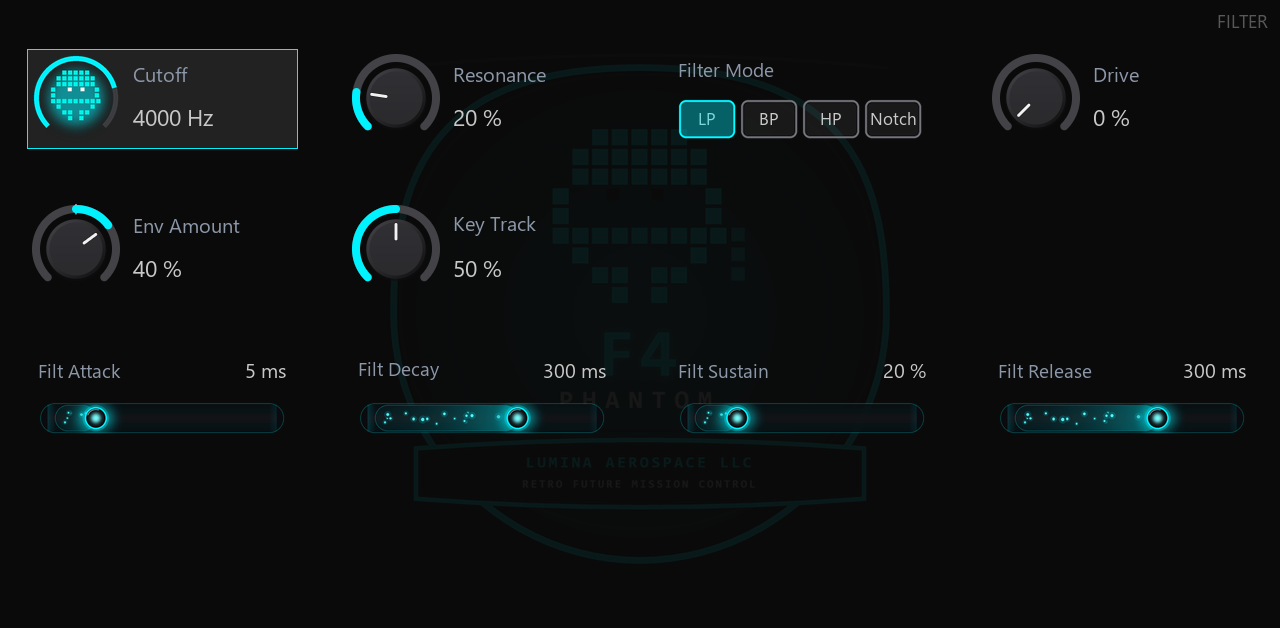
- The house skin — vantablack surfaces, hairline rules and bright neon. New knobs, faders, toggles and
segments, and a new background with a fine grid, magenta and cyan corner glows and the F4 decal as a ghost.
- 194 factory sounds. The fourteen originals are untouched. On top: 30 genres x 6 families (LEAD, BASS, KEY,
PAD, STRINGS, BRASS). The patches are named <GENRE> <FAMILY>, so the MPC's own preset list groups them by genre, the way an MPC's own 808 or 909 kits do.
Status
Tested on hardware. A user loaded F4 Phantom on a Gen2 MPC (64-bit ARM, MPC OS 3.x) and played it: the plugin loads, it makes sound, and the sound was well received. That is a report from a user, not a claim from us about every device or every firmware.
It builds clean for both MPC processors (32-bit ARM Cortex-A17 and 64-bit AArch64) and passes the MPC Plugin SDK's host simulator (19 checks, no failures). Every one of the 194 factory programs was rendered and measured: none is silent, none runs into the limiter, none produces a non-finite sample.
Install
Unzip and copy the folder Lumina Aerospace LLC - VST - F4 Phantom into VST2 Plugins on the MPC's drive. The full steps are in INSTALL.txt inside the zip.
Third-party plugins need MPC OS 3.10.1 or later, and Preferences → Enhancements (Beta) → Enable Enhancements and External Plugin Support both switched on.
Lumina Aerospace LLC