PotentialPatina
v1.7.0Effect
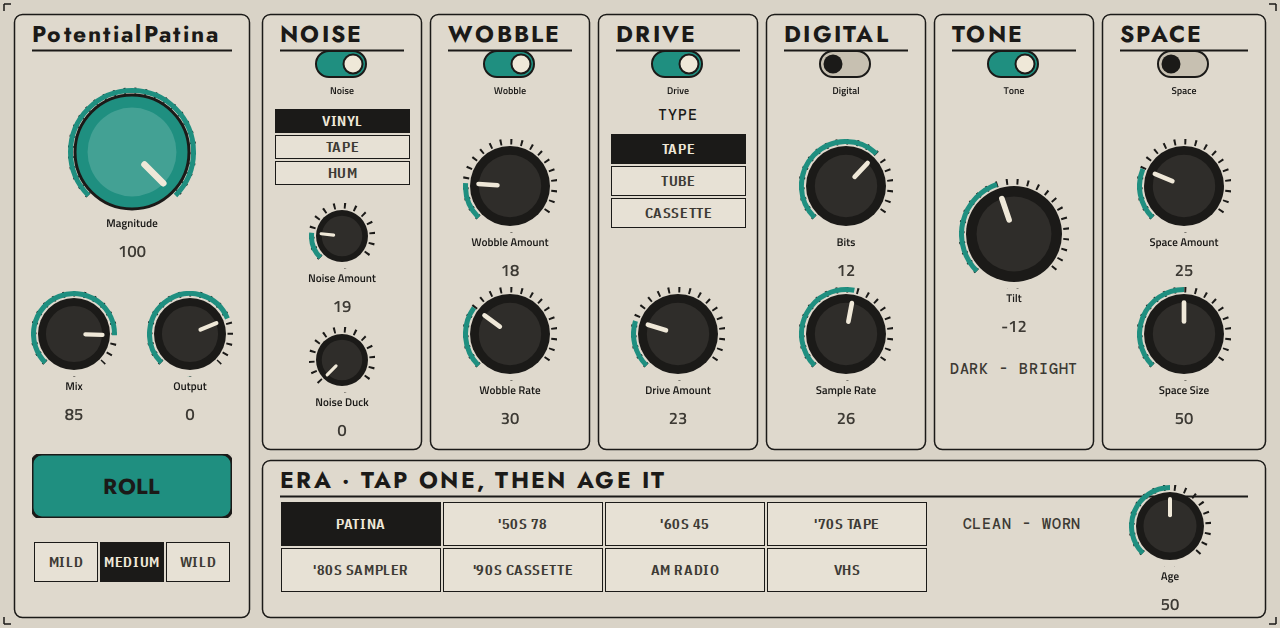
PotentialPatina - retro-colour insert effect plugin for Akai MPC standalone (MPC One, Live, X)
- Developer
- PotentialBreakfast
- Released
- November 18, 2026
- Versions
- 13
- Downloads
- 5,678
The free Akai MPC plugins we picked and checked by hand, with the downloads, the checksums and the install steps. They run on the Gen 1 and the Gen 2 MPCs, on MPC OS 3.10.1 or newer. Filter by type, developer, licence and tag.
These plugins run on the Gen 1 and the Gen 2 MPCs. That is the Live, Live II, XL, One and Force, and the Live III, One Gen 2 and Key 37 Gen 2. They need MPC OS 3.10.1 or newer, with the enhancements switched on. They do not run on the MPC Sample: that machine has its own firmware, and the mods built for it are on their own page.
9 plugins
PotentialPatina - retro-colour insert effect plugin for Akai MPC standalone (MPC One, Live, X)
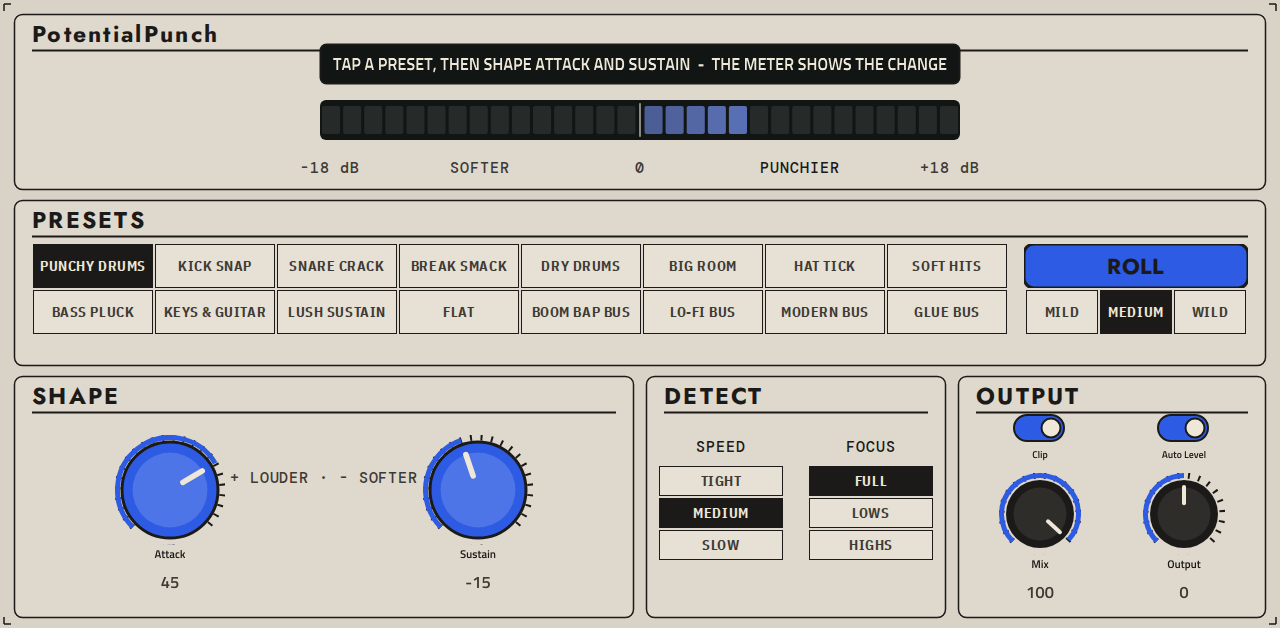
PotentialPunch: a transient shaper plugin for Akai MPC standalone
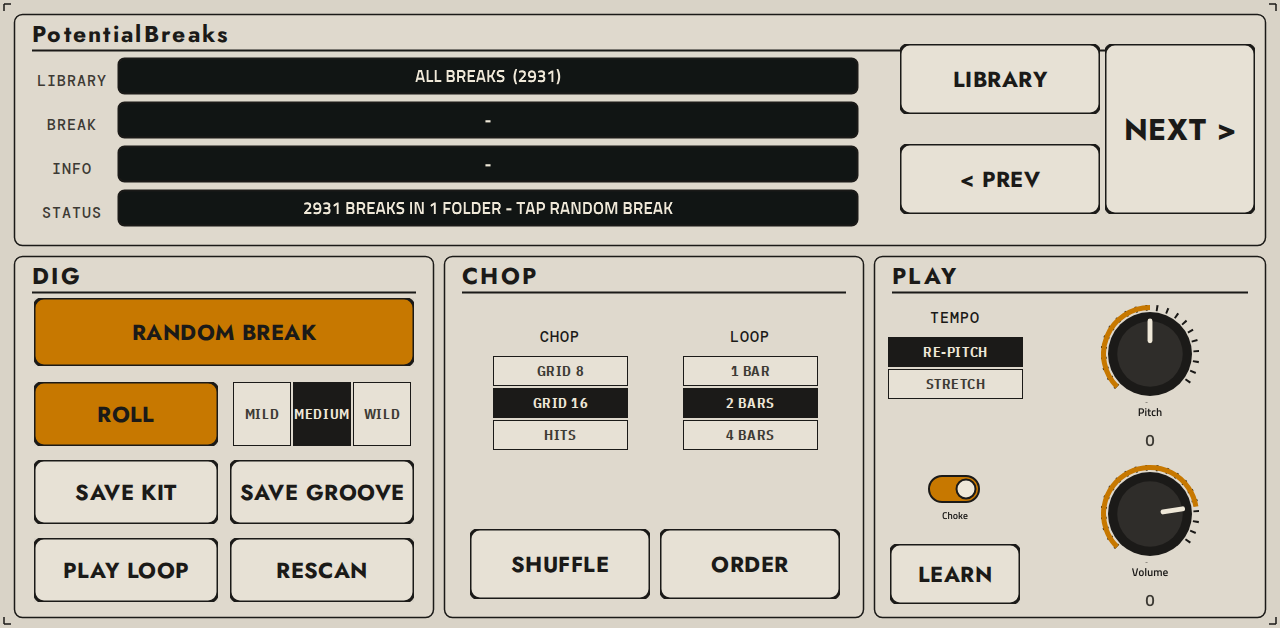
PotentialBreaks - drum-break slicer plugin for Akai MPC standalone (MPC One, Live, X)
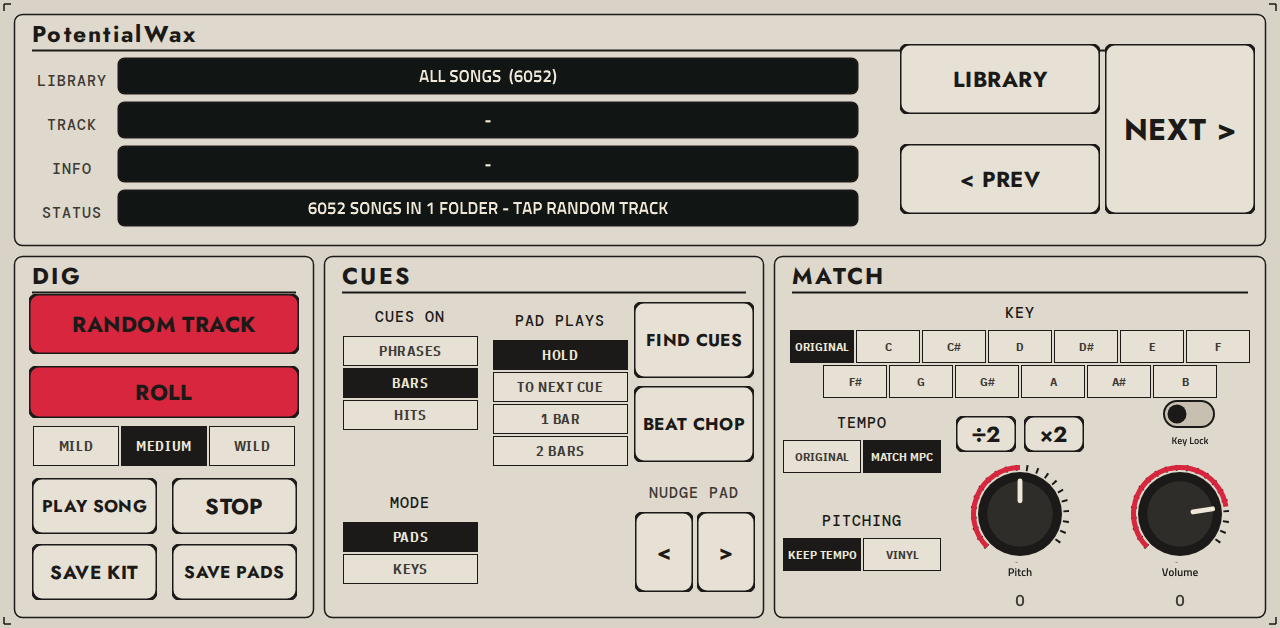
PotentialWax: a Serato Sample-style melodic sampler plugin for Akai MPC standalone
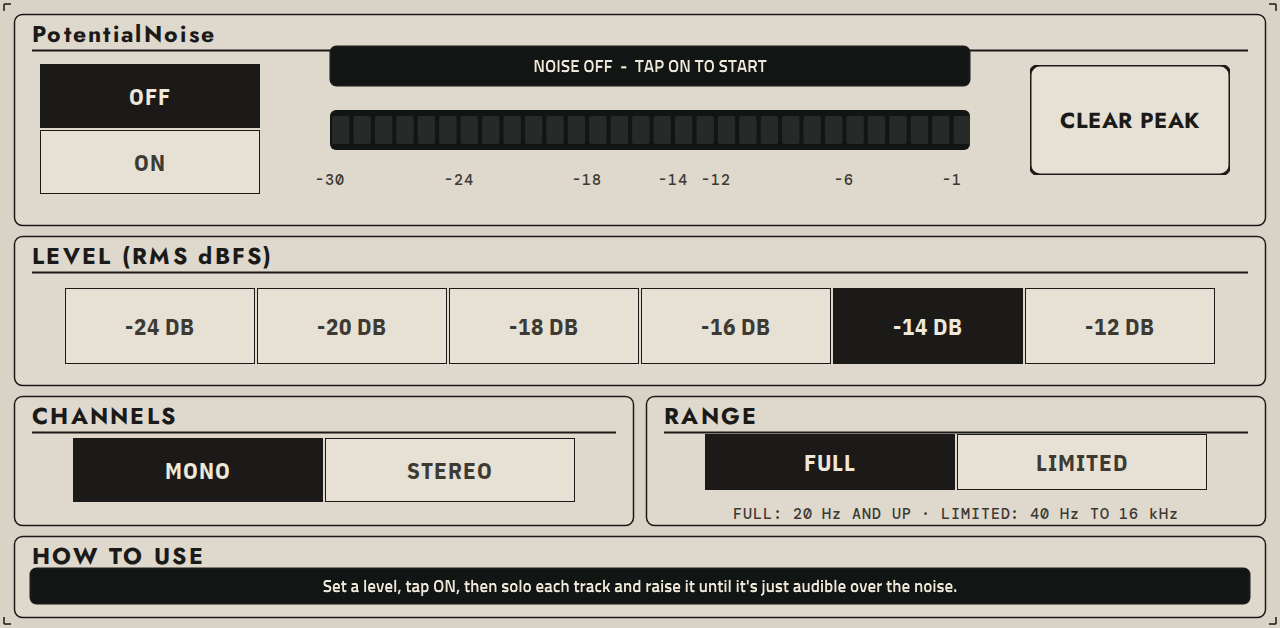
PotentialNoise: a calibrated pink noise mixing reference plugin for Akai MPC standalone
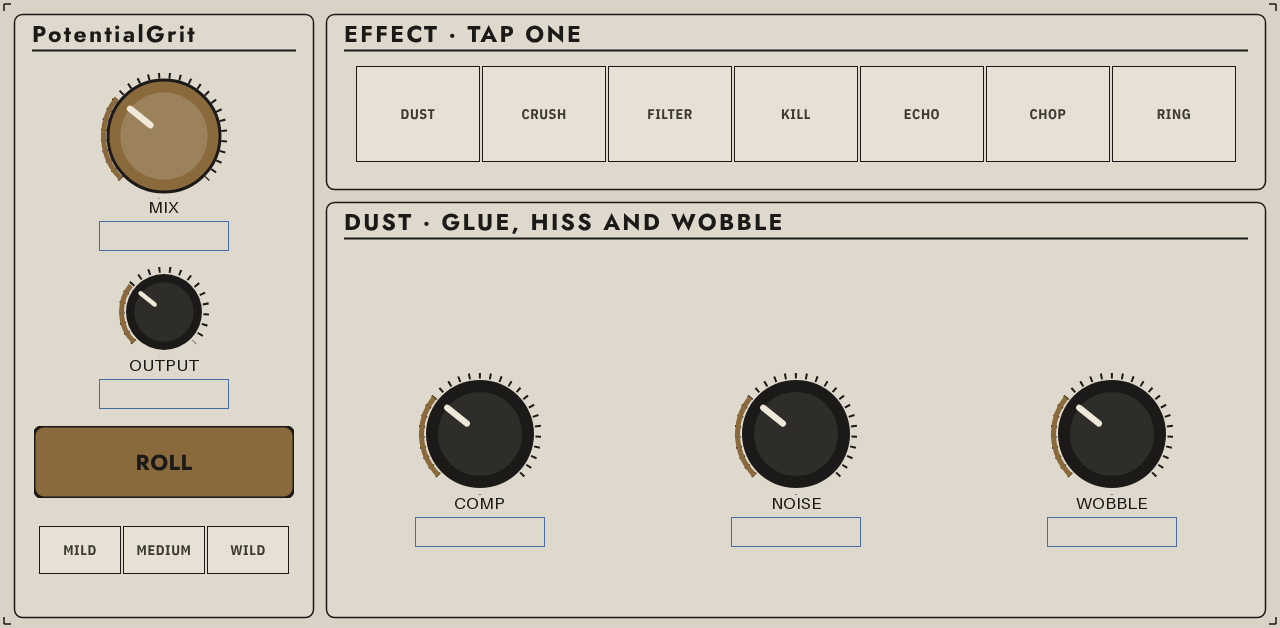
PotentialGrit: seven lo-fi effects in one box for MPC
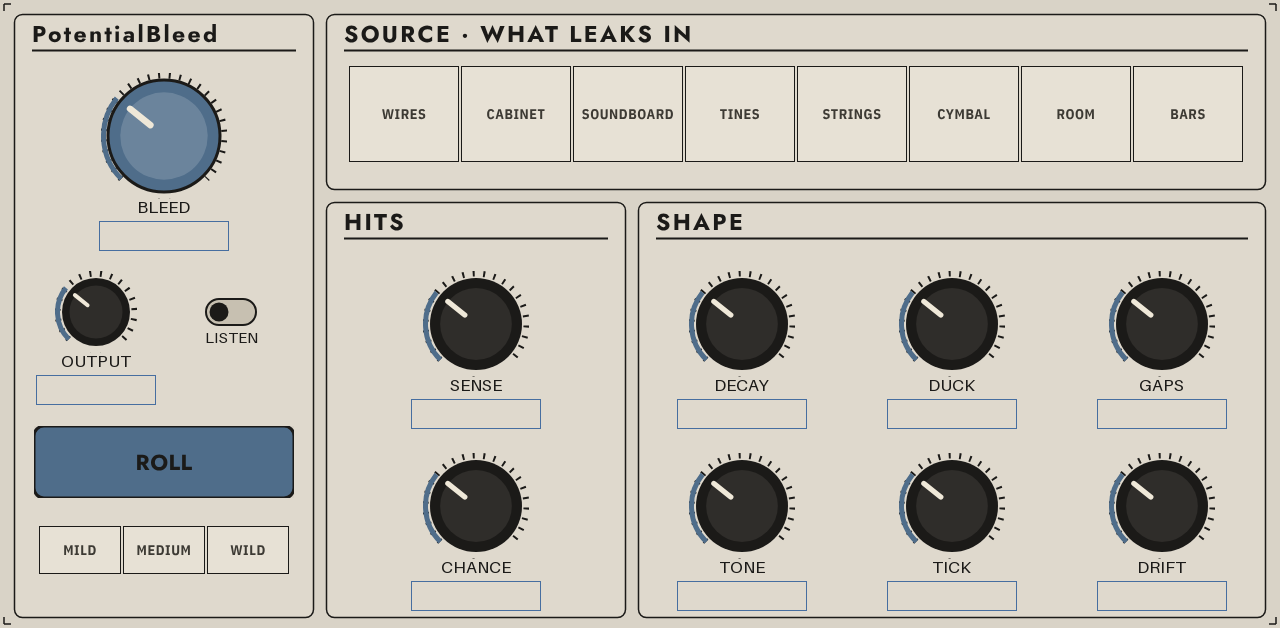
PotentialBleed: ghost-note bleed and residue around every hit, for MPC
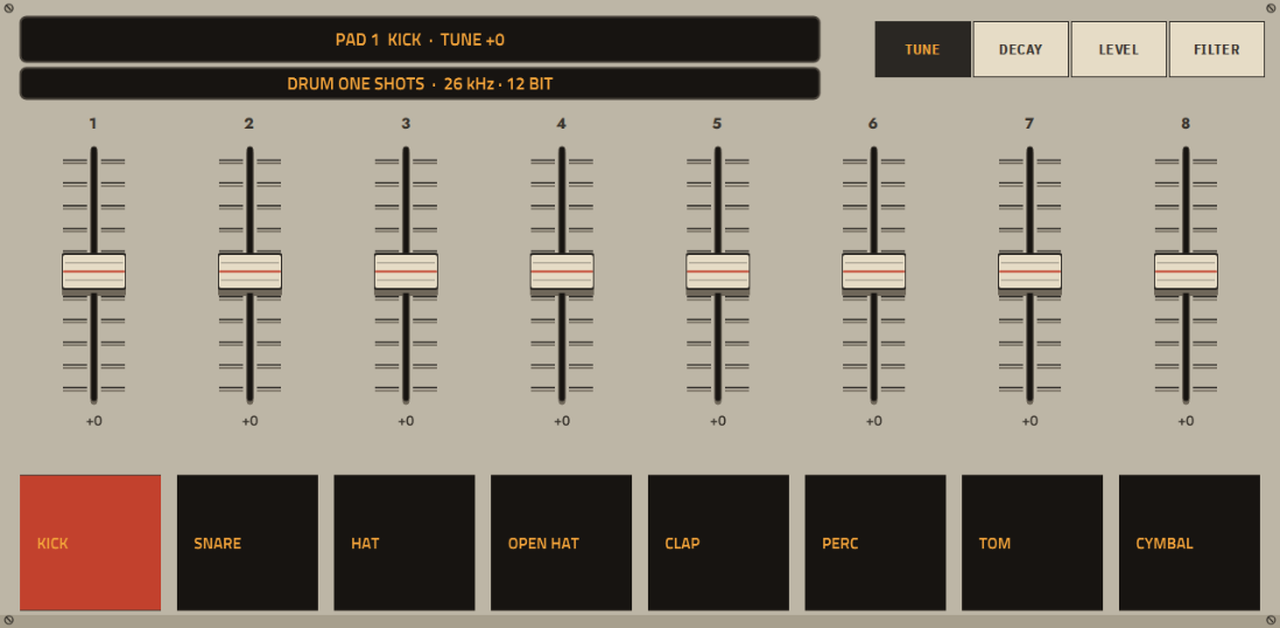
12-bit SP-1200-style drum sampler plugin for standalone MPCs (MPC OS 3.x)
VHS Vibes: a VHS tape degradation effect plugin for Akai MPC standalone hardware (MPC Plugin SDK)
Picked, checked and written up by hand for this catalog.
Runs on the Gen 1 and the Gen 2 MPCs, on MPC OS 3.10.1 or newer. It does not run on the MPC Sample.
When the plugin has a build that runs on every MPC, take that one. It needs MPC OS 3.10.1 or newer.
Unzip the archive on your computer, then copy the plugin folder into the "VST2 Plugins" folder.
On MPC OS 3.10.1 and newer, external plugins only load when the enhancements are on. Go to Menu > Preferences > Enhancements, set Enable Enhancements to On and turn on the plugin support.
Open a track, load the plugin from the browser under Instrument or Effect plugins, and it appears with its own screen.
VHS VIBES 1.7.0 — the sound under the picture.
A VHS tape degradation effect for Akai MPC standalone hardware: pitch wobble, tape saturation, the Hi-Fi track, generation loss, noise reduction, hum, hiss, crackle, deck faults and a dry/wet mix, on a hot pink cassette with reels that turn.
Type on the TAPE page has a third button: Hi-Fi. It is the FM sound the spinning video heads write under the picture: a real Hi-Fi deck's machinery, driven far out of spec, with the click amount given its own knob. The bottom of every knob is a deck in good order.
Hi-Fi does not saturate. It stays clean up to a hard ceiling. What gives it away is everything around the sound: hiss that rises and falls with the music, clicks when the signal off the tape is weak, a buzz when the heads hand over, and drops to the dull mono linear track when the signal is lost.
Three knobs on the TAPE page take new jobs:
| Knob | In Hi-Fi |
|---|---|
| Rec Level | -10 to +28 dB: how hard the sound meets the ceiling |
| Carrier | 0 to -20 dB: how strong the signal off the tape is |
| Cal | playback set to another level than recording: it pumps |
With the VIBE block's power switch on, the Hi-Fi track also takes over Hiss, Crackle, Head Buzz, Breathing, Tracking, Drift and Dropouts, and B-Type NR is ignored. Those ten controls and the HI-FI button turn sunset orange.
Five new programs: Hi-Fi - Clean Deck, Hi-Fi - Hot Signal, Hi-Fi - Worn Rental, Hi-Fi - Tracking Lost and Hi-Fi - Wrong Deck.
Azimuth, on the DECK page while Type is VHS: the linear track's head tilted against the recording, 0' to 60' (minutes of arc). The treble cancels across the tilted head: hollow, notched highs with a slow swish as the tilt wanders. A tape from another deck is 3' to 8', a knocked head 60'. EP is three times worse than SP, and B-Type NR on On makes the dulling worse. It rests at 0'.
Two new programs use it: VHS - Borrowed Tape and VHS - Wrong Deck EP.
A new switch, Visual Vibes (DECK page, SCREEN block), turns the page sticker into a worn video picture of what the plugin is doing:
It is off in a new instance and in an older project. Animation stays the master switch, and the sound is the same either way.
Projects made with 1.3 to 1.6.0 load with every setting in place and sound as they did, apart from that cleaner HQ and the louder top of Whistle. Azimuth rests at 0' and Visual Vibes off, and the 39 older programs are unchanged. One exception: automation of Type recorded in 1.5 or 1.6 stores only a knob position, and now reads the old VHS position as Hi-Fi.
vhs-vibes-1.7.0-mpc.zip below and unzip it.anthonytheinventor - VST - VHS Vibes into a folder named VST2 Plugins at the top of a USB drive, an SD card or the MPC's internal drive (replace the old folder if an earlier version is there).Needs MPC OS 3.10.1 or later. Builds for 32-bit and 64-bit MPCs are both in the zip, with INSTALL.txt and the README. The manual, VHS-Vibes-Manual.pdf, is attached below; it has gone dark, for reading on a screen. VHS-Vibes-Manual-print.pdf is the same manual on white paper.
Or let Open MPC carry the tape for you: the armv7, aarch64 and sdk zips below are the ones its Plugin Manager and installers take.
Open MPC's CPU bench, on an MPC One+: 8.7 % of one audio block at the 99th percentile, 13.6 % at the worst. Verdict: PASS.
VHS Vibes is free. If it ends up on your tracks, you can leave a tip at ko-fi.com/anthonytheinventor. It keeps the VCR running.
be kind ・ rewind
Delete the plugin folder from the "VST2 Plugins" folder on the device. Move it out of the way instead of deleting it when you want to keep your own files, presets or samples that are inside it.