mpc-vst-chordsmith
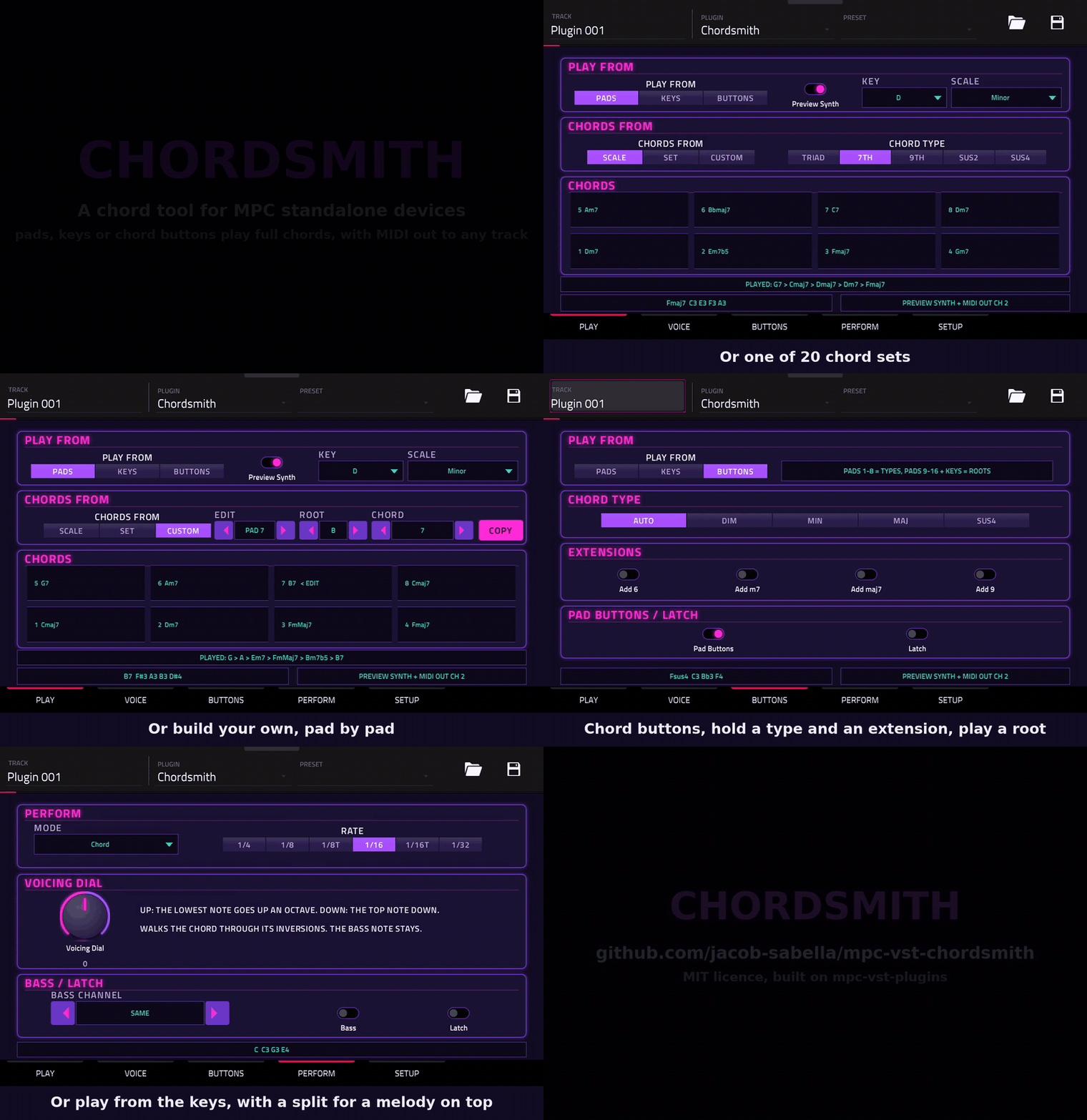
v1.0.6Chord tool for Akai MPC OS standalone devices: a native VST2 plugin with its own screen skin
- Developer
- jacob-sabella
- Released
- November 16, 2026
- Versions
- 8
- Downloads
- 6,951
The free Akai MPC plugins we picked and checked by hand, with the downloads, the checksums and the install steps. They run on the Gen 1 and the Gen 2 MPCs, on MPC OS 3.10.1 or newer. Filter by type, developer, licence and tag.
These plugins run on the Gen 1 and the Gen 2 MPCs. That is the Live, Live II, XL, One and Force, and the Live III, One Gen 2 and Key 37 Gen 2. They need MPC OS 3.10.1 or newer, with the enhancements switched on. They do not run on the MPC Sample: that machine has its own firmware, and the mods built for it are on their own page.
2 plugins
Chord tool for Akai MPC OS standalone devices: a native VST2 plugin with its own screen skin
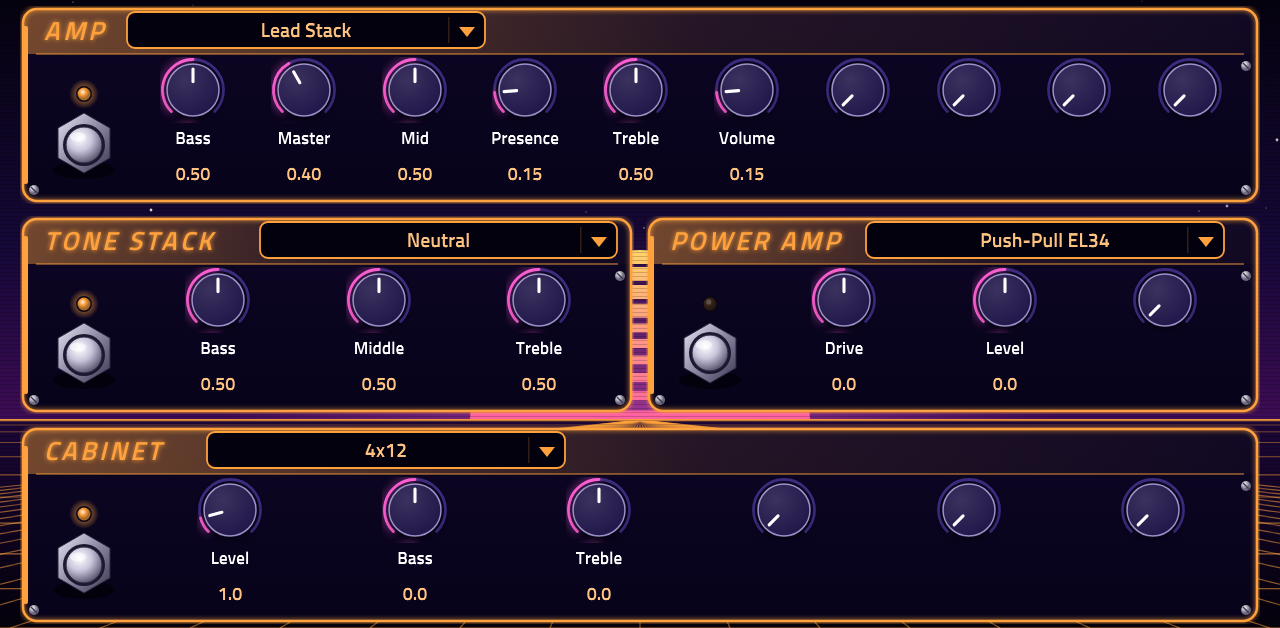
A whole guitar rig (guitarix and GxPlugins, 219 models, 40 factory presets) as one VST insert effect for Akai MPC OS standalone devices, with a native screen skin
Bytebeat Machine and Bytebeat Drums: GPL-3.0 bytebeat instruments for Akai MPC and desktop VST2/VST3
Picked, checked and written up by hand for this catalog.
Runs on the Gen 1 and the Gen 2 MPCs, on MPC OS 3.10.1 or newer. It does not run on the MPC Sample.
When the plugin has a build that runs on every MPC, take that one. It needs MPC OS 3.10.1 or newer.
Unzip the archive on your computer, then copy the plugin folder into the "VST2 Plugins" folder.
On MPC OS 3.10.1 and newer, external plugins only load when the enhancements are on. Go to Menu > Preferences > Enhancements, set Enable Enhancements to On and turn on the plugin support.
Open a track, load the plugin from the browser under Instrument or Effect plugins, and it appears with its own screen.
Bytebeat instrument for Akai MPC OS 3.10.1+, desktop VST2, and Linux/Windows VST3.
bytebeat-machine-0.3.1-mpc.zip — MPC ARM32/ARM64 external pluginbytebeat-machine-0.3.1-linux-vst2.zip — Linux desktop VST2bytebeat-machine-0.3.1-linux-vst3.zip — Linux VST3bytebeat-machine-0.3.1-windows-vst2.zip — Windows desktop VST2bytebeat-machine-0.3.1-windows-vst3.zip — Windows VST3the output and apply note, pitch, velocity and aftertouch while held, without resetting t. Last-note priority.
aftertouch (0–1, smoothed),from channel pressure and polyphonic aftertouch.
MPC Root defaults to 36.
note is played.
the host transport while playing and free-runs when stopped.
a remains Macro A.Requires MPC OS 3.10.1 or later.
bytebeat-machine-0.3.1-mpc.zip.bokontep - VST - Bytebeat Machine folder into a foldernamed VST2 Plugins at the root of a USB drive, SD card, or the MPC's internal drive.
Enable Enhancements and External Plugin Support, then restart.
track after an update, remove and re-add it.
Unzip the version for your OS and copy the whole Bytebeat Machine.vst3 folder to:
~/.vst3C:Program FilesCommon FilesVST3 or%LOCALAPPDATA%ProgramsCommonVST3
The VST2 builds are included for older hosts.
GPL-3.0-or-later. See LICENSE and NOTICE.md. JUCE 7.0.12 and the bundled VST3 SDK are used under GPLv3; QuickJS-NG is MIT. The MPC Plugin SDK is MIT.
Delete the plugin folder from the "VST2 Plugins" folder on the device. Move it out of the way instead of deleting it when you want to keep your own files, presets or samples that are inside it.