mpc-vst-TR-MPC
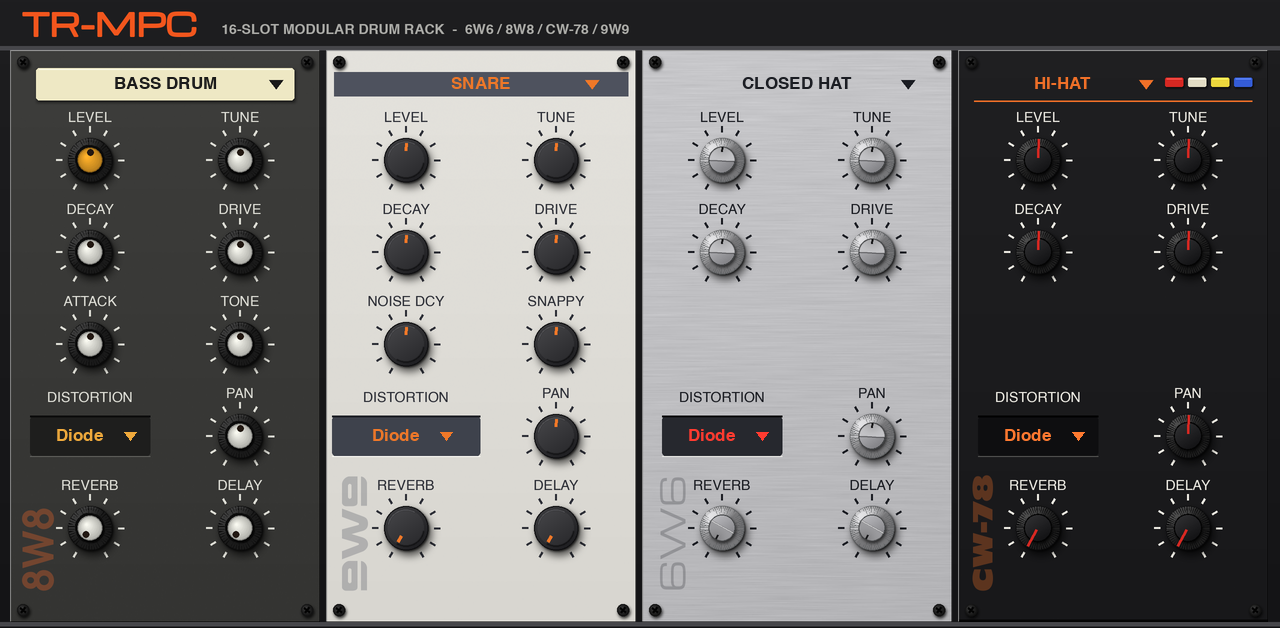
v1.3.1Four circuit modelled classic Roland drum machines, and a modular kit that combines them, as native VST2 plugins for Akai MPC OS standalone devices
- Developer
- sd88me
- Released
- November 12, 2026
- Versions
- 10
- Downloads
- 9,651
The free Akai MPC plugins we picked and checked by hand, with the downloads, the checksums and the install steps. They run on the Gen 1 and the Gen 2 MPCs, on MPC OS 3.10.1 or newer. Filter by type, developer, licence and tag.
These plugins run on the Gen 1 and the Gen 2 MPCs. That is the Live, Live II, XL, One and Force, and the Live III, One Gen 2 and Key 37 Gen 2. They need MPC OS 3.10.1 or newer, with the enhancements switched on. They do not run on the MPC Sample: that machine has its own firmware, and the mods built for it are on their own page.
13 plugins
Four circuit modelled classic Roland drum machines, and a modular kit that combines them, as native VST2 plugins for Akai MPC OS standalone devices
Looper for MPC
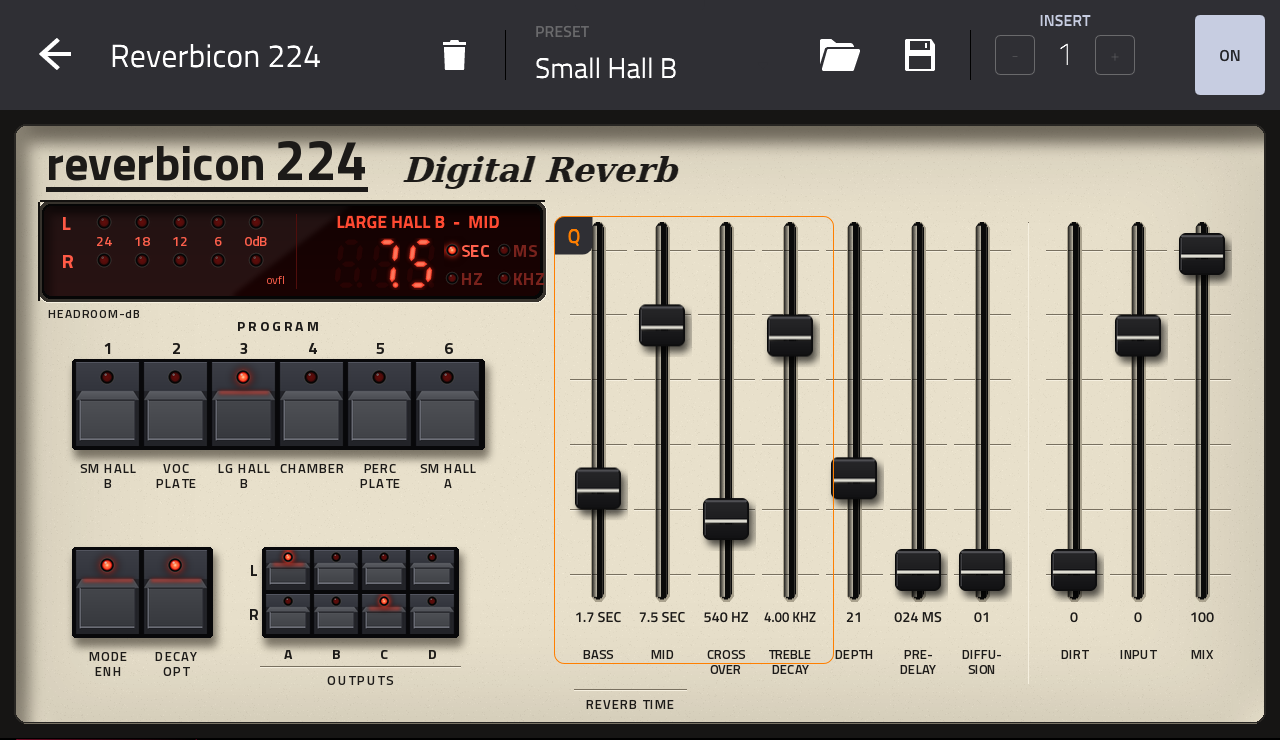
A Lexicon 224 (original, firmware v4.4) style reverb as a native effect plugin for Akai MPC OS standalone devices
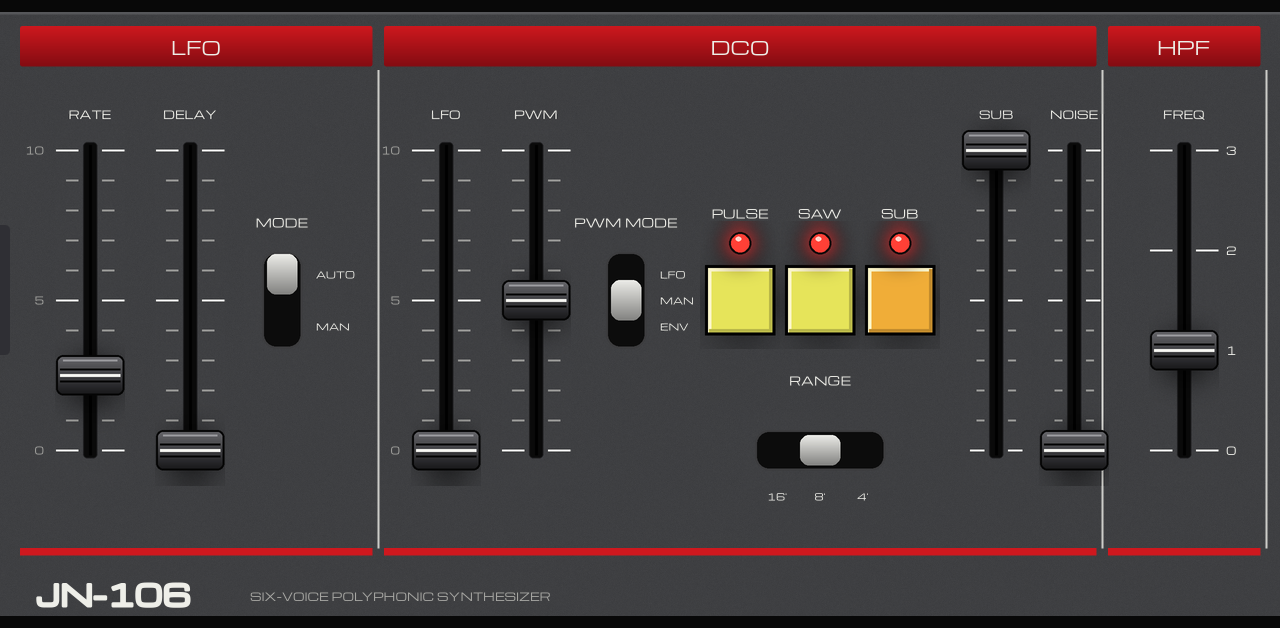
A faithful, circuit-modelled and hardware-profiled six-voice Juno emulation for Akai MPC OS standalone devices. The DSP is Ultramaster KR-106 by Karl LaRocca:
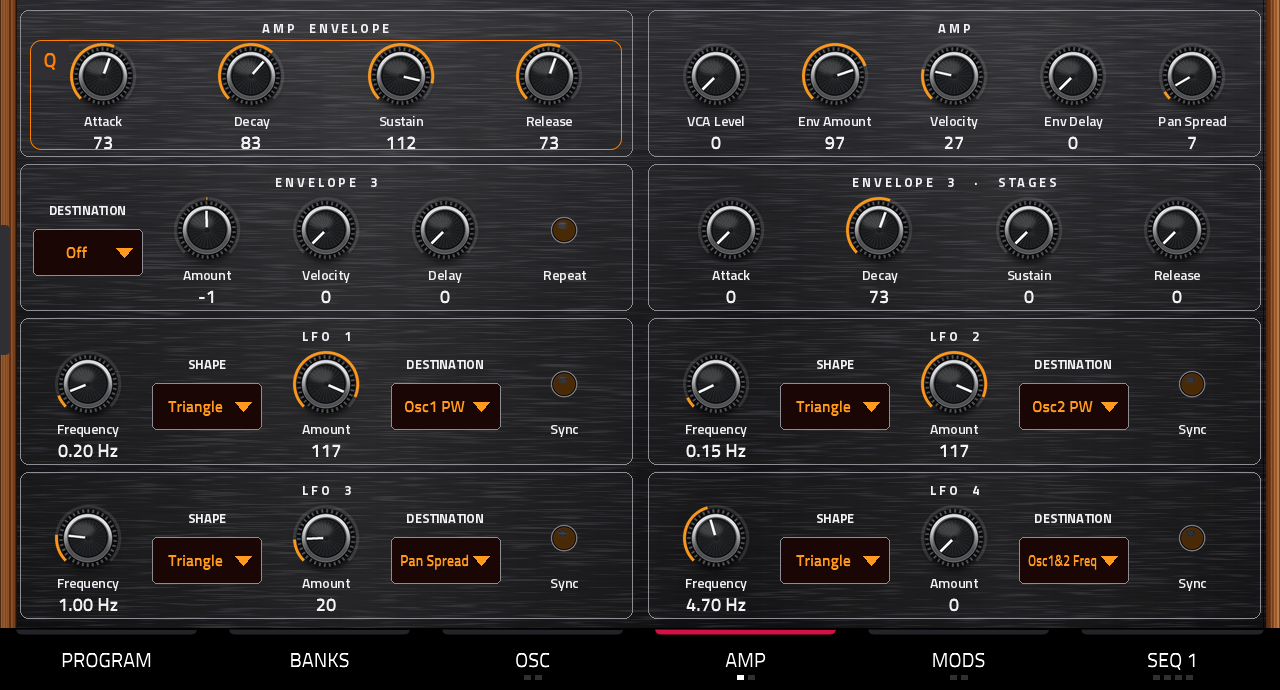
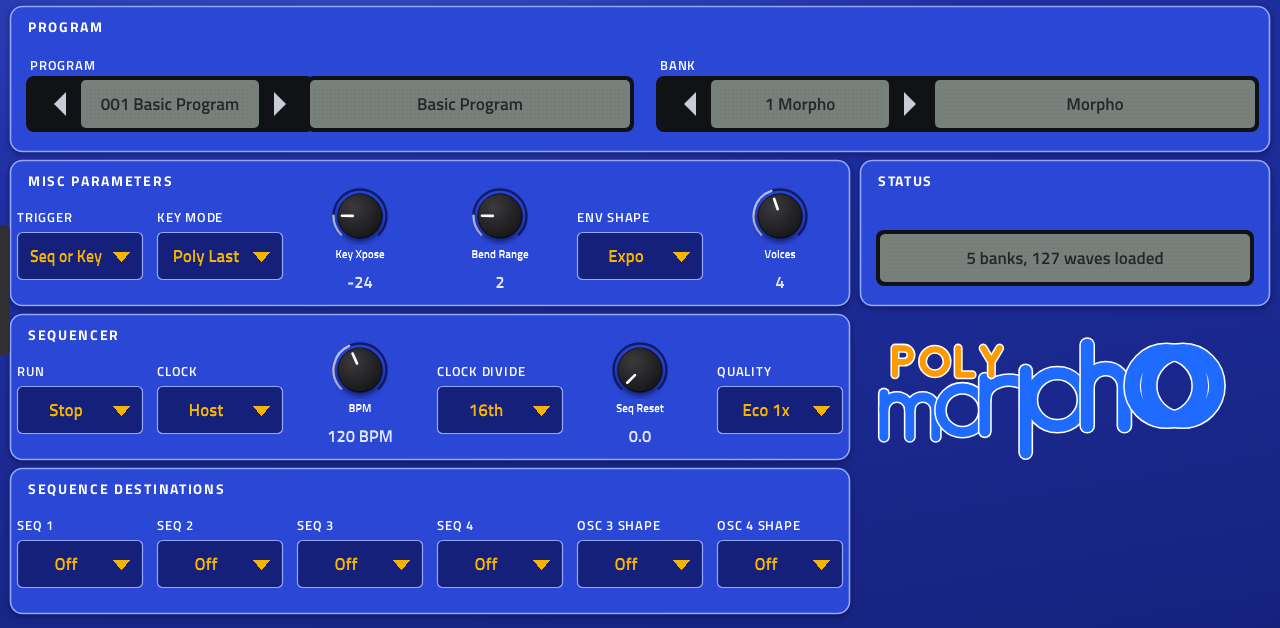
A four-voice hybrid evolving synthesizer for Akai MPC OS 3.x standalone devices. It plays the way the DSI Poly Evolver's voice does including its factory sounds and presets.
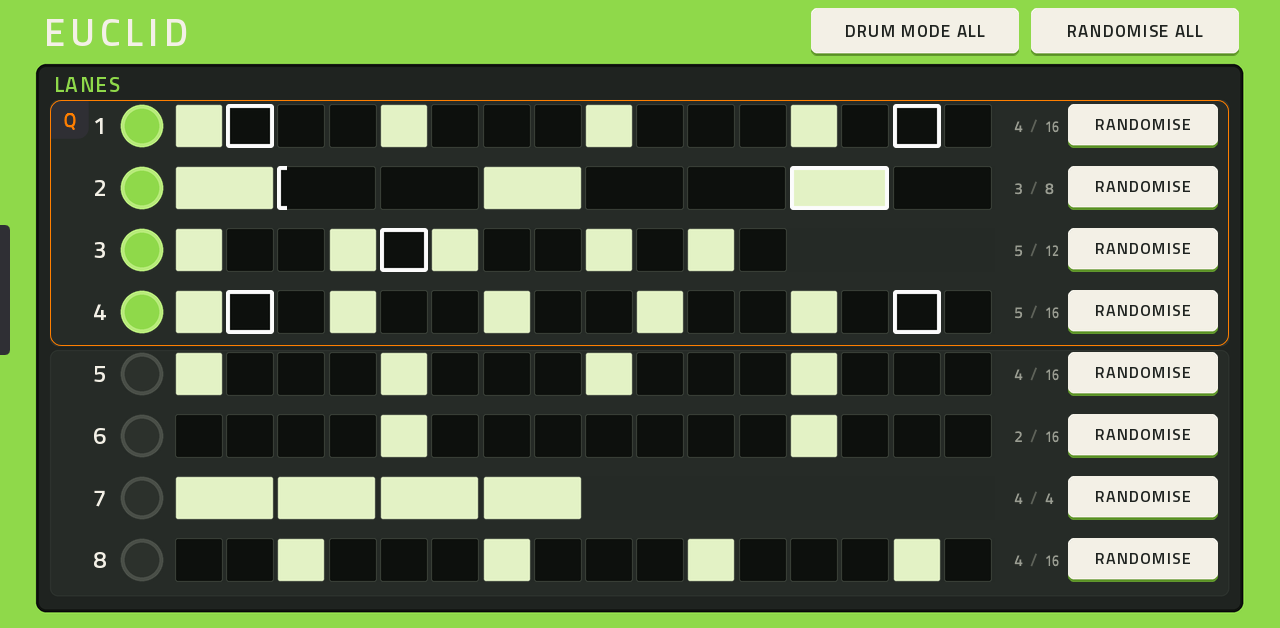
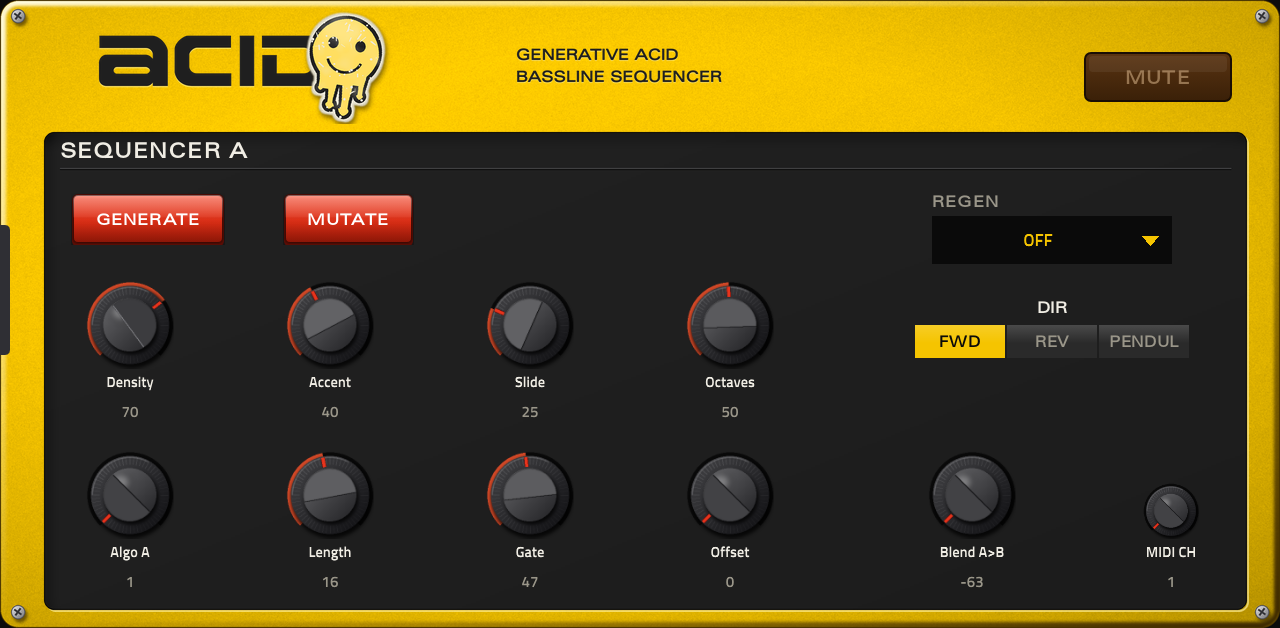
A generative 303-style acid bassline sequencer for the Akai MPC OS
Nerd Lead: a free virtual analog synth plugin for the Akai MPC standalone (MPC OS 3.10.1+). 99 presets, arpeggiator, effects.
Picked, checked and written up by hand for this catalog.
Runs on the Gen 1 and the Gen 2 MPCs, on MPC OS 3.10.1 or newer. It does not run on the MPC Sample.
When the plugin has a build that runs on every MPC, take that one. It needs MPC OS 3.10.1 or newer.
Unzip the archive on your computer, then copy the plugin folder into the "VST2 Plugins" folder.
On MPC OS 3.10.1 and newer, external plugins only load when the enhancements are on. Go to Menu > Preferences > Enhancements, set Enable Enhancements to On and turn on the plugin support.
Open a track, load the plugin from the browser under Instrument or Effect plugins, and it appears with its own screen.
First public release: Nerd Lead as a plugin for the Akai MPC standalone (MPC OS 3.10.1 or later).
Install: unzip, copy the folder Nerd - VST - Nerd Lead into VST2 Plugins at the top of a USB drive, SD card or the MPC's internal drive, and turn on Preferences → Enhancements (Beta) → Enable Enhancements + External Plugin Support. Details in INSTALL.txt.
Free to use and to share unchanged. Third-party plugins are not supported by inMusic / Akai: save often and test before playing live.
Delete the plugin folder from the "VST2 Plugins" folder on the device. Move it out of the way instead of deleting it when you want to keep your own files, presets or samples that are inside it.
| Version | Released | Downloads | Checksums | Download |
|---|---|---|---|---|
| 1.2.1 | 2026-11-16 | 64 | Download |